As an Amazon Associate, we earn from qualifying purchases. Some links on this site are affiliate links at no extra cost to you. Our recommendations are based on thorough research and editorial judgment.

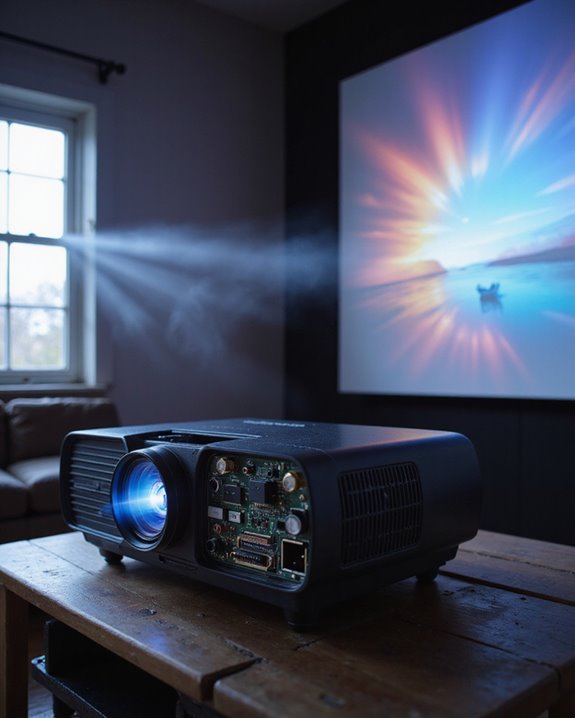
Do Projectors Have Refresh Rates? Understanding the Basics

Yes, projectors have refresh rates, which is the number of times per second the image updates—measured in hertz (Hz). Typical rates are 60 Hz for standard models and up to 120 Hz or more for gaming or advanced systems. Higher refresh rates mean smoother motion, less flicker, and better color stability. This is important for fast-moving videos, gaming, and presentations. Choosing the right refresh rate impacts clarity, performance, and suitability for different uses; more details can clarify these differences.
Key Takeaways
- Yes, projectors have refresh rates, measured in Hertz (Hz), indicating how often the image updates per second.
- Common projector refresh rates range from 60Hz for standard use to 120Hz or higher for gaming and fast-paced content.
- Higher refresh rates provide smoother motion, reduce flicker, and enhance viewing comfort, especially during action scenes.
- Refresh rate is distinct from frame rate and response time, but all three contribute to image quality and smoothness.
- Choosing the appropriate refresh rate depends on your intended use, such as presentations, movies, or gaming.
What Is Refresh Rate and How Is It Measured?
You may be interested

How does a projector keep images looking smooth and clear? The answer centers on refresh rate, which is the number of times per second a projector updates the image on screen. Refresh rate is measured in Hertz (Hz). For example:
- 60 Hz means the image updates 60 times per second.
- 120 Hz means 120 updates each second.
Higher refresh rates contribute to smoother motion and can reduce flicker, which helps maintain both color accuracy and comfortable viewing. Color accuracy is affected because frequent updates help stabilize color transitions, especially in fast-moving scenes. Power consumption may increase with higher refresh rates, as the projector works harder to update images more often. Common projector refresh rates range from 60 Hz to 120 Hz, depending on design and intended use.
Why Refresh Rate Matters in Projectors
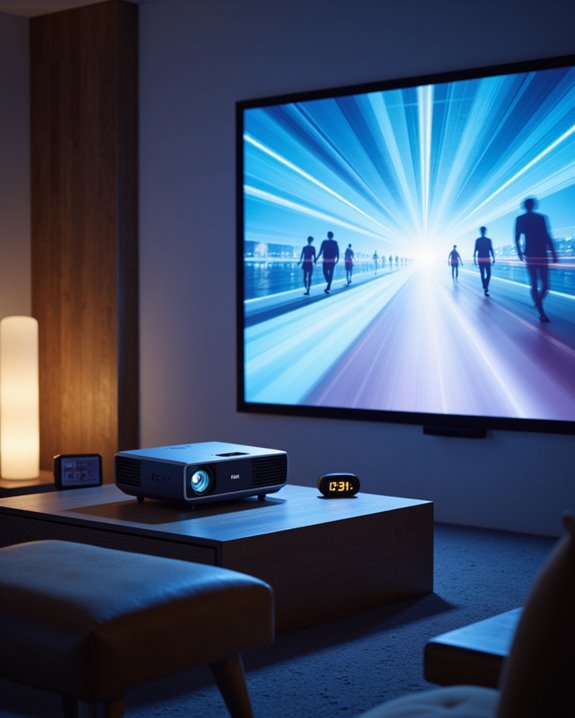
Why does refresh rate play a crucial role in projector performance? Refresh rate, defined as the number of times per second a projector updates its image (measured in Hertz or Hz), directly impacts motion clarity and viewing comfort. Higher refresh rates, such as 120Hz, create smoother transitions between frames, reducing motion blur and making fast scenes—like sports or gaming—appear more natural. This not only improves color accuracy by minimizing motion artifacts, but also helps maintain sound synchronization, so audio matches the visual flow. Additionally, the refresh rate can influence the overall image stability, especially during rapid scene changes.
Key benefits include:
- Enhanced motion clarity, essential for tracking fast-moving objects.
- Reduced flicker, lowering eye strain during long viewing sessions.
- Improved picture sharpness, preserving detail and realism.
- Better support for interactive content, where responsiveness matters.
Recommended Products

Full HD Home Theater Performance: Immerse yourself in cinematic FHD (1920x1080p) resolution with a 1.5-1.6 throw ratio; powered by 3,700 ANSI lumens to maintain vibrant visuals in living rooms with moderate ambient lighting

[ Native 1080P Full HD Resolution ] - Enjoy crystal-clear visuals with HAPPRUN H1's native 1920x1080 resolution, delivering sharper, brighter, and more vibrant images for an immersive viewing experience. This 1080p projector is perfect for creating a stunning home theater or bedroom projector setup

【The Latest WIFI 6 Technology And Bluetooth 5.3】This projector with Wi-Fi and Bluetooth is equipped with the latest Wi-Fi 6 technology, compatible with Wi-Fi 6, 5G and 2.4G, offering faster connection speed and stronger stability, eliminating buffering and disconnection issues, and ensuring smoother online content playback. Additionally, it is fitted with the latest Bluetooth 5.3 chip, allowing for easy connection to Bluetooth speakers, headphones or other Bluetooth audio devices, providing a more efficient and stable transmission channel, and enabling users to enjoy higher audio quality with ease
Common Refresh Rates Found in Projectors
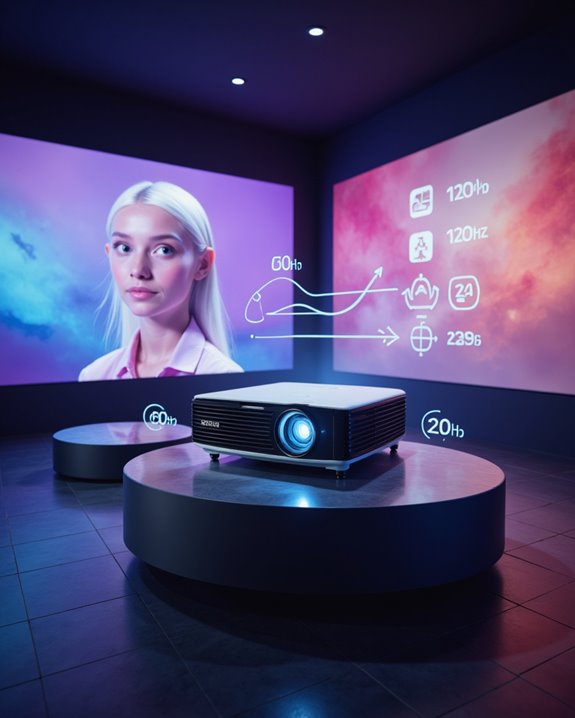
Across the projector market, refresh rate—the number of times per second an image is updated, measured in Hertz (Hz)—serves as a key specification affecting visual performance. Most projectors feature standard refresh rates of 30Hz to 60Hz, suitable for movies, TV shows, and presentations where color accuracy and power consumption are balanced for general use. Gaming projectors and some modern models now support higher refresh rates, such as 120Hz or even 240Hz, to deliver smoother motion and clearer visuals in fast-paced content. Additionally, higher refresh rates are particularly beneficial for fast-moving scenes, providing a more seamless viewing experience.
Recommended Products

【Google TV Entertainment Hub: Your All-in-One Streaming Center】 Enjoy instant access to vast streaming content with zero setup—the ideal partner for portable projection. The VOPLLS G3 smart system, powered by Google's latest chip and rigorously certified, ensures smooth performance and lifelong updates for a cutting-edge home theater. Move beyond basic 'compatible with Netflix' projectors. Our device is fully compatible with top platforms including Netflix, Disney+, Prime Video, and Hulu, with no extra devices required. The built-in Google Play Store provides 10,000+ apps and 800+ free live channels, instantly turning any space into your premium outdoor cinema.
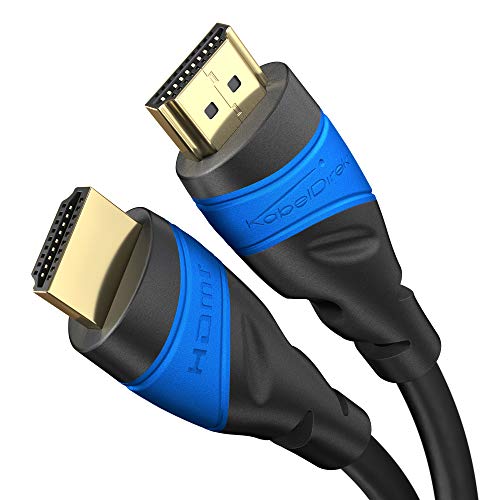
Maximum Performance: Designed to exceed current HDMI specs, this HDMI-to-HDMI cable supports UHD-2 resolutions, including 10K@60Hz, 8K@60Hz, and 4K@120Hz. Also supports HDR, 7.1 surround sound, ARC, and Ethernet

Top Technology--8K@60HZ: This 8K Ultra-High Speed 2.1 HDMI Cable uses the most cutting-edge technology, which is compatible with 8K@60HZ,4K@240HZ and 4K@120HZ clearly displays every particle, and accurately processes every signal source.
Comparing Refresh Rate, Frame Rate, and Response Time
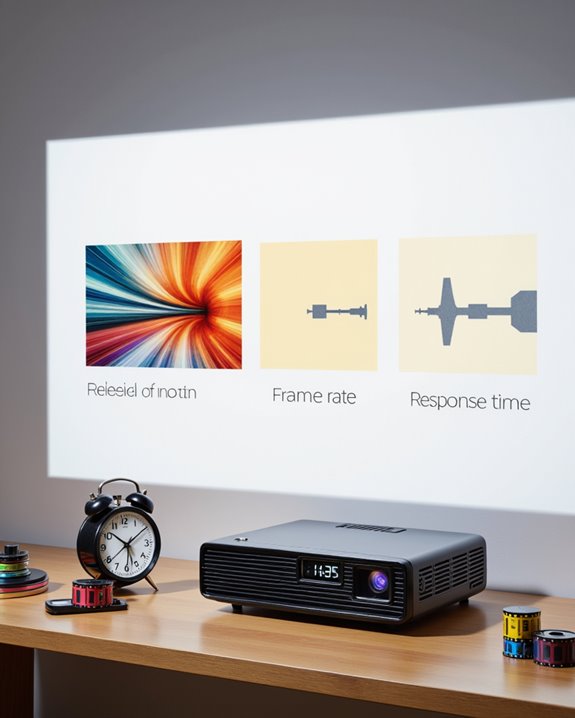
Three core specifications shape the visual performance of projectors: refresh rate, frame rate, and response time. Refresh rate, measured in hertz (Hz), indicates how many times per second an image refreshes on the screen. Frame rate, expressed in frames per second (FPS), refers to the number of video frames delivered to the projector each second. Response time measures how quickly a pixel changes color, impacting motion clarity. Additionally, the compatibility of these specifications with the projector’s display technology influences overall image quality and smoothness. Key distinctions include:
- Refresh rate focuses on display updates.
- Frame rate concerns content delivery.
- Response time affects pixel transition speed.
DLP projectors typically offer faster response times, while LCDs provide higher brightness and color accuracy. Connectivity options, such as HDMI or DisplayPort, influence the maximum achievable refresh and frame rates. Ideal visual quality requires all three specifications to work harmoniously.
The Role of Refresh Rate in Gaming and Home Theater
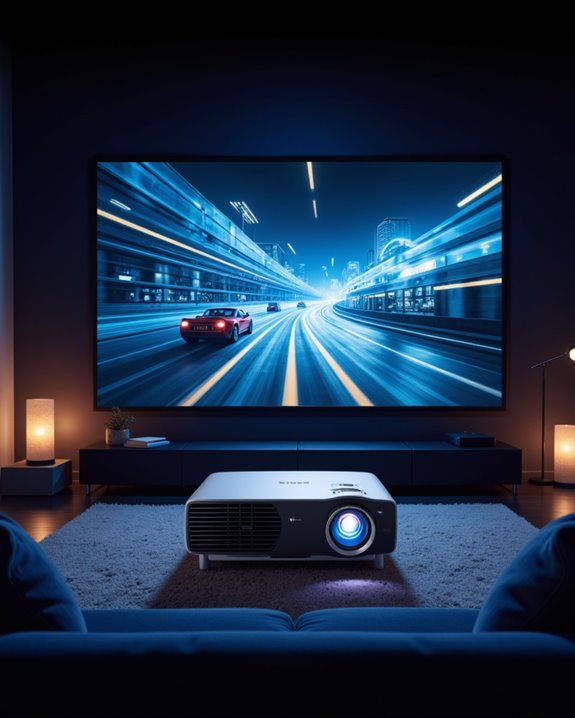
A projector’s refresh rate, defined as the number of times per second the image is updated on screen (measured in hertz, or Hz), is a critical factor for both gaming and home theater applications. Higher refresh rates, such as 120Hz or 240Hz, result in smoother motion and less blur, especially important for fast-paced games and action movies. In gaming, increased refresh rates improve responsiveness, reduce motion blur, and support large, immersive screens. For home theater setups, high refresh rates contribute to cinematic experiences by delivering fluid motion and maintaining color accuracy. Sound synchronization is also enhanced, ensuring audio matches on-screen action. However, projectors with higher refresh rates often come with increased costs and power consumption, making them more suitable for dedicated enthusiasts.
Recommended Products

【Smart Google TV Projector】 - Google and TCL collaborate on this projector system. Make sure you can enjoy immediate access to Netflix, Prime Video, YouTube, Hulu, HBO, and many other major streaming services directly on the Google TV system. No more TV sticks, Firestick, Roku or complicated setups, just turn it on and watch. Plus, easily download over 10,000 additional apps from the official Google Play Store — your favorite entertainment is always at your fingertips. And control your projector with voice commands via Google Assistant, creating a smart home experience.
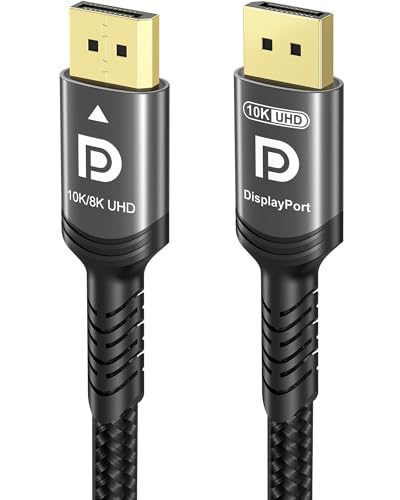
Certify Displayport Cable: Ubluker DisplayPort cable has multiple powerful functions and technologies, including 54 GBPS bandwidth, UHBR, HBR3, 8K 60Hz resolution, 12bit color depth, HDR technology, multi-transmission, DSC display flow compression, etc

Top Technology----8K@60HZ: This 8K Ultra High Speed HDMI Cable uses the most cutting-edge technology, is compatible with 8K@60HZ and 4K@120HZ, clearly displays every particle, and accurately processes every signal source.
Advances in Projector Technology and High Refresh Rates
Recent advancements in projector technology have considerably improved both image quality and performance, especially in relation to high refresh rates. High refresh rates, measured in hertz (Hz), refer to how often a projector updates the image per second. Modern projectors can now achieve rates up to 240Hz, resulting in smoother motion for gaming and sports viewing.
Key innovations include:
- Laser light engines, which deliver enhanced projection brightness and superior laser durability, outlasting traditional lamps.
- Ultra-short-throw (UST) projectors, offering improved image quality and high performance in ambient light.
- Smart platforms, such as Google TV integration, expanding content access and app compatibility.
These technologies combine to provide clear, vibrant visuals and a more immersive experience, meeting the increasing demand for both brightness and responsiveness in home entertainment systems.
Recommended Products
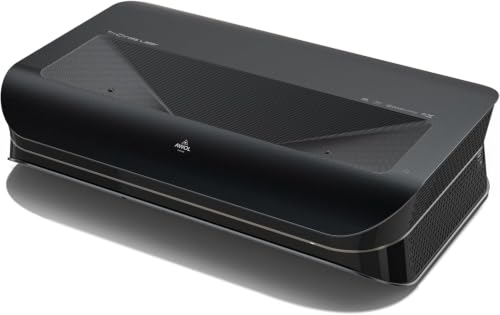
World’s First UST Projector with Built-in Center Channel Speaker: Innovative center speaker mapping delivers crystal-clear dialogue directly from the screen without extra speakers. Paired with AWOL premium ALR screens and the ThunderBeat 4.2.2 surround sound system, it instantly upgrades your home theater to a 5.2.2 setup. Tip: As an ultra short throw projector, it has a fixed throw ratio of 0.25:1 (approx. 8.54" for 100", 12.84" for 150"). If your cabinet depth is insufficient, use the AWOL motorized Slider to adjust placement for perfect focus and screen size.

Bright Room Ready, no Curtains Needed: 3,300 ISO Lumens of RGB triple-laser brightness delivers a vivid, color-accurate image in living rooms with ambient light, open-plan spaces, and soft daytime light — without blackout curtains or a dark room. 110% Rec.2020 color gamut produces lifelike greens, accurate skin tones, and saturated colors that LED TVs and lamp projectors cannot physically reproduce. Whether it's a family movie afternoon, a daytime sports match, or everyday streaming — the Aetherion Max laser tv performs in your room, as it is.

【LPU Technology (TriChroma) 】Experience the most advanced pure triple laser light source (Red, Blue, and Green), crafted by Hisense LPU Technology. Pro Laser Engine introduces ultra-realistic colors and unparalleled immersion with super wide color gamut and super high color accuracy, while real-time Pro AI Algorithms enhance brightness, fine tune contrast, and eliminate noise, for the all-encompassing upgrade on visuals.
Key Considerations When Choosing a Projector Based on Refresh Rate
Selecting a projector based on refresh rate means considering how often the image refreshes each second, measured in hertz (Hz). The refresh rate affects motion smoothness and clarity, especially important when watching sports, gaming, or using 3D content. For general movie watching or presentations, 60Hz is standard and sufficient. Higher refresh rates, like 120Hz or 240Hz, are better for fast-paced action, reducing motion blur and flicker. Matching refresh rate to the source content’s frame rate helps avoid screen tearing—a mismatch that causes image artifacts. Port compatibility matters; HDMI 2.1 supports higher refresh rates and resolutions, while older ports may limit projector performance. Color accuracy should not be overlooked, as higher refresh rates must not compromise true-to-life colors. Budget and application guide final choices.
Recommended Products

Extended Space Freedom:This 35ft DisplayPort cable is designed for long-distance setups that demand flexibility—effortlessly connects your gaming rig to a home theater 4K TV across the living room, office desktop to a wall-mounted monitor in a spacious workspace, or laptop to a conference room projector. The 35ft length eliminates the need for multiple extensions, letting you position devices exactly where you need them without being limited by short cables.

Extended Space Freedom:This 35ft DisplayPort cable is designed for long-distance setups that demand flexibility—effortlessly connects your gaming rig to a home theater 4K TV across the living room, office desktop to a wall-mounted monitor in a spacious workspace, or laptop to a conference room projector. The 35ft length eliminates the need for multiple extensions, letting you position devices exactly where you need them without being limited by short cables.

Converts Mini DisplayPort to HDMI only. Will not convert HDMI to Mini DisplayPort. Plug & Play, no drivers.
Frequently Asked Questions
Can Projector Refresh Rates Be Adjusted Manually?
Manual refresh rate adjustment in projection technology is generally limited. Most projectors operate at a fixed refresh rate defined by hardware, so users cannot freely change it. Some specialized software or professional models may offer limited refresh rate adjustment options.
Do Refresh Rates Affect Projector Lamp Lifespan?
Laser projectors often exceed 20,000 hours of use, yet refresh rates have minimal effect on lamp durability. Instead, projection quality and lamp lifespan are influenced by lamp technology, brightness, heat management, and regular projector maintenance.
Are Wireless Projectors Limited in Refresh Rate Capabilities?
Wireless projectors can experience refresh constraints due to wireless limitations, such as bandwidth and protocol restrictions. These factors may reduce achievable refresh rates compared to wired models, especially for high-resolution or fast-paced content, depending on device specifications and technology.
How Does Ambient Light Impact Perceived Refresh Rate?
Ambient brightness and light interference reduce image contrast, making refresh rate issues like motion blur or judder more noticeable. ALR screens and controlled lighting conditions help maintain perceived refresh rate quality by minimizing these visual disturbances in projected images.
Do 3D Projectors Require Higher Refresh Rates?
3D projectors require higher refresh rates because 3D technology alternates images for each eye, demanding rapid frame delivery. Elevated refresh rates support effective motion smoothing, reduce flicker, and guarantee synchronized, comfortable viewing with minimal crosstalk or ghosting artifacts.