As an Amazon Associate, we earn from qualifying purchases. Some links on this site are affiliate links at no extra cost to you. Our recommendations are based on thorough research and editorial judgment.

Do Projectors Connect to WiFi? Wireless Features Explained

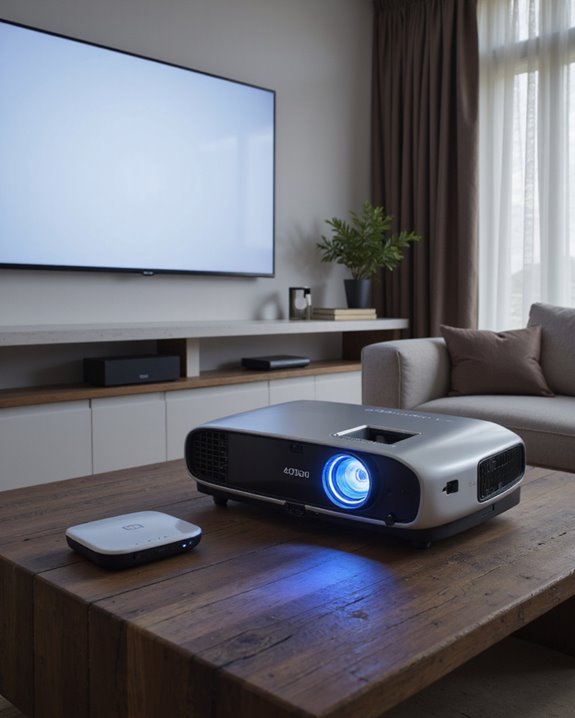
Modern projectors can connect to WiFi, enabling wireless content streaming and screen mirroring without cables. Many projectors feature built-in wireless capabilities supporting protocols like Miracast and AirPlay, while others use external dongles for connectivity. These wireless features allow users to stream content from multiple devices, access online media, and position projectors flexibly within a 10-meter range. Advanced models include smart functions like voice control and automatic image adjustment, offering extensive wireless functionality for seamless presentations and entertainment.
Key Takeaways
- Many modern projectors have built-in WiFi capabilities that enable wireless streaming, screen mirroring, and online content access without cables.
- Projectors can connect to WiFi through integrated wireless chips or external dongles, supporting protocols like Miracast and AirPlay.
- WiFi-enabled projectors typically work within 10 meters of the router and require proper network credentials for connection.
- Wireless projectors support multiple device connections simultaneously and can stream content from smartphones, laptops, and tablets.
- WiFi connectivity in projectors includes security features like WPA2 encryption to protect data during wireless transmission.
Understanding Wi-Fi Connectivity in Modern Projectors
You may be interested

Modern projectors equipped with Wi-Fi connectivity represent a significant advancement in display technology, offering users a cable-free way to share content. These devices utilize integrated wireless chips that support standard protocols, enabling seamless communication with laptops, smartphones, and tablets. The functionality extends beyond basic connectivity, incorporating wireless security features to protect data transmission and maintaining stable signal range for reliable performance. Most Wi-Fi projectors support popular streaming protocols like Miracast and AirPlay, making them versatile tools for both business and entertainment purposes. Models like the WeWatch V50G utilize 5G WiFi technology for enhanced streaming capabilities. The technology allows users to:
- Stream content directly from mobile devices
- Mirror screens without physical connections
- Access online content through built-in apps
- Connect multiple devices simultaneously
- Wireless display technology ensures smooth and stable streaming even in complex network environments.
These capabilities have transformed projectors from simple display devices into sophisticated multimedia hubs.
Recommended Products

[Convenient WiFi Connection] Connecting deivces with our wifi projector through wifi. We have TWO things to make it friendly user: (1) Updated the wifi connection steps, make it easier and more stable; (2) Updated the wifi connection speed, you can connect the wifi more quickly. So own our wifi projector, you can enjoy it anytime anywhere, it makes your life easier and happier.

【Built-in WiFi & Bluetooth Projector with Apps】Dual-band WiFi 2.4G + 5G ensures fast and stable wireless streaming. Bluetooth 5.2 supports speakers and headphones. Built-in apps like YouTube and Prime Video are supported, and the projector is compatible with TV sticks (not included) to access a wide range of streaming content and enjoy massive video libraries, making it a perfect movie projector.
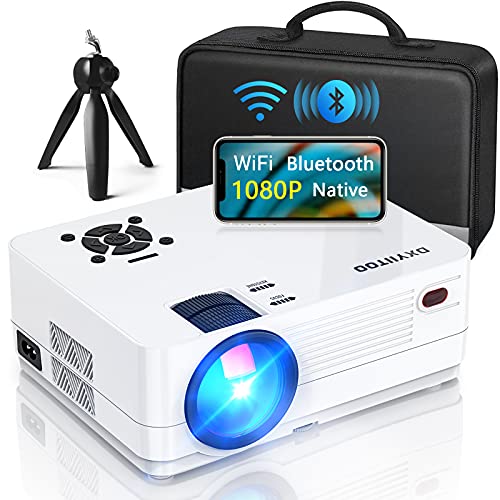
【2.4G/5G WiFi & Airplay & Screen Mirroring】Dxyiitoo WiFi projector supports the "Airplay" function and "Screen Mirroring" function when connected to a phone.it supports the iOS and Android systems. you can play on your phone when using the "Airplay" function to project the phone app's video. and you won't miss any screen operations when using the "Screen Mirroring". It supports data cable/lightning connection, also supports WIFI or hotspot connection
Types of Wireless Connections and Their Benefits
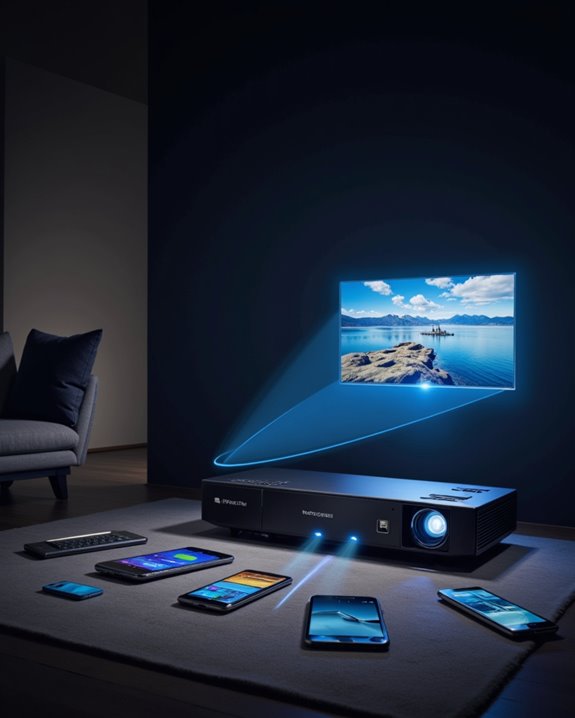
Wireless projector technology offers several distinct connection types, each serving specific needs and use cases. Built-in WiFi capabilities allow direct network connections, while manufacturer-provided dongles add wireless functionality to basic projectors. Third-party solutions like Airtame provide network compatibility across different operating systems. Screen mirroring capabilities enable presenters to display content on multiple projectors simultaneously, maximizing presentation reach and impact. These wireless options also support advanced smart features such as voice control and automatic keystone correction, enhancing user convenience. The benefits of wireless connections extend beyond simple convenience. Users can position projectors anywhere within network range, typically up to 10 meters, without cable constraints. Modern wireless security features, including WPA2 encryption, protect data transmission during presentations or streaming. Additionally, wireless solutions support multiple devices and platforms, making them ideal for shared spaces and collaborative environments. Popular options include:
- Integrated WiFi projectors
- External dongle solutions
- Smart projectors with built-in features
- Hybrid models supporting both wired and wireless connections
Recommended Products

Note: For the best viewing experience, we recommend a 5.2ft distance for a 80" screen. Please also upgrade to the latest firmware for optimal performance.

【The Latest WIFI 6 Technology And Bluetooth 5.3】This projector with Wi-Fi and Bluetooth is equipped with the latest Wi-Fi 6 technology, compatible with Wi-Fi 6, 5G and 2.4G, offering faster connection speed and stronger stability, eliminating buffering and disconnection issues, and ensuring smoother online content playback. Additionally, it is fitted with the latest Bluetooth 5.3 chip, allowing for easy connection to Bluetooth speakers, headphones or other Bluetooth audio devices, providing a more efficient and stable transmission channel, and enabling users to enjoy higher audio quality with ease

【Portable Projector & 220° Rotation】Weighing only 1.5 pounds and measuring 5.5 x 4.7 x 8.6 inches, the projector easily fits into a backpack to carry around and enjoy family movie night anytime. Equipped with a base that rotates 220° vertically for flexible projection - from floor to wall and ceiling. Projection sizes range from 40-130 inches, providing flexible viewing options for any space. For the best viewing experience, we recommend a projection distance of 5.51 feet and projection size of 60 inches. Note: The movie projector does not include batteries and must be plugged in
Setting Up Your Wi-Fi Projector for Optimal Performance
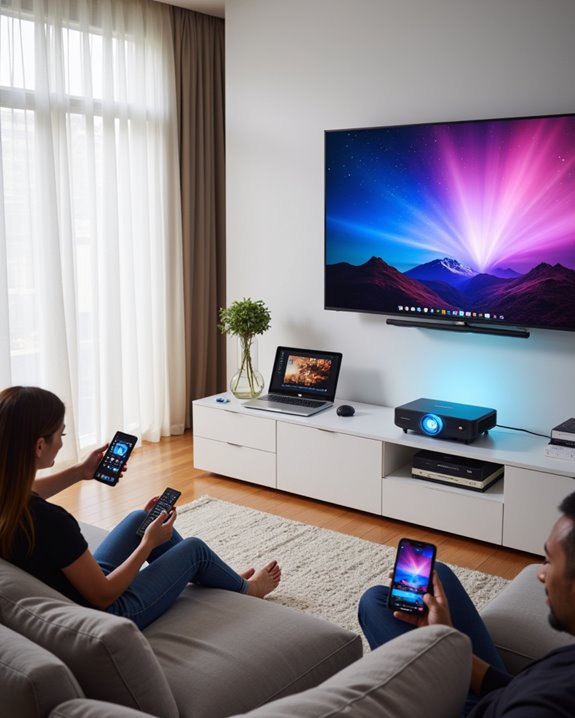
Successful Wi-Fi projector setup requires careful attention to both initial configuration and environmental factors. The process begins with ensuring the projector’s wireless mode is activated and firmware is current. Users must input the correct network credentials, including the SSID and password, while maintaining proper wireless security protocols. Using the projector’s remote control settings, users can easily navigate to network configuration options. It is also important to verify that the projector’s wireless compatibility aligns with your network standards to ensure seamless connectivity.
Physical placement plays a vital role in connection stability. The projector should be positioned within effective range of the router, minimizing signal interference from walls, metal objects, or electronic devices. For areas with weak signals, Wi-Fi extenders can boost connectivity. After establishing the connection, users should configure display settings and verify that source devices share the same network. Regular maintenance includes updating both projector and router firmware, monitoring signal strength, and promptly addressing any connection issues through systematic troubleshooting steps.
Recommended Products
![[Built-in Apps] Mini Projector with WiFi and Bluetooth & Android 12, Electric Focus 1080P Mini Portable Projector, Compatible with HDMI/Smartphone/USB for Movie/Gaming](https://m.media-amazon.com/images/I/51fGmnvk0+L._SL500_.jpg)
【Built-In Smart Apps & Smooth Operation】Please Attention: Bluetooth function supports audio transmission only, not video!! Enjoy endless entertainment with our small projector with WiFi. The upgraded system comes with popular apps pre-installed for instant movies and shows. No extra devices are needed.The intuitive interface makes it easy for everyone to use right out of the box

Upgraded 1080P Full HD: PJ108 Portable Projector adopts the 2025 latest Projection Technology and LCD color calibration and high light transmittance with native 1920x1080P resolution, 10000:1 high dynamic contrast ratio, shows a more clearer, brighter, and richer picture. Video projector Combining an innovative high-refraction 7 layers glassed lens, this 4K projector brightness rating of 180ANSI, have a longer service life

【Smart Streaming Projector with Netflix Compatibility — Entertainment Without Limits】Skip the extra streaming devices and enjoy instant entertainment with this mini smart projector. Powered by Whale OS, it supports Netflix compatibility, YouTube, Prime Video, and hundreds of downloadable apps, giving you direct access to movies, shows, sports, and more. No TV stick, no complicated setup, and no HDMI accessories required. With fast startup, smooth navigation, OTA system updates, and a compact portable design, this smart projector brings your favorite content anywhere — from living rooms and bedrooms to outdoor movie nights.
Common Wireless Streaming Methods and Protocols
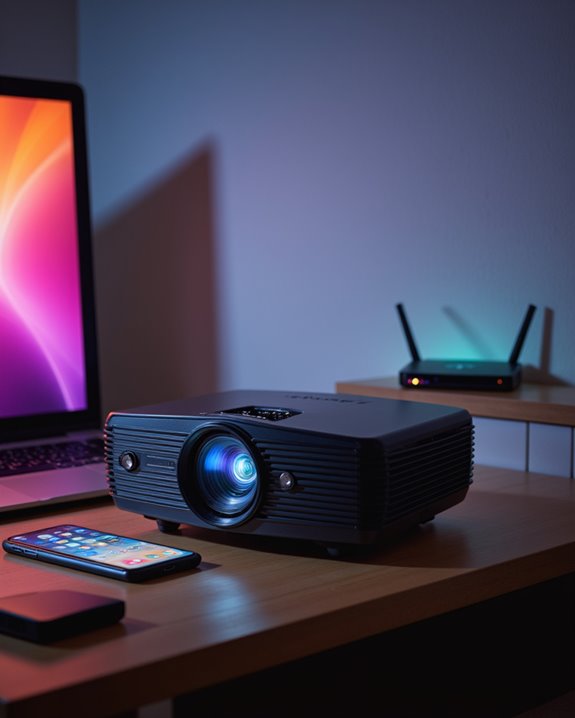
With a properly configured Wi-Fi projector in place, users can take advantage of several streaming methods and protocols that enable wireless content sharing. Each protocol offers unique wireless security features and specific device pairing requirements.
Popular streaming methods include Miracast for Windows and Android devices, AirPlay for Apple products, and Chromecast for cross-platform compatibility. These protocols operate through different wireless technologies:
- Wi-Fi Direct enables direct device-to-projector connections
- 802.11 Wi-Fi supports both 2.4GHz and 5GHz frequencies
- UDP protocol reduces interference in Miracast streaming
- DLNA allows media sharing across compatible devices
Smart projectors often support multiple protocols to accommodate various devices. This flexibility ensures users can connect regardless of their operating system, while maintaining secure wireless transmission through encrypted connections and authenticated device pairing. Users should verify their smartphone’s compatibility specifications before attempting wireless connections, as older models may lack the necessary wireless capabilities.
Recommended Products

Seamless Wireless Streaming with Clarity: FIGEBNY HDMI Extender offers an effortless connection without the need for cables, WiFi, Bluetooth, or apps. Connect its to any TV or projector and enjoy high-quality, low latency visuals on a larger screen.

HD Wireless Mirroring:This wireless display adapter supports 1080P@60Hz with 4K decoding, allowing you to mirror content from your iPhone, iPad, or MacBook to a larger screen such as a TV, monitor, or projector. Enjoy a cinematic viewing experience in your living room without the hassle of long, tangled cables

【SCREEN MIRRORING VIDEO/AUDIO to BIG SCREEN】 Wireless hmdi transmitter and receiver supports video resolution up to 1080P@60Hz resolutions,Built-in chip can prevent delay and lag caused by signal interference, you can enjoy clear and vivid images in a large screen. This Mirroring Dongle is perfect for learning, business meeting, family party and playing games and gives you a great screen experience.
Essential Features to Look for in Wireless Projectors
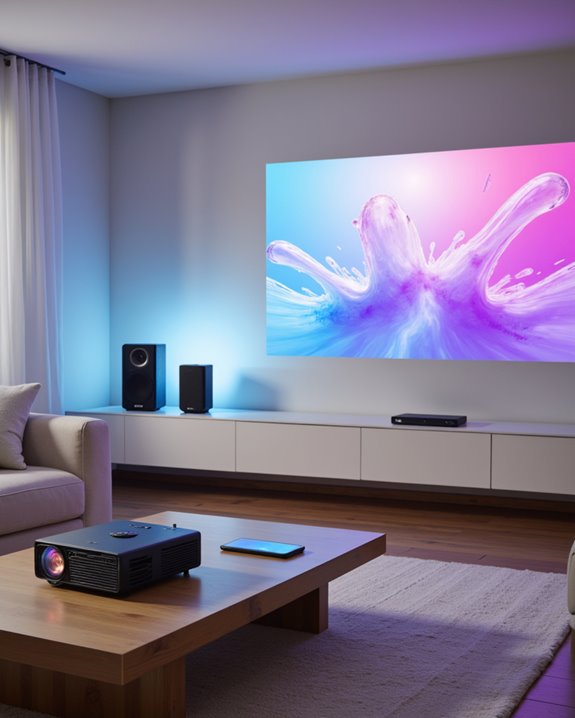
Modern wireless projectors require specific essential features to deliver superior performance in various professional and entertainment settings. High-resolution capabilities, starting at 720p and ideally reaching 1080p, ensure sharp image quality across different screen size options. Essential wireless features include WiFi connectivity for streaming, Bluetooth for audio devices, and Miracast for direct screen mirroring. The inclusion of DLP technology ensures superior image clarity and color accuracy compared to standard LCD or LED options.
For ideal viewing, projector mounting flexibility combines with advanced features like keystone correction and zoom capabilities. Key technical requirements include brightness levels around 4,000 lumens for clear visibility in lit rooms, along with robust built-in audio systems featuring 16W speakers. The integration of multiple connection ports, including HDMI and USB, provides versatility for various content sources, while compact, durable designs support portability and easy setup in different environments.
Recommended Products

High-Performance Full HD Projector: Deliver sharp, detailed visuals with native FHD (1920x1080p) resolution and a 1.4-1.6 throw ratio; providing professional-grade clarity for any space including offices and classrooms

A Roku account and internet connection are required for activation (Creating an account is free)

Super Image Quality: 4000 Lumens , Full HD (1920x1080), 16,000:1 contrast ratio, 16:9 aspect ratio.If you prefer images with that quality, The brightness level of the projected image will change accordingly when you switch between different input signals.For best display picture results, you should select and use an input signal which outputs at the projector’s native resolution.Brilliant Color utilizes a new color-processing algorithm If you prefer images with that quality,select On
Frequently Asked Questions
Can a Projector’s Wi-Fi Interfere With Other Nearby Wireless Devices?
Projectors using wireless connections can create signal interference with nearby devices, particularly on the 2.4 GHz band. This can affect wireless security systems and other Wi-Fi enabled equipment operating in the same frequency range.
What Happens to Wireless Projection if the Internet Connection Drops?
While internet connectivity loss affects streaming content, wireless projection can continue functioning if devices remain connected directly to the projector. Local content playback maintains signal stability through Wi-Fi Direct or similar direct connections.
Do Wireless Projectors Consume More Power Than Non-Wireless Models?
Like a gentle breeze adding minimal force to a strong wind, wireless projectors consume slightly more power than non-wireless models. The difference is typically 10-20 watts, making minimal impact on overall power consumption and energy efficiency.
Can Multiple Wireless Projectors Operate Simultaneously in the Same Room?
Multiple wireless projectors can operate simultaneously in the same room when properly configured for device compatibility and wireless security. Each projector should connect to separate devices or networks to prevent signal interference.
Does Wireless Projection Cause Noticeable Input Lag During Gaming Sessions?
Like a hurdle in a sprint race, wireless latency creates noticeable delays during gaming. The additional signal processing time substantially impacts gaming performance, adding several milliseconds of input lag compared to wired connections.