As an Amazon Associate, we earn from qualifying purchases. Some links on this site are affiliate links at no extra cost to you. Our recommendations are based on thorough research and editorial judgment.

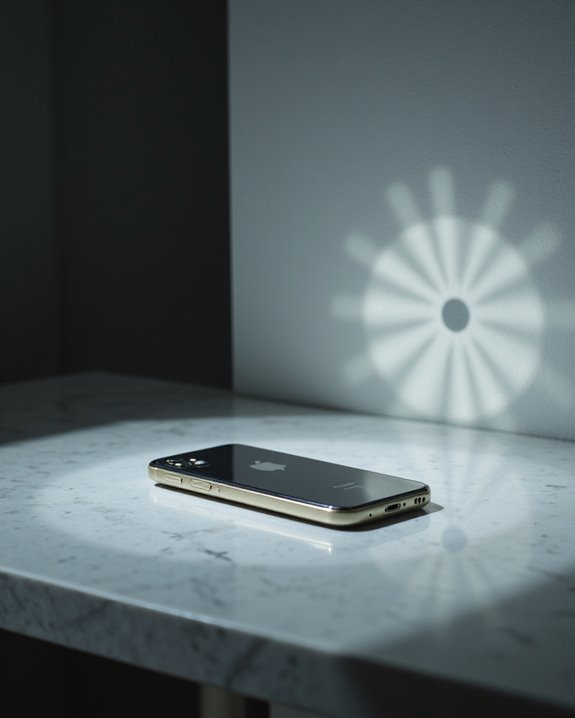
Does the Iphone Have a Built-In Projector?

Current iPhones do not have built-in projectors due to hardware limitations and design constraints. While concept designs have explored this feature since 2007, the slim profile of iPhones makes integrating projection technology impractical. Instead, users can connect their iPhones to external projectors using Lightning-to-HDMI adapters or wireless solutions like AirPlay. These external options provide superior image quality and flexibility compared to built-in alternatives. Future technological advances may change how iPhones handle projection capabilities.
Key Takeaways
- No iPhone model has ever featured a built-in projector due to hardware constraints like space limitations and power requirements.
- Apple focuses on advanced display technologies like OLED and Super Retina screens instead of integrating projection capabilities.
- Users can project iPhone content through external projectors using Lightning-to-HDMI adapters or wireless solutions like AirPlay.
- Technical challenges including heat management, durability, and battery life make built-in projectors impractical for iPhone’s slim design.
- While competitors like Samsung Galaxy Beam have released phones with built-in projectors, Apple prioritizes external projection solutions.
The Reality of Built-In Projectors in Current Iphones
You may be interested

While many smartphone users have wondered about the possibility of built-in projectors in iPhones, the current reality is that Apple’s flagship devices do not include this feature. Hardware limitations, including space constraints and power requirements, make it impractical to integrate projection technology into the iPhone’s slim design.
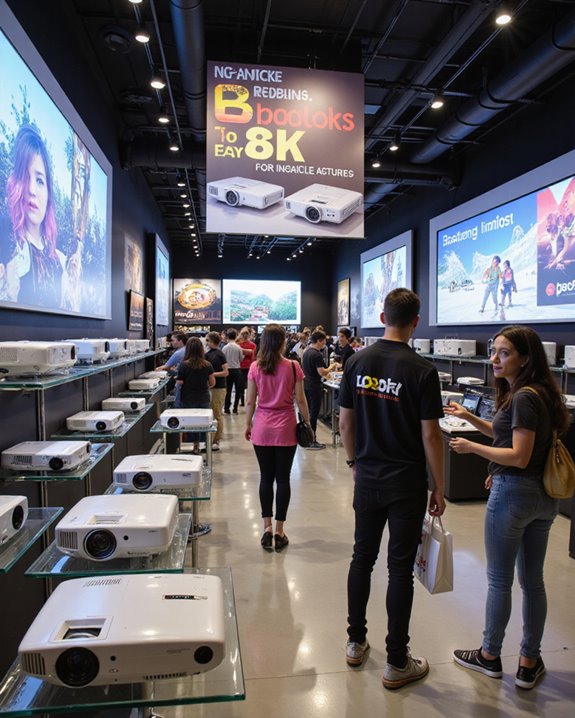
Consumer preferences have also shaped this decision, as market research shows that users generally prefer external projection solutions. The current iPhone focuses on advanced display technologies like OLED and Super Retina screens, which meet most users’ viewing needs. These external devices typically require a dark environment for optimal viewing, making them more suitable as separate accessories rather than built-in features. When projection is required, iPhone owners can choose from various external options:
- Portable mini projectors with Bluetooth connectivity
- HDMI adapters for traditional projectors
- Wireless streaming through AirPlay
- Third-party projection accessories designed specifically for iPhones
Additionally, integrating projection technology into such a slim device would pose significant hardware challenges, limiting practicality and performance. These alternatives provide better image quality and flexibility than what a built-in projector could currently offer.
Popular Iphone Projector Concept Designs Through the Years
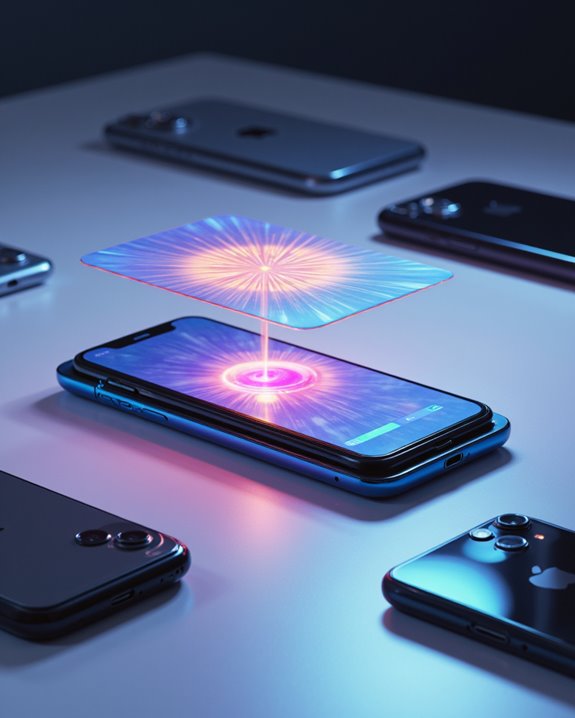
Since the introduction of the original iPhone in 2007, numerous concept designs have imagined the possibility of integrating projectors into Apple’s flagship device. Among the most notable historical prototypes was a 2009 patent application that detailed plans for incorporating a pico projector, a small image-projection system, into future iPhone models. These early patents indicated Apple’s interest in enhancing device versatility through integrated projection technology, although it has yet to be realized in production models. The patent implications of this design suggested Apple’s interest in expanding the iPhone’s sharing capabilities through projection technology. The most intriguing iPhone 12 concept showcased a 4,150 mAh battery to support its built-in projector alongside a notch-free display, generating considerable discussion among tech enthusiasts. While these designs remained conceptual, they reflected broader industry interest in smartphone projection technology, as demonstrated by competing devices like the Samsung Galaxy Beam and Lenovo SmartCast, which actually brought projector integration to market.
Recommended Products
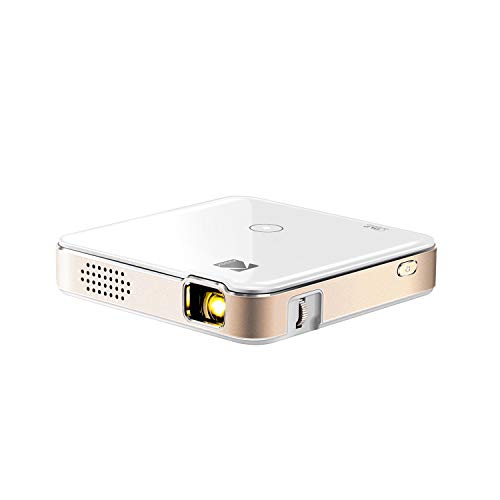
FROM SMARTPHONE TO THE BIG SCREEN | Pocket Projector Produces Bright, Vivid Video & Imaging Up to 150” for Amazing Home Entertainment; Watch Movies Plugging in an External Device, View Pictures or Give Presentations Anywhere a Wall is Available!

Gift for Children: Mini projector is a must-have product for children to watch cartoons and videos, which is very popular with children. When viewed from a distance with a projector, it can project a maximum of 170 inches (Recommended 60-100 inches). Keeping children away from mobile phones and iPads can protect children's eyes.

【Built-in Android Smart System & WiFi 6 Bluetooth 5.0 Projector】This smart projector with WiFi and Bluetooth comes with a built-in Android OS, allowing you to stream movies directly from pre-installed apps without an external TV stick. Equipped with the latest WiFi 6 technology and Bluetooth 5.0 (for audio devices), it ensures buffer-free streaming and seamless audio connectivity. Unlike basic wireless projectors, this Android projector delivers a true smart entertainment experience.
Understanding Iphone Projection Software Capabilities
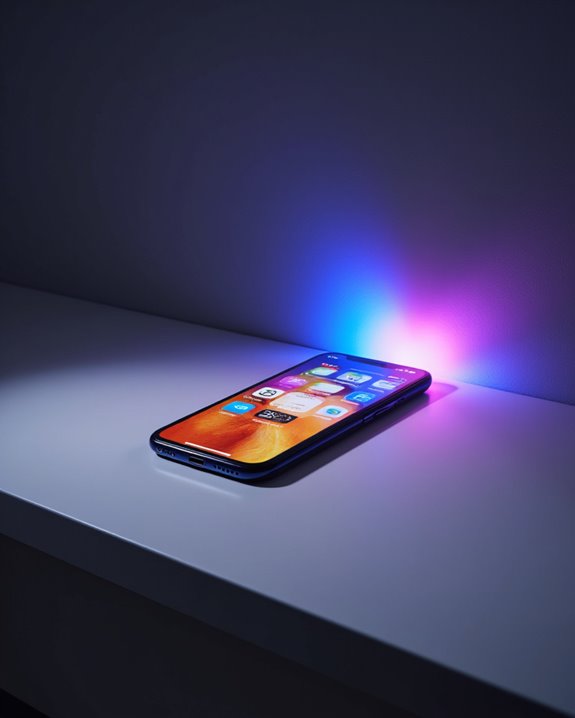
Although iPhones do not include built-in projectors, modern projection software capabilities allow users to display their content through external devices and wireless connections. Apps like Epson iProjection enable seamless connectivity between iPhones and compatible projectors, supporting high-definition content sharing for presentations and entertainment. The wireless streaming can be effectively projected through compatible systems, enhancing multimedia presentations. Projector integration with iPhones has evolved to include augmented reality features in some third-party applications, enhancing the viewing experience. Users can connect their devices through Wi-Fi or HDMI adapters, offering flexibility in different settings. The software supports various presentation modes, making it suitable for business meetings and educational purposes. While built-in projection remains unavailable, these applications provide user-friendly interfaces that simplify the connection process and maximize the potential of external projection devices.
Recommended Products

【iPhone 15 HDMI ADAPTER TO TV】- The 2-in-1 iPhone to HDMI adapter for tv helps iPhone15/16/iPad/MacBook expand a HDMI 4K@60Hz port and a charging port, enjoy crystal-clear audio and high-definition video experience, just share happiness with your family or friends. This apple HDMI to USB C adapter allows for faster charging, stable connections and high-definition output, which means you can enjoy home-theater, live streaming ,working report and playing while charging for your apple USB C to HDMI adapter.
![[Apple MFi Certified] USB C to HDMI Adapter for iPhone 17 16 15 to TV](https://m.media-amazon.com/images/I/21dCcOW1zGL._SL500_.jpg)
【USB-C to HDMI Adapter for iPhone 17】 Adopt MFi certified Chip, It supports Mirroring/Expanding of what is displayed on your iPhone 17 16 15 series/Computer/Macbook/iMac/iPad Pro/Smartphone screen (including apps, videos, pictures, presentations, websites, slideshows and more) to your HDMI-equipped TV, Monitor, Projector. Convenient for home-theater entertainment, office work, exhibition, presentation, teaching etc.

【HDMI 1080p with Big Screen without Delay】 The Lighting Digital AV Adapter supports mirroring of what is displayed on your device screen including apps, presentations,websites,slideshows,and more to your HDMI enabled HD TV,display, projector,or other compatible display in up to 1080P HD.Provides a superb visual feast in everyday life and work.
External Projector Options for Iphone Users
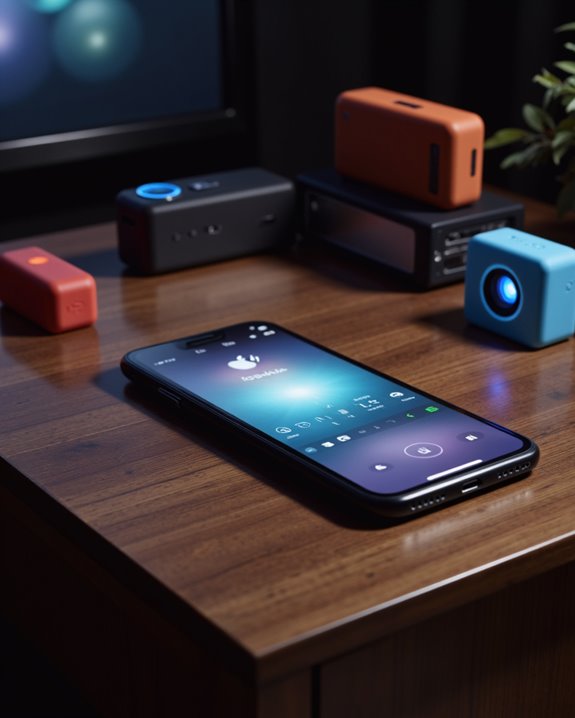
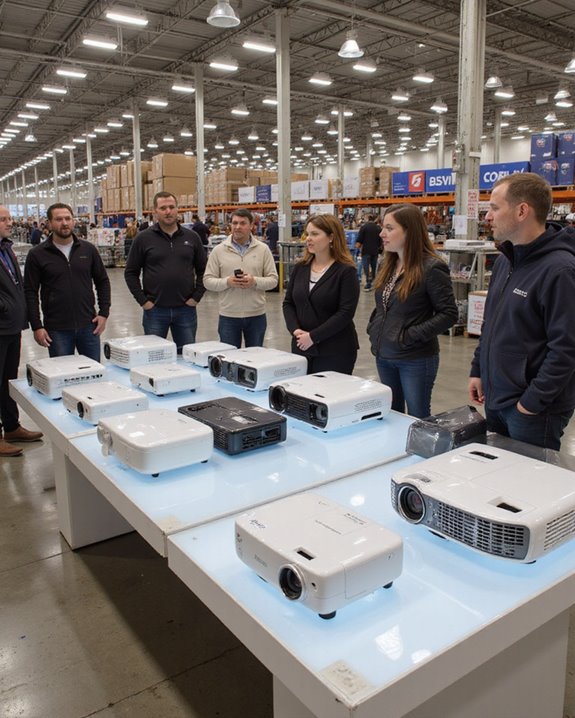
iPhone users seeking external projection solutions can choose from a diverse range of modern projectors that offer seamless connectivity and high-quality display options. Modern projectors deliver display quality ranging from basic 720p to crystal-clear 4K resolution, with options available at various price points. Battery life varies considerably among models, with most portable units offering 2-4 hours of continuous projection. These portable and lightweight projectors can be easily moved between rooms or taken on trips for flexible viewing anywhere.
Popular manufacturers like Nebula and ELEPHAS provide features that enhance the viewing experience, including:
- Built-in speakers for immersive audio
- Multiple connectivity options (AirPlay, HDMI, Bluetooth)
- Automatic focus and keystone correction
- Adjustable brightness settings
These external projectors complement iPhones through wireless or wired connections, allowing users to share content on larger screens while maintaining image clarity and color accuracy.
Recommended Products

[ Native 1080P Full HD Resolution ] - Enjoy crystal-clear visuals with HAPPRUN H1's native 1920x1080 resolution, delivering sharper, brighter, and more vibrant images for an immersive viewing experience. This 1080p projector is perfect for creating a stunning home theater or bedroom projector setup

【Smart Projectror with Built-in Apps】This projector does more than simply mirror videos and images from your external devices. Preloaded with mainstream streaming apps, it lets you directly access YouTube, Prime Video and more without an extra streaming TV stick. What's more, the MAYPUG mini projector comes with a built-in TV Store, enabling you to conveniently download your favorite additional streaming applications.
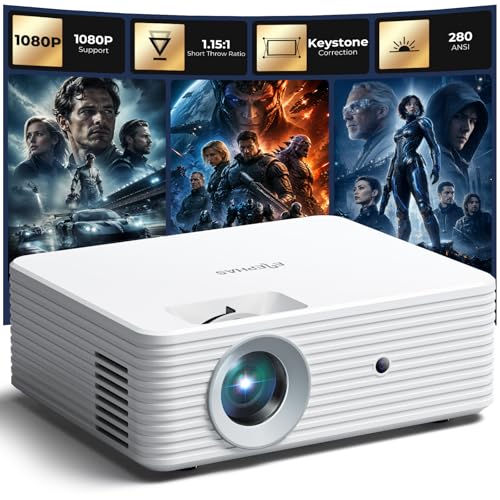
【Premium Image Quality & High Performance】 This mini projector for iPhone features a semi-enclosed optical engine for stable performance, efficient cooling, and dust resistance. The all-glass lens delivers brighter images with accurate colors. Supports 1080P input with a 1.15:1 short throw ratio, making it ideal as a projector for bedroom, apartments, and small spaces.
Connecting Your Iphone to External Projectors
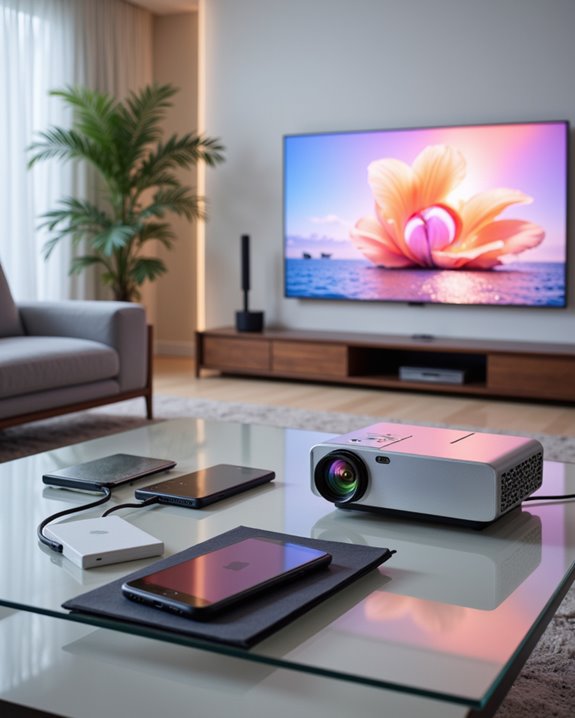
Successfully connecting an iPhone to an external projector requires understanding the various connection methods and compatible accessories available. While virtual displays and augmented reality features are becoming common on iPhones, external projection remains essential for sharing content on larger screens.
Users can connect their iPhones through wired or wireless methods. The wired approach utilizes adapters like the Lightning Digital AV or USB-C adapters connected to HDMI cables. For wireless connectivity, AirPlay technology through Apple TV offers a cable-free solution. Both methods require proper setup:
- Wired: Connect adapter to iPhone, link HDMI cable to projector
- Wireless: Ensure devices share same Wi-Fi network, enable AirPlay
- Input Selection: Choose correct source on projector
- Display Settings: Adjust resolution and brightness for optimal viewing
When using wired connections, it’s recommended to keep your charging cable connected to maintain power during extended presentations.
Recommended Products

【Lightning to HDMI Cable for iPhone to TV】 Elevate your viewing experience with our Lightning to HDMI cable supporting a resolution of up to 1080P (HD). Mirror what's displayed on your iPhone or iPad screen, including images, movies, games, apps, presentations, websites, slide shows, and more, on your HDMI-equipped TV, display, projector, or other compatible screens. Enjoy stunning visuals with crystal-clear clarity.

All-in-One Compatibility for iPhone 15/16/17: Seamlessly for Phone, MacBook, iPad, Galaxy S24, Switch and USB-C laptop to HDMI TVs/Monitors/Mini Projector. No extra adapters required—stream, mirror, or present in seconds while keeping your device charged.

【Never Worry About Power】 Enjoy uninterrupted entertainment with 4K HDMI video output and USB-C 100W charging, ensuring you're always powered up and ready to go
Common Projection Methods and Technologies
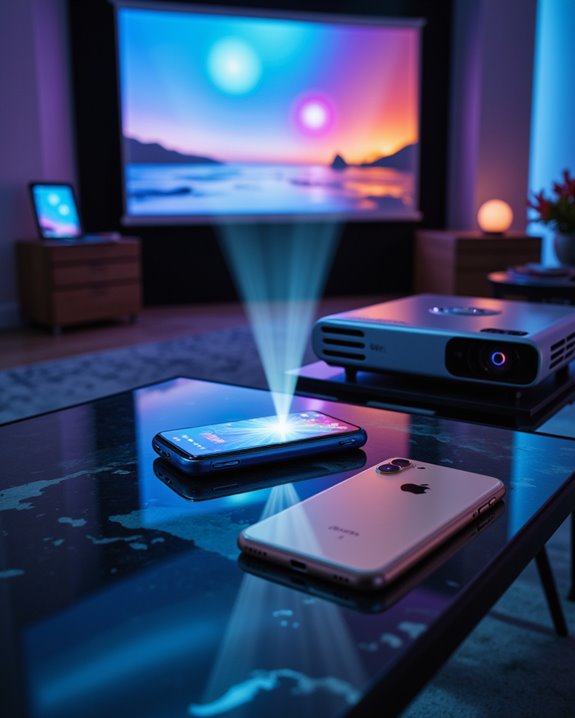
Modern projection technology encompasses several distinct methods, each offering unique advantages for displaying visual content. DLP technology utilizes tiny mirrors to reflect light, while LCD systems employ liquid crystals to control light transmission. Laser projection delivers superior brightness and color accuracy, though it can impact battery life when used in portable devices. Reports from Mac Rumors suggested that Apple planned to integrate micro projectors into iPhones by late 2009.
LCoS projection combines the benefits of LCD and DLP technologies, creating sharper images with better contrast. LED projectors provide energy efficiency and longer operational lifespans compared to traditional lamp-based systems. When considering privacy concerns, external projectors offer more control over viewing environments than built-in solutions. Each technology presents specific trade-offs between image quality, power consumption, and portability, making the choice dependent on individual needs and usage scenarios.
Future Possibilities for Iphone Projection Features
As technology continues to advance, the future of iPhone projection features promises remarkable developments across multiple domains. AI-powered capabilities may enable voice-controlled projections through Siri integration, while innovative battery solutions could support extended projection times without compromising device performance. The integration of compact lens technology might allow for built-in projectors while maintaining the iPhone’s slim profile. The emergence of tri-fold ultra-portable projection designs suggests exciting possibilities for future iPhone integration.
Future projectors are expected to deliver 4K resolution with HDR support, creating crystal-clear images in various lighting conditions. Enhanced connectivity features may include wireless casting and seamless integration with Apple’s ecosystem. These advancements could transform how iPhones are used, enabling new applications from interactive presentations to smart home control centers. The combination of AI, improved optics, and sophisticated hardware points toward a future where iPhone projection becomes an essential feature.
Challenges of Integrating Projectors Into Iphones
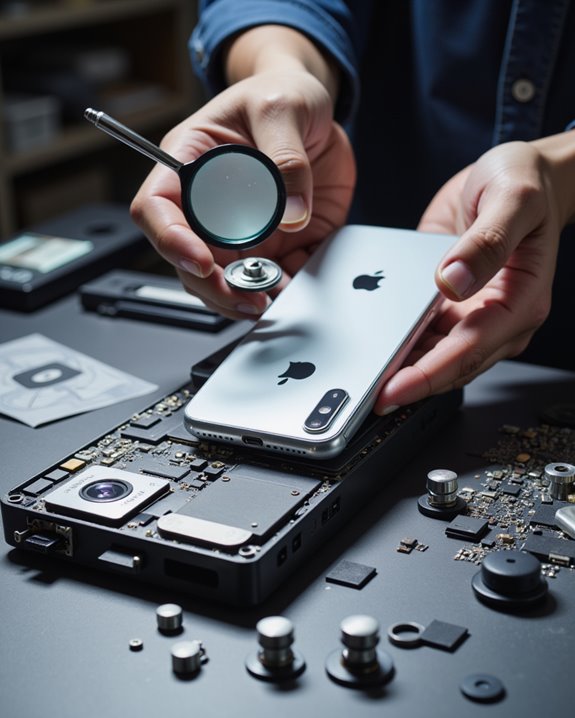
The integration of projectors into iPhones faces significant technical and practical hurdles that must be addressed before widespread implementation becomes possible. Primary concerns include device durability, as miniature projection components are sensitive to physical stress and environmental factors like heat and humidity. Battery longevity presents another major challenge, given that projection technology requires substantial power consumption. The incorporation of projection features requires careful consideration of compatibility standards to ensure reliable screen mirroring capabilities between devices.
Several technical limitations further complicate integration efforts. These include resolution constraints, heat management issues, and space requirements within the iPhone’s compact design. Additionally, manufacturers must overcome compatibility challenges with existing display standards and protocols. The physical size of projection components, while continuously shrinking through technological advancement, still poses difficulties for seamless incorporation into the slim profile of modern iPhones without compromising the device’s sleek design and functionality.
Alternative Solutions for Iphone Video Display
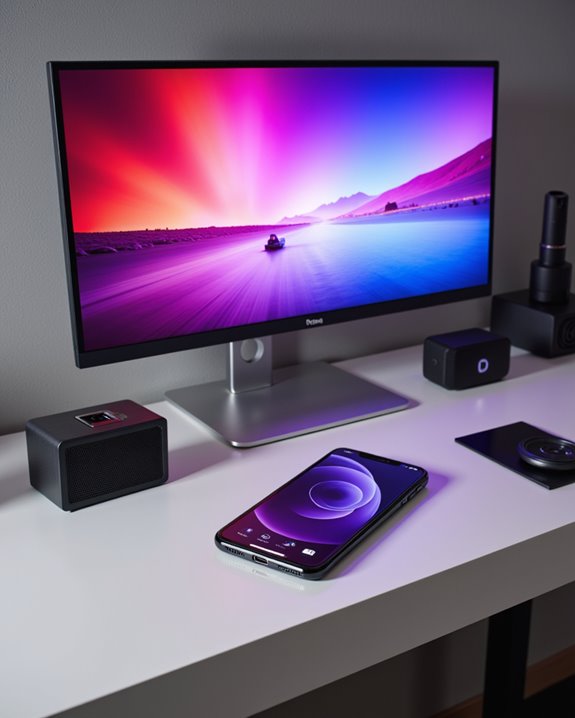
While built-in projectors remain challenging to implement, iPhone users have access to numerous alternative display solutions for sharing their screen content. Both wired and wireless options provide flexibility without compromising internal storage space. Users can connect their iPhones to external displays through HDMI adapters or AirPlay, with each method offering distinct advantages.
Wired connections deliver superior video quality and minimize battery life drain compared to wireless alternatives. The Lightning-to-HDMI or USB-C-to-HDMI adapters enable direct connection to monitors and TVs, ensuring stable performance. For professionals, specialized solutions like the Accsoon SeeMo transform iPhones into field monitors with minimal lag. Older display devices may require VGA adapters for compatibility. Those preferring wireless convenience can utilize AirPlay through Apple TV or third-party apps like Reflector 4, though these methods may experience occasional Wi-Fi interference.
Recommended Products

The USB-C digital AV multiport adapter lets you connect your USB-C enabled Mac or iPad to an HDMI display, while also connecting a standard USB device and a USB-C charging cable. This adapter allows you to mirror your Mac Display to your HDMI-enabled TV or display.

【2-IN-1 USB-C to HDTV Adapter 】This 2-in-1 USBC to HDTV adapter for iPhone17 features a 4K@60Hz HDTV port and a USB-C 100W PD charging port, allowing you to stream videos, deliver presentations, mirror photos, or enjoy a bigger screen on a TV, monitor, or projector—all while charging your device at the same time. Note: not support iPhone 16e/17e.

Widely Compatibility - The hdmi to iphone adapter compatible with iPhone 171615 Series, , MacBook M3/M3 Pro/M3 Pro Max, MacBook Pro 2015-2024, MacBook air 2018-2024, iPad Pro 2018-2024, iMac 2017-2024, Samsung Galaxy and other USB C devices.
Frequently Asked Questions
How Much Would an Iphone With a Built-In Projector Cost?
Where there’s smoke, there’s fire – but not in this case. Based on current projection technology and pricing estimates, an iPhone with a built-in projector would likely cost $300-500 more than standard models.
Can Iphones Project Holograms Without Additional Accessories?
Despite advances in projection technology, iPhones cannot create true holograms without additional accessories. Current devices lack the necessary hardware for hologram realism, as this capability remains limited to external projection devices and specialized equipment.
Which Android Phones Currently Have Built-In Projectors?
With projection technology reaching 70 lumens brightness, current smartphone design features built-in projectors in models like the Oukitel WP100 Titan, Ulefone Armor 34 Pro, and select Luxury Video Projector Mobile Phone variants.
Do Projection Accessories Significantly Drain Iphone Battery Life?
Using projection accessories with iPhones typically causes significant battery drain. Higher power consumption occurs during projection activities, especially with wireless connections. Using HDMI cables and power banks can help manage battery depletion.
Are There Any Safety Concerns When Using Iphone Projection Features?
When projecting content, users should manage screen brightness to prevent eye strain. Privacy concerns arise when displaying personal data. Additional safety considerations include proper cable management and avoiding direct exposure to projection light.