As an Amazon Associate, we earn from qualifying purchases. Some links on this site are affiliate links at no extra cost to you. Our recommendations are based on thorough research and editorial judgment.

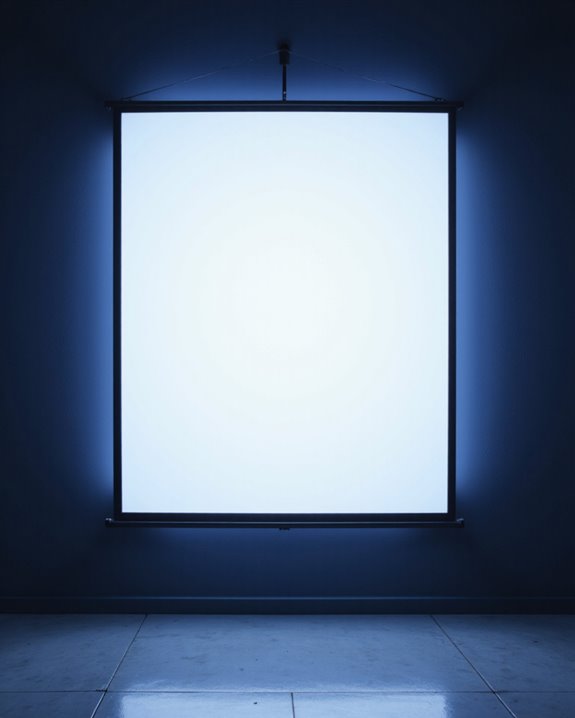
What Is the Projector Screen Called?

A projector screen, also called a projection screen, is a specially made surface that displays images from a video projector, using materials and coatings to improve brightness and clarity. Typical types include fixed-frame, retractable (electric or manual), and portable screens. Key features are size (measured diagonally in inches), aspect ratio (like 16:9), and screen gain, which affects brightness. Common materials are matte white, gray, or glass beaded. There are specific installation methods for walls or ceilings; more details follow.
Key Takeaways
- A projector screen is commonly called a “projection screen” or simply “screen.”
- Other terms include “fixed-frame screen,” “motorized screen,” and “portable screen” depending on type and use.
- Specialized names like “ambient light rejecting (ALR) screen” or “acoustic transparent screen” refer to specific features or materials.
- The screen may be described by its material, such as “matte white,” “high contrast gray,” or “glass beaded screen.”
- In everyday use, people often refer to it by its size, like “100-inch projector screen.”
Common Names for Projector Screens
You may be interested
When discussing projector screens, several common names and terms are used to describe these essential display surfaces. The most widely used term is “projection screen,” which refers to any surface designed to display projected images. Screen size is typically identified by diagonal measurement, such as a “100-inch screen.” Another key term is “screen gain,” which measures how efficiently the surface reflects light back to viewers; a higher gain results in a brighter image. Screens may also be labeled by aspect ratio, such as 4:3 or 16:9, to match content formats. “Ambient light rejecting” (ALR) screens are engineered to deliver improved picture quality in bright rooms by minimizing the impact of surrounding light. Many screens are constructed with materials that feature light reflection technologies, which help increase the brightness and clarity of the projected image for viewers. Additionally, understanding projection surface types can assist buyers in selecting the optimal screen based on their environment and viewing needs. These terms help buyers choose the right screen for their environment.
Types of Projector Screens
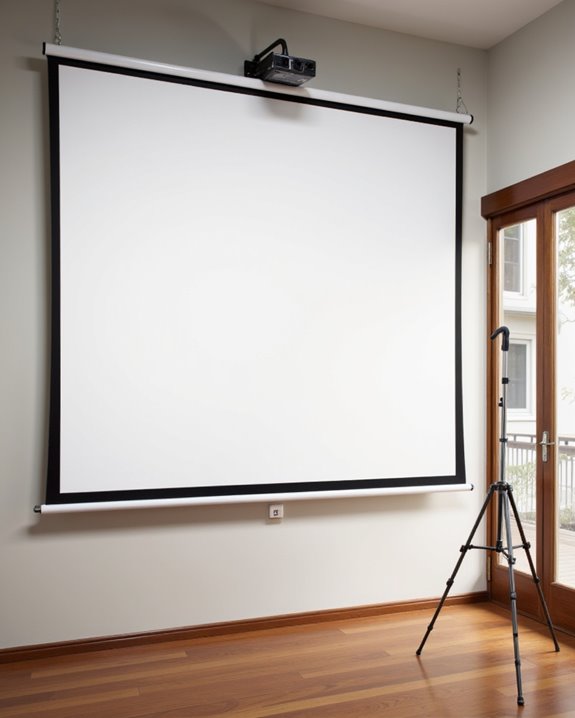
Projector screens come in a wide range of types, each designed to meet specific needs based on how and where they are used. They can be categorized by installation method, functionality, aspect ratio, portability, and special features. For example:
- Fixed-frame screens provide a permanent solution for dedicated rooms.
- Electric roll-up and motorized screens retract for easy storage, aiding screen maintenance.
- Free-standing, tripod, and collapsible screens offer portability for events or presentations.
- Short-throw, ultra-short-throw (UST), and ambient light rejecting (ALR) screens improve image quality in specific projection setups, often requiring precise color calibration to achieve accurate visuals.
- The color and material of a projector screen—such as white, gray, or black—can significantly affect image brightness, contrast, and suitability for different room lighting conditions. Additionally, the choice of screen surface texture impacts how well the projected image appears under various lighting environments.
Aspect ratios, like 16:9 for home cinema or 16:10 for business, ensure content fits the display. Specialized options, such as acoustic transparent or curved screens, cater to advanced viewing requirements.
Recommended Products

ALR Projector Screen, 1.5 Gain, 100% Non-Transparent: ALR projector screen with stand can reject over 90% of ambient light while offering 1.5 gain. Even in bright daylight,...
Popular Materials Used in Projector Screens
Selecting the right screen material is a key factor in achieving clear, vibrant images during projection. Matte White screens, the industry standard, provide excellent color reproduction and clarity, making them ideal for both home theaters and business presentations. High Contrast Gray materials are designed to enhance black levels, which is important in spaces with ambient light. Silver screens, used in well-lit rooms, maintain image quality by reflecting more light. Glass beaded screens, known for their high brightness and color accuracy, are often used where vivid images are required. Screen tension, the tightness of the material, guarantees a flat, smooth surface for ideal viewing. Material durability, such as found in high-quality vinyl and PVC, is vital for long-lasting performance and resistance to tears or stretching. Acoustic screens incorporate a mesh weave that allows sound to pass through, enabling speakers to be placed directly behind the screen for improved audio integration in home theater setups. The choice of screen material can also influence ambient light rejection, helping to improve image quality in various lighting conditions.
Recommended Products

Movie Screen Fabric: Made from white, soft-touch material, our thickened, smooth projector screen is crease-free and nontransparent, delivering brighter colors. It uses washable materials and can be washed either by hand or in a washing machine. Quality is strictly controlled, making it ideal for outdoor projector use.

This economical and practical polyester textile material is suitable for DIY production of wooden fixed-frame projection screens below 130 inches in size. Just stretch and fix it on all four sides.
This is an economical and practical polyester textile material, suitable for DIY production of wooden fixed frame projection screens below 120 inches in size。Stretched and fixed on all four sides.
Key Features to Look For in a Projector Screen
How does one determine which projector screen is best suited for a particular space or use? The most critical features to consider are aspect ratio, screen size, and mounting options. Aspect ratio—such as 4:3 for presentations or 16:9 for movies—ensures the image fills the screen correctly. Screen size, measured diagonally, affects both immersion and brightness needs. Portability features, like retractable or floor rising screens, make setup and storage easier in multi-use spaces. Gain factor, which measures reflectivity, affects brightness in different lighting. Color accuracy—the screen’s ability to display colors as intended—is essential for realistic images. Choosing the right screen material is especially important, as options like matte white, gray, or ambient light rejecting (ALR) surfaces can dramatically affect performance in different lighting environments. Other important details include:
- Resolution compatibility (matching projector and screen)
- Viewing angle (image quality from the sides)
- Durability (resistance to wear)
- Installation flexibility (wall, ceiling, or floor mounts)
Recommended Products

Application: Fits most manual or spectrum projector screen on the market. Support maximum loading weight up to 66lbs / 30kg

CONVENIENT TO STORAGE AND CARRY : Compact one-piece,lightweight and folding design. You can fold the projector screen in small size and put it in your backpack or suitcase

IMPORTANT: The VIVOHOME manual projector screen provides a 100-inch diagonal display area (87W×49H in, 16:9) for the best viewing experience at 9.2 ft; Its overall size is 92 × 59 in, so please ensure your room allows enough space for easy installation
Typical Uses for Projector Screens
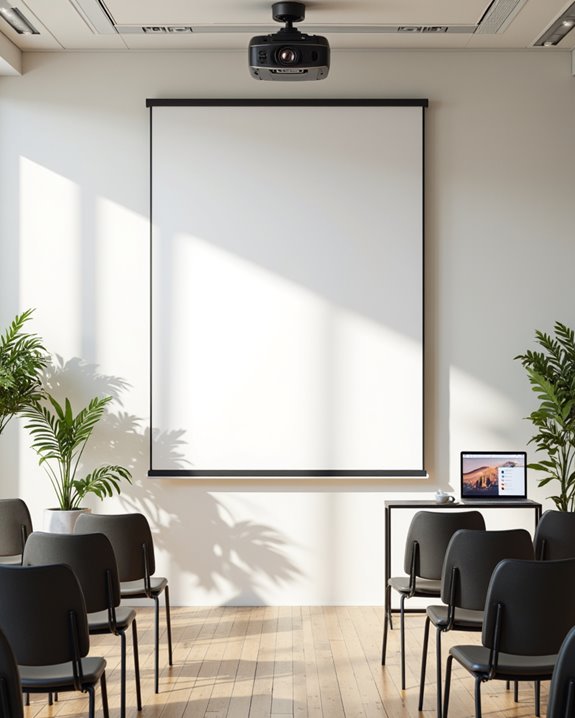
Where are projector screens most commonly found, and why are they chosen for so many environments? Projector screens are widely used in home theaters, business conference rooms, educational classrooms, and outdoor event spaces. They are preferred because they offer improved image quality and large display sizes compared to blank walls. In home entertainment, screens deliver vivid visuals through color calibration, a process ensuring colors are accurately displayed. Business and educational settings rely on projector screens to enhance presentations, using surfaces designed to minimize the effects of ambient light—light present in the environment that can cause glare. Portable screens are favored for temporary installations, such as traveling presentations or pop-up events. Specialized screen types, including tab-tensioned and inflatable models, further adapt to diverse professional and creative uses. In addition, projector screens can be easily integrated into various environments, making them a versatile choice for classrooms, conference rooms, and home theaters.
Choosing the Right Size for Your Projector Screen
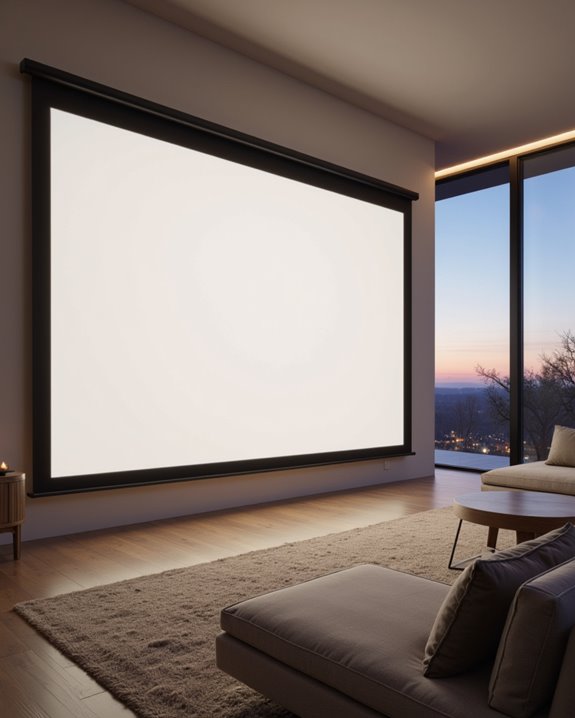
Projector screen size directly affects how comfortably audiences can view images, making it one of the most important decisions when planning a projection setup. Screen size estimation begins with viewing distance considerations—the space between the audience and the screen. For example, with a 16:9 aspect ratio (widescreen), multiply the viewing distance by 0.87 to estimate ideal screen width; for 4:3 (standard), use 0.75. Calculate screen height by dividing width by 1.77 (16:9) or 1.33 (4:3). Diagonal size, a common measurement, is found using the Pythagorean theorem. Using a projector screen size calculator allows you to quickly and accurately convert between diagonal, width, and height based on your chosen aspect ratio.
Key points for screen size estimation:
- Match aspect ratio to content type and projector
- Use online screen size calculators for accuracy
- Select screen size suited to room and seating layout
This ensures prime image clarity and viewer comfort.
Recommended Products
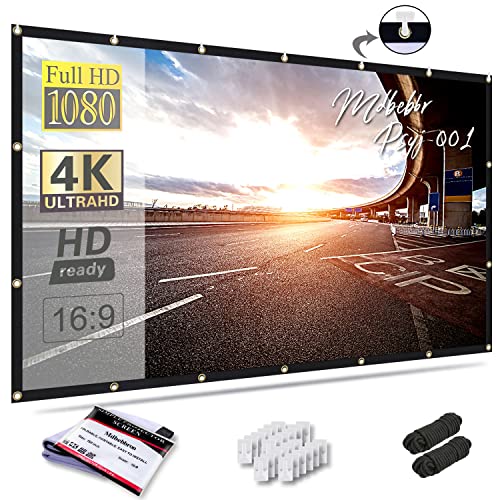
CONVENIENT TO STORAGE AND CARRY : Compact one-piece,lightweight and folding design. You can fold the projector screen in small size and put it in your backpack or suitcase

IMMERSIVE 150" CINEMATIC EXPERIENCE: Upgrade your movie nights with our massive 150-inch 16:9 4K HD projector screen. The premium polyester material ensures high-resolution imagery and vibrant colors, transforming any space into a professional home theater or outdoor cinema.
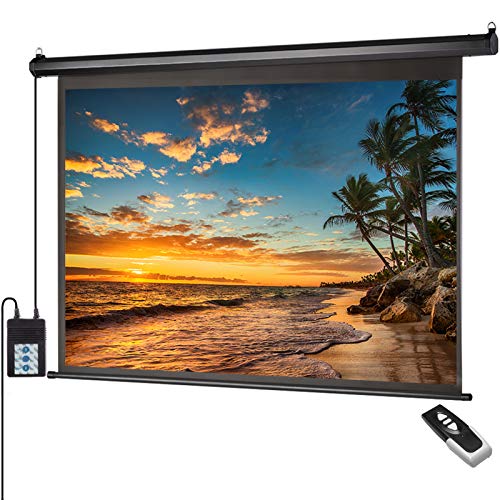
【Size and Aspect Ratio】 100" diagonal, 16:9 , Screen Viewable Size: 87"Wx48.8"H. Upper Black Screen Height: 9.8". Total Product Size: 97" W x 60" H. Suitable for LED, LCD, and DLP projectors
Installation Methods for Projector Screens
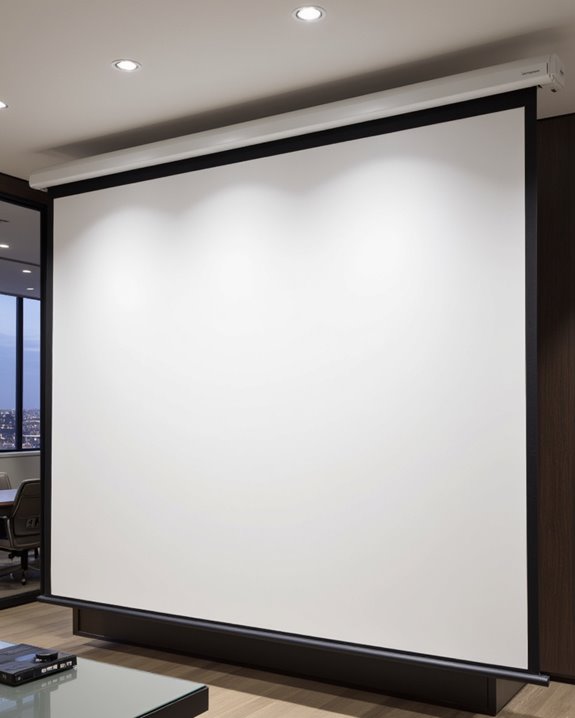
Selecting the correct installation method for a projector screen is essential to achieve stable mounting, ideal image quality, and a clean setup. Both wall and ceiling options are available, each requiring specific mounting hardware to guarantee installation safety. Wall mounting can use adhesive hooks for lightweight, temporary screens, tension rods for non-invasive setups, or heavy-duty anchors and bolts for permanent, secure installations. Ceiling mounting offers surface-mounted brackets for fixed setups, pole-mounted systems for height adjustment, and retractable mounts for hiding the screen when not in use. Always verify the weight capacity of the chosen hardware. Tools like a drill, level, and stud finder are necessary for precise placement. Proper screen selection, including matching the size and aspect ratio to your projector and room, can significantly improve your viewing quality. Proper cable management, ventilation, and screen leveling further contribute to a safe, organized, and effective installation.
Recommended Products

UNIVERSAL: Compatible with most manual or spectrum projector screen on the market. Suitable for wood stud, concrete wall, brick wall and drywall

Packed in a Box:Store and organize mounting accessories in one place. Not only does this box keep screws, washers, and spacers neatly categorized, it also ensures that they are protected, dust-free, and ready to use

UNIVERSAL COMPATIBILITY: This product is a whole package of screws with washers and spacers. It includes M4, M5, M6, and M8 TV screws and spacers up to 80" TV, including curved TVs.
Frequently Asked Questions
How Do I Clean and Maintain My Projector Screen?
Pristine projection preservation requires proper practices: use cleaning tips like compressed air and microfiber cloths, avoid abrasive agents, and implement maintenance routines involving gentle solutions, regular inspections, and careful handling. Consistent care safeguards screen surface, prolonging performance and picture quality.
Can Projector Screens Be Used With Short Throw Projectors?
Projector screens can be used with short throw projectors if the projection surfaces and screen materials are compatible. Selecting the correct aspect ratio, screen size, and material guarantees ideal image quality and performance for short throw applications.
Are Projector Screens Compatible With 3D or 4K Projectors?
Hitting the nail on the head, compatibility hinges on the projection surface and screen material. High-quality screens support 3D and 4K projectors when designed for ideal clarity, resolution, and light reflection, ensuring immersive, distortion-free viewing experiences.
What Is the Lifespan of a Typical Projector Screen?
The lifespan of a typical projection surface depends on screen durability, usage, maintenance, and environmental conditions. High-quality screens often last over a decade, while improper handling or harsh environments can considerably reduce longevity, necessitating earlier replacement or upgrade.
Can I Paint a Wall Instead of Using a Projector Screen?
When considering a DIY wall as a projection surface, a painted surface can serve as a cost-effective alternative. However, projector screens generally offer superior brightness, color accuracy, and smoothness, resulting in noticeably better projection quality than most walls.