As an Amazon Associate, we earn from qualifying purchases. Some links on this site are affiliate links at no extra cost to you. Our recommendations are based on thorough research and editorial judgment.

How to Use the Projector in Space Engineers

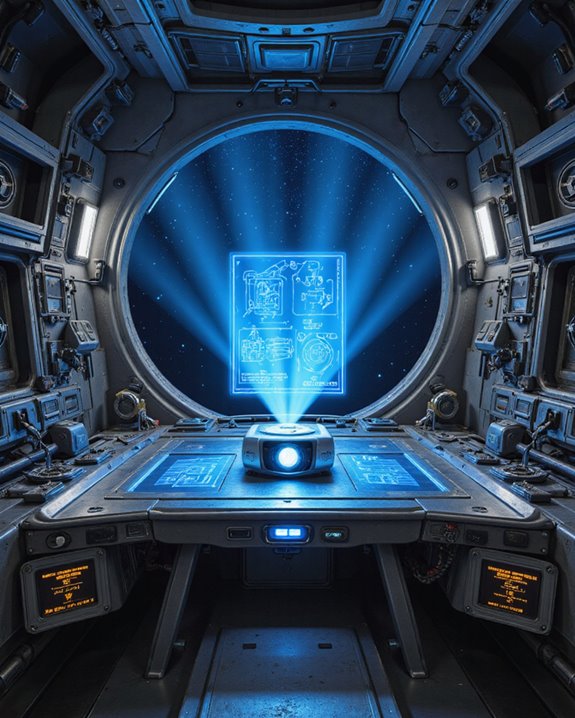
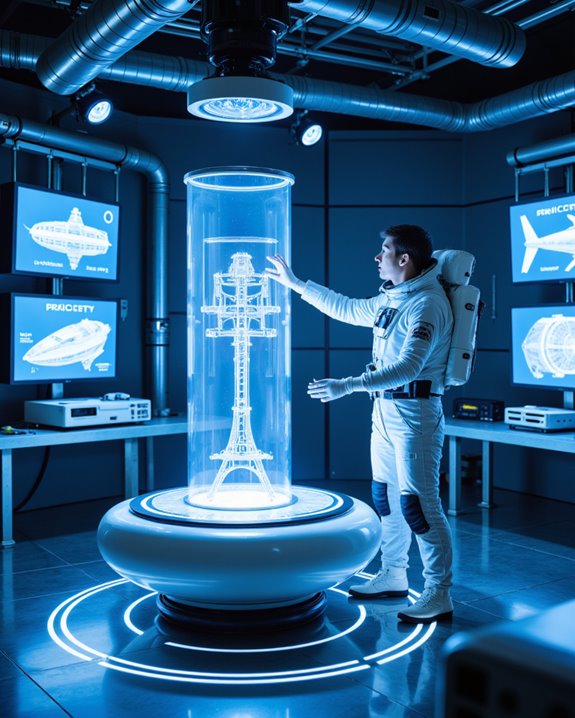
The projector in Space Engineers is a 1x1x1 block that displays a hologram from a blueprint—digital design files created with Ctrl + B—onto a ship or station grid. Players attach the projector to a powered grid, select a matching blueprint via its control panel, and use the glowing outline to build or repair structures precisely. Large projectors only show large grids, and setup includes blueprint selection, orientation adjustments, and resource supply. Details on multi-grid builds and advanced tips follow.
Key Takeaways
- Place the projector block on your grid, ensuring it matches the size of your ship or station (large or small grid).
- Access the projector’s control panel to select and load your desired blueprint for projection.
- Use the projector’s orientation controls to align the hologram accurately with your existing structure.
- Supply building materials to the projected blocks, using welders or hand tools to construct the physical structure following the holographic guide.
- Monitor power supply and component availability to keep the projector running and support continuous building or repairs.
Understanding Projector Types and Placement
You may be interested
When working with projector blocks in Space Engineers, understanding the different types and their correct placement is essential for efficient construction. There are two main projector types: large projectors, which display blueprints for large grids like ships or stations, and small projectors, suited for small ships or rovers. Each projector block measures 1x1x1, but large projectors have greater mass and durability. Placement is critical—projectors must be installed on grids that match the blueprint’s size. For example:
- Large projectors on stations project only station grids.
- Small projectors handle only small grid blueprints.
Proper alignment allows precise blueprint customization, while the user interface supports hologram adjustments. Projectors cannot project subgrids; each subgrid requires a separate projection, so planning for multigrid builds is important. Regular projector maintenance, such as checking power supply and grid stability, guarantees reliable operation and consistent projections during construction. Additionally, selecting the appropriate projector type based on the projection size and grid compatibility ensures efficient building processes and minimizes errors.
Recommended Products

Use this high-quality 6-inch dual-mode planetarium and slide projector to turn your bedroom into a personal planetarium theater!

Advanced Galaxy Lighting: 13 illumination points blends cool lab lights with warm cabin glow. New technics built-in galaxy projector casts rotating Milky Way across ceilings, while celestial backdrops deepen cosmic immersion.

Stunning Nebula & Star Effects: This yellow astronaut galaxy projector fills your room with mesmerizing nebula clouds. As a premium galaxy projector, it creates soft breathing star lights, great for transforming bedrooms into cosmic retreats. Whether used as a astronaut projector for relaxation or a star projector for decoration, it delivers breathtaking celestial displays.
Creating and Managing Blueprints
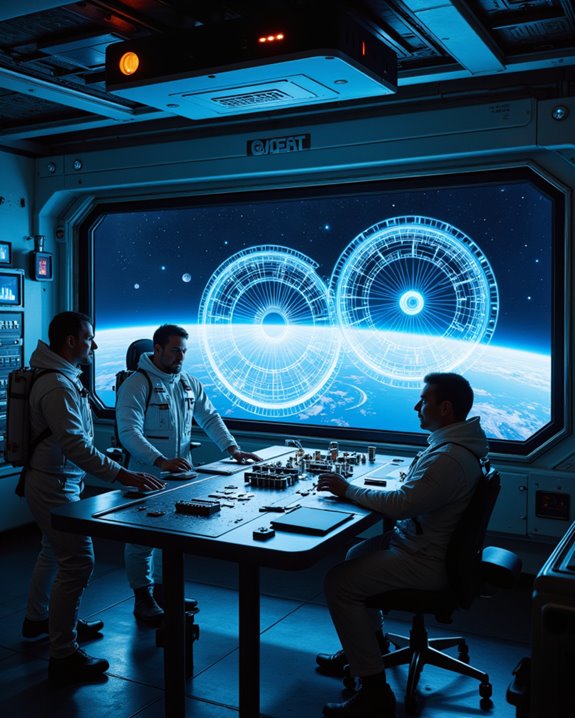
How do players efficiently replicate their designs in Space Engineers? Blueprints offer a powerful solution. A blueprint is a digital copy of a ship or structure, allowing players to preserve and rebuild their creations. To create a blueprint, complete and name the object, then press Ctrl + B. The blueprint’s name will include the object’s title and a unique identifier, supporting blueprint versioning—multiple versions like Large_Ship_1935 and Large_Ship_1935_1 can exist. Blueprint customization lets players strip layers from complex builds, creating separate blueprints for each layer. This enables construction from the inside out, improving resource management. Saved blueprints can be accessed at any time by pressing F10, allowing players to use their designs across multiple saves and servers. Blueprints are managed and selected using the projector’s control panel. Players can store, organize, and choose desired versions, streamlining future construction projects. Additionally, understanding blueprint management and proper version control can significantly enhance building efficiency and accuracy.
Recommended Products
✅UNFRAMED PRINTS: We create all our prints in variation of standard sizes from 8x10 to 24x32 inches. For your convenience, we also offer a variety of frames so you can have them ready-to-hang.

Exclusive official KAMAZFLO (registered trademark) licensed quality controlled product.
Setting Up and Powering Your Projector
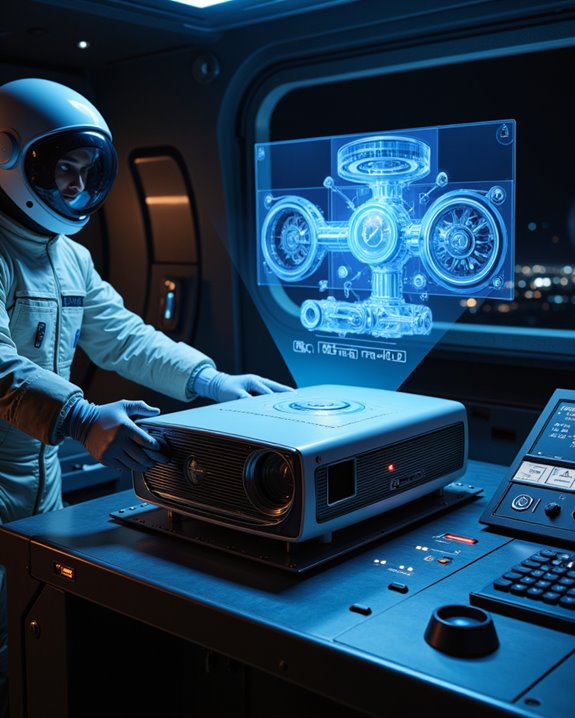
A projector in Space Engineers is a device that displays a holographic outline of a blueprint, guiding players as they rebuild ships or structures block by block. To set up the projector, place it securely on a grid and align it with the intended construction area. Proper grid alignment prevents overlap or gaps between existing blocks and the projected design. Connect the projector to a reliable power source, such as a battery or generator, to guarantee continuous operation. Efficient power management is essential: the projector’s energy use increases with larger, more complex blueprints. For ideal projector maintenance, make the device easily accessible for adjustments, and consider installing a power backup. Use the control panel for fine-tuning settings, selecting blueprints, and adjusting projection orientation and offset. Projectors can only display and build blueprints that match their grid size, so make sure to use a large projector for large grids and a small projector for small grids to avoid compatibility issues. Additionally, power consumption varies depending on the complexity of the blueprint, so monitoring energy use can prevent unexpected shutdowns during critical construction phases.
Recommended Products

High quality slide projector will project a clear image up to one meter wide in a dark room

Chrome on glass star discs that never fade
Building and Repairing With Projected Grids
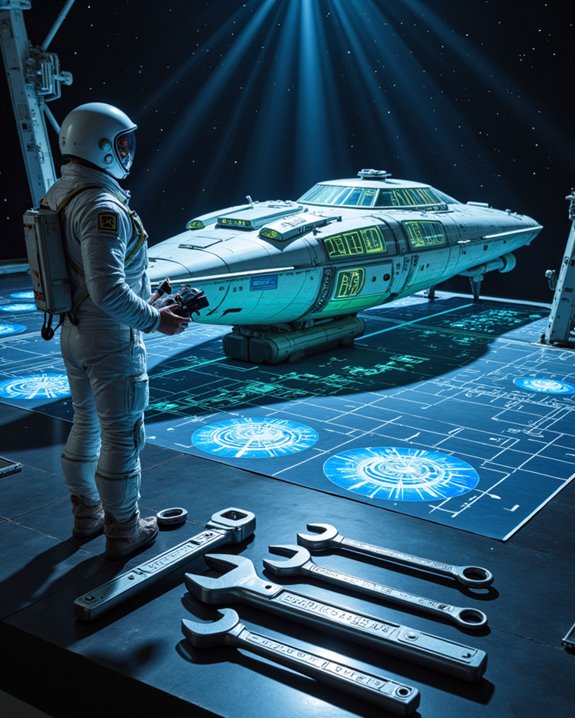
Once the projector is properly powered and aligned, players can begin building or repairing structures directly using projected grids. The projector displays a holographic outline, called a projected grid, which guides construction or repair. Blueprints—stored construction plans—are selected via the control menu. Subgrid synchronization ensures all parts, including attached sections, align correctly for accurate placement. Projectors can also be used to visualize real-time damage on ships or stations, helping players quickly identify and address necessary repairs. Players must supply required building materials through connected conveyors or containers. Real-time feedback highlights errors or missing parts, enabling quick adjustments. Blueprint version control allows users to track and update design changes, reducing mistakes during repairs. Automatic repair is possible when the projector detects damaged blocks within the projection, replacing or restoring them if resources are available. Regular monitoring of material supplies guarantees continuous building and maintenance efficiency.
Recommended Products

【13 IN 1 Realistic Planetarium Projector】:This galaxy projector for bedroom is equipped with 13 different HD galaxy discs, including the Solar System, Earth, Moon, Virgo Supercluster, Centaurus A, Black Hole, Antennae Galaxies, Wormhole, the Milky Way, Mystic Mountain, Sharpless 2-308, Small Magellanic Cloud, and Laniakea Supercluster. These realistic galaxy film discs make the star projector an ideal choice for room decor for kids, teen girls, and adults. Note: There are a total of 13 projection cards, with one of them built-in the galaxy projector

𝗦𝘁𝗮𝗿 + 𝗖𝗼𝗹𝗼𝗿𝗳𝘂𝗹 𝗟𝗲𝗱 𝗡𝗲𝗯𝘂𝗹𝗮 𝗣𝗿𝗼𝗷𝗲𝗰𝘁𝗼𝗿 - 2024 Upgraded Astronaut Galaxy projector with 𝗹𝗮𝗿𝗴𝗲𝗿 𝘀𝗰𝗼𝗽𝗲 𝟴 𝗰𝗼𝗹𝗼𝗿𝘀 𝗻𝗲𝗯𝘂𝗹𝗮 and green stars. Can choose the nebula cloud lights mode and star lights mode alone, or both modes of them together, total 𝟭𝟳 𝗺𝗼𝗱𝗲𝘀. By controlling the speed & brightness, you can create a wonderful crazy lights effects, make the ambiance more active. Bring a galaxy indoors and amazing nebula starry light show!

[Astronaut Star Projector Galaxy Night Light] – The galaxy projector supports 10 dynamic color modes, adjustable nebula & star brightness, accompanied by breathing green stars (keeping your original phrase). It brings a peaceful & cozy atmosphere to your bedroom or kids’ room. Made of upgraded high-quality materials, the large size (L4.3″×W4.3″×H10.2″) offers wider coverage and long service life
Handling Sub-Grids and Multiple Projectors
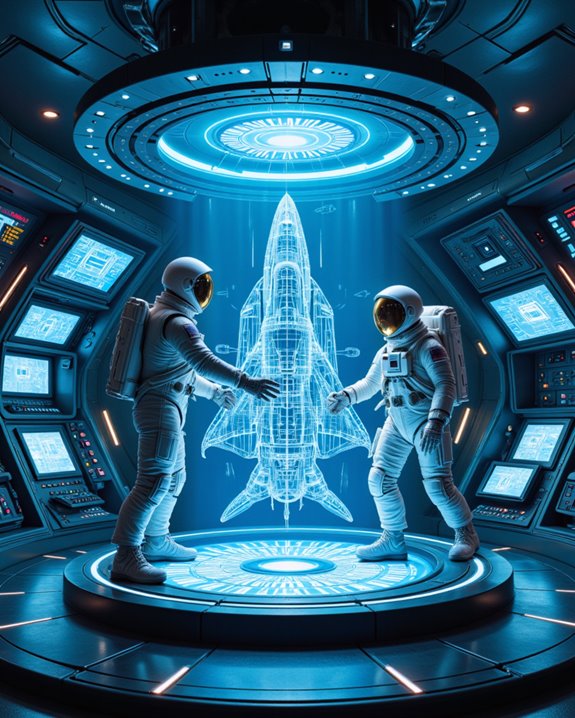
In Space Engineers, managing sub-grids and coordinating multiple projectors is vital for constructing advanced structures and vehicles. Sub-grids are secondary grids attached to a main grid, often through mechanical blocks like rotors or pistons. Projectors can only display blueprints on the grid to which they are attached, making sub grid alignment imperative for accurate construction. In vanilla gameplay, projectors cannot project across multiple grids, so complex builds may require merging sub-grids temporarily. Blueprints with subgrids cannot be projected directly in vanilla survival, which means players must manually handle subgrid construction in survival mode. Mods such as Multigrid Projector and Survival Subgrid Projection offer solutions, enabling projection across multiple grids and automating projector placement. When using these mods, players must consider mod compatibility, as conflicts may arise with other installed mods. Careful planning ensures successful builds, especially when handling segmented or mechanically complex designs.
Essential Tips and Component Requirements
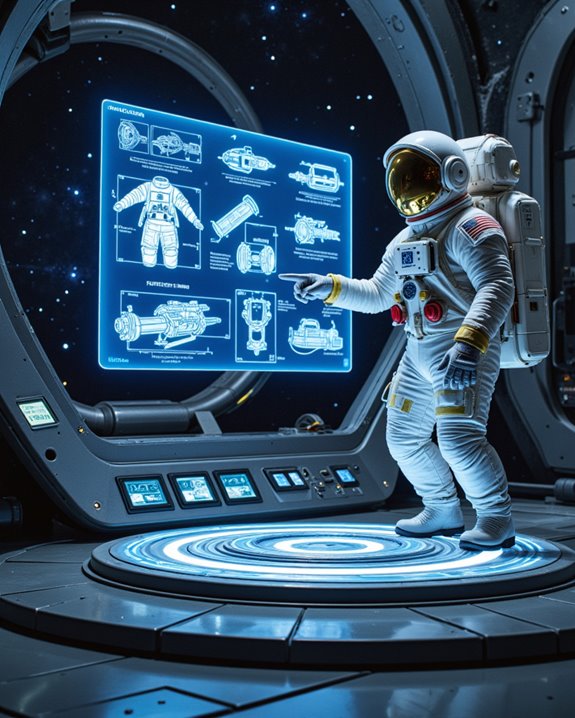
Why do projectors play such a essential role in Space Engineers construction? Projectors enable players to display blueprints—saved designs for future builds—directly onto grids, ensuring accuracy and material optimization. Each projector requires a steady power supply and must match the grid size of the intended structure. Key component requirements include:
- Large grid: 11 steel plates, 2 large steel tubes, 4 construction components, 2 computers, 1 motor
- Small grid: 1 steel plate, 2 large steel tubes, 2 construction components, 2 computers, 1 motor
Material optimization is achieved by projecting only necessary components, aiding efficient resource allocation. Safety precautions include placing projectors on stable grids, using alignment markers, and ensuring secure power distribution. When planning resource gathering for large or modded blueprints, it can be challenging to calculate total requirements, making a total component demand display feature highly desirable for improved accuracy. Proper planning prevents misalignment and damage during complex builds.
Recommended Products

【Planetarium Projector Pro Crescent 2026】With double the brightness of its predecessor and a 30% wider projection range, this galaxy projector for bedroom now immerses entire walls or ceilings in razor-sharp HD starlight. Enjoy twice the luminosity for vivid constellations and richer nebula details, paired with smoother galaxy rotations that perfectly mirror the natural movement of celestial bodies—ideal for creating awe-inspiring space atmospheres in bedrooms. As a night light projector, it delivers high-quality cosmic displays while maintaining whisper-quiet operation, making it a perfect fit for both astronomy enthusiasts and anyone seeking a relaxing experience.

【Upgraded Galaxy Projector】: Please pull the tray handle to replace the slide to switch the galaxy pattern. Transform your room into 13 stunning universe spectacles using film discs. The pattern names are 1: Solar System, 2: Earth, 3: Moon, 4: The Milky Way, 5: Galaxy, 6: Andromeda Galaxy, 7: NGC4302-NGC4298, 8: Hubble Deep Filed, 9: M60-UCD1, 10: North America Nebula, 11: Mystic Mountain and 12: Small Magellanic Cloud. 13: the Galaxy (in-built).

【Planetarium Projector Pro Crescent 2026】With double the brightness of its predecessor and a 30% wider projection range, this galaxy projector for bedroom now immerses entire walls or ceilings in razor-sharp HD starlight. Enjoy twice the luminosity for vivid constellations and richer nebula details, paired with smoother galaxy rotations that perfectly mirror the natural movement of celestial bodies—ideal for creating awe-inspiring space atmospheres in bedrooms. As a night light projector, it delivers high-quality cosmic displays while maintaining whisper-quiet operation, making it a perfect fit for both astronomy enthusiasts and anyone seeking a relaxing experience.
Frequently Asked Questions
Can Projectors Be Used for Pvp Traps or Automated Defenses?
Projectors enable customizable trap designs for PVP, but their limitations include requiring manual welding and lacking automation. While they facilitate blueprint visualization, automated defenses depend on building the projected structures, as projectors themselves cannot trigger or operate traps directly.
Do Projectors Work in Multiplayer Servers With Mods Installed?
Projectors in multiplayer servers can be a technological marvel or a source of chaos, depending on mod restrictions. Multiplayer compatibility greatly improves with mods like Multigrid Projector, but server-side installation is often essential for full, seamless functionality.
How Do Projectors Interact With Scripts or Programmable Blocks?
Script integration enables programmable control over projectors, allowing scripts to load blueprints, monitor unwelded blocks, and adjust settings. Programmable Blocks automate projector functions, but interactions may require toggling projector states to guarantee reliable command execution.
Are Projector Projections Visible Through Armor Blocks or Glass?
Projector visibility is affected by armor transparency; projections are often obscured by opaque armor blocks, reducing clarity. Glass blocks may not guarantee projection visibility, but fewer solid obstructions generally improve the ability to see projected outlines.
Can Projectors Be Used for Decorative or Lighting Effects Only?
Regarding decorative lighting and visual effects, projectors are limited in functionality. They display static holograms of blueprints, but do not emit light or dynamic visual effects, making them unsuitable for decorative lighting purposes or standalone visual enhancements.