As an Amazon Associate, we earn from qualifying purchases. Some links on this site are affiliate links at no extra cost to you. Our recommendations are based on thorough research and editorial judgment.

How Do Projector Screens Work for Home Theater Systems?

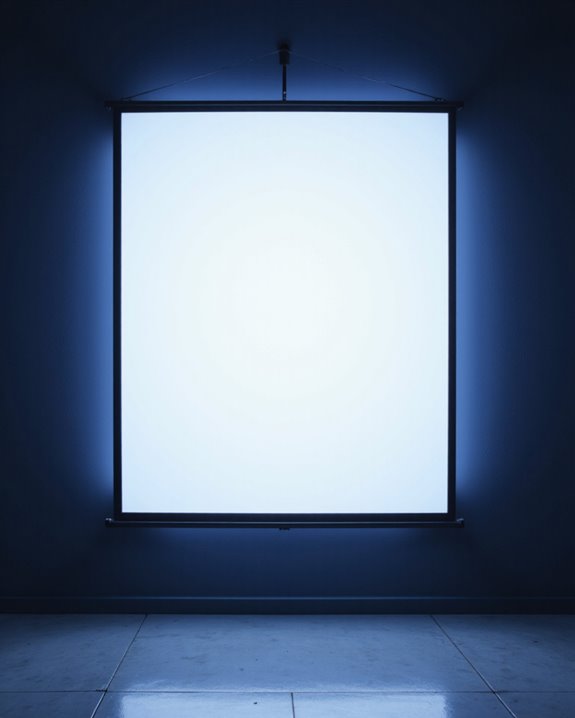
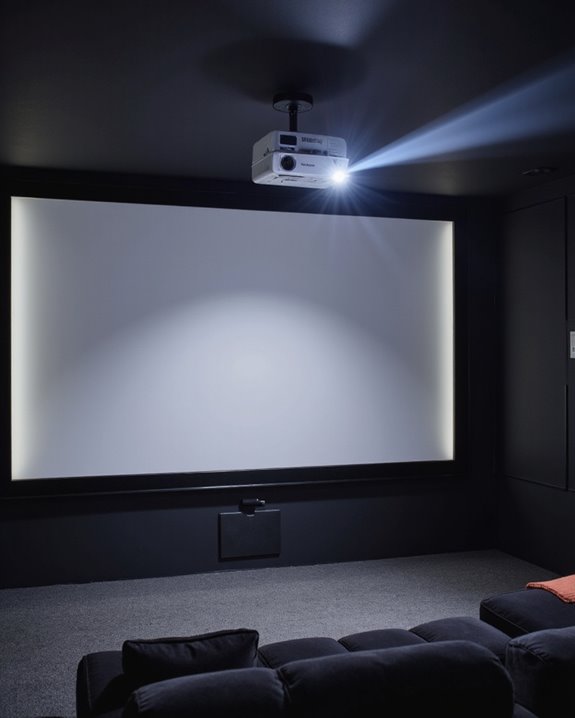
Projector screens for home theater systems use special materials designed to reflect light from a projector evenly, creating bright, clear images. Surfaces such as matte white or grey fabric control color accuracy, contrast, and brightness. Screen types—like retractable (roll-up), fixed frame (rigid), or portable (movable)—affect setup and durability. Choosing the right screen, size, material, and placement is essential for the best viewing experience. Further explanation covers technologies, maintenance, and future compatibility.
Key Takeaways
- Projector screens use specialized materials to reflect and enhance projected images, improving brightness, color accuracy, and contrast compared to plain walls.
- Screen surface types—such as matte white, grey, or ALR—impact image clarity, viewing angles, and performance in different room lighting conditions.
- The screen’s aspect ratio and size should match your projector and room setup to ensure optimal immersion and eliminate distorted or cropped images.
- Proper placement at eye level and away from direct light sources reduces glare, maximizes comfort, and maintains consistent image quality.
- Durable, easy-to-clean screens prolong lifespan, while choosing future-proof materials ensures compatibility with evolving projector technologies like 4K and HDR.
Understanding the Function of Projector Screens
You may be interested
How does a projector screen actually improve the images people see? The answer begins with screen material, which refers to the type of fabric or surface used to display projected images. Different materials—such as matte white, grey, canvas, or specialty fabrics—affect color accuracy, contrast, and viewing angles. For example:
- Matte white screens deliver true colors and wide viewing angles.
- Grey screens enhance contrast in brighter rooms.
- Ambient Light Rejection (ALR) materials block unwanted room light.
Acoustic transparency means sound can pass through the screen without distortion. These screens have tiny holes or woven fibers, allowing speakers to be placed behind the screen. This setup provides better audio alignment with the visuals, prevents sound loss, and maximizes usable space, all without sacrificing image clarity or brightness. Additionally, the choice of projection surface design can significantly influence the overall viewing experience by optimizing light reflection and image sharpness.
Comparing Retractable, Fixed, Portable, and Motorized Screens
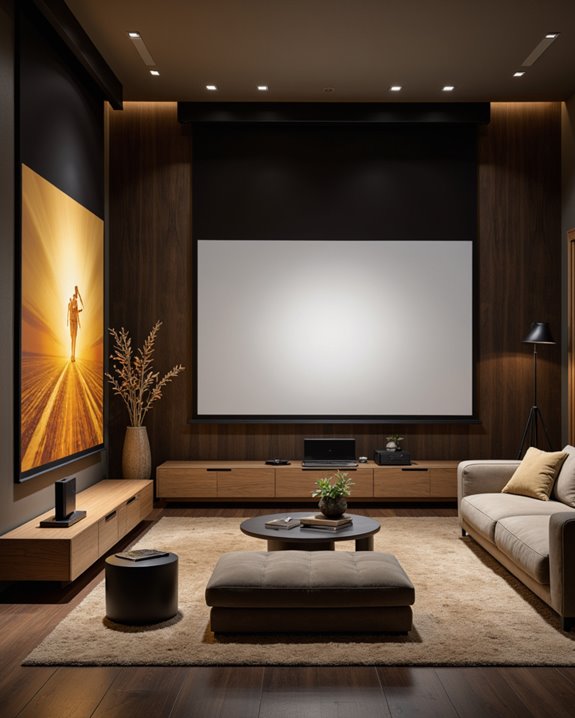
Projector screens come in several main types—retractable, fixed frame, portable, and motorized—each offering distinct advantages for different uses. Retractable screens roll into a case, providing flexible screen mounting options and saving space when not in use. Fixed frame screens deliver high image quality with a consistently tensioned surface, requiring a dedicated wall for installation. Portable screens, designed for mobility, are lightweight and compact, making them suitable for temporary setups. Motorized screens feature automated deployment and retraction, blending seamlessly into room décor when hidden. Ambient light considerations are essential; specialized screens like Ambient Light Rejecting (ALR) screens improve image visibility in bright rooms. Choosing among these types depends on installation needs, available space, frequency of use, and the room’s lighting environment. Material quality and surface texture play critical roles in image clarity and durability across all types.
Choosing the Right Aspect Ratio for Home Theater Viewing
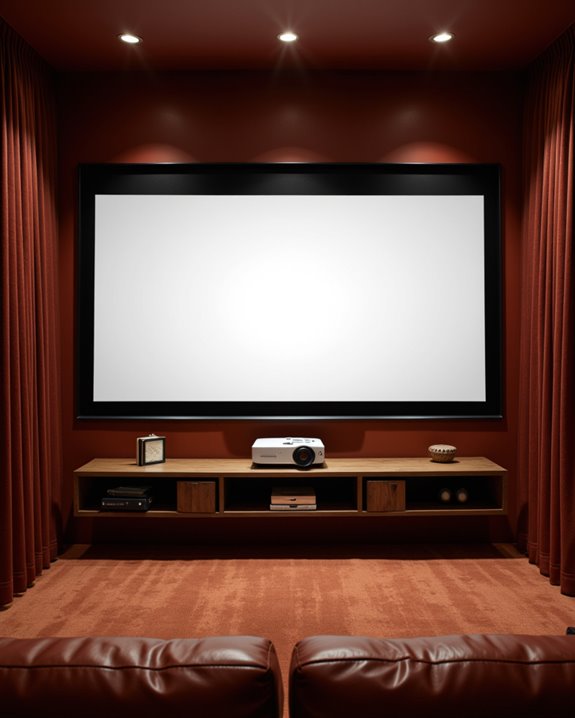
Selecting the appropriate aspect ratio for a home theater screen directly shapes the viewing experience, making it essential to understand the available options. Aspect ratio refers to the proportional relationship between a screen’s width and height. The 16:9 aspect ratio is standard, supporting most HDTV and 4K UHD content. For those seeking a more immersive cinematic experience, wider ratios such as 1.85:1, 2.35:1, and 2.40:1 closely replicate the dimensions used in commercial theaters. Key considerations include:
- Content type: Movies often use 2.40:1, while TV and games favor 16:9.
- Screen size and room layout: Wider screens enhance immersion but demand more space.
- Black bars: Mismatched content can result in visible black bars.
Projector compatibility and budget also impact aspect ratio selection.
Recommended Products

Excellent display effect: The projection screen has a high reflectivity, which can present a high definition and saturated picture, making the projection effect more excellent.

【Watch Before Buying】Please read the dimensions carefully and measure the size corresponding to the desired scene before confirming. You can also match the scene according to the specific size, without being limited to the following.

CONVENIENT TO STORAGE AND CARRY : Compact one-piece,lightweight and folding design. You can fold the projector screen in small size and put it in your backpack or suitcase
Exploring Screen Materials and Their Impact on Image Quality
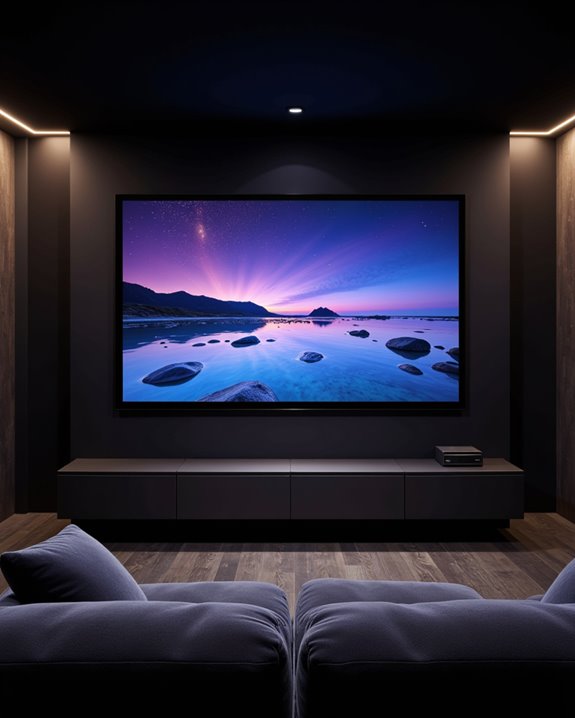
Beyond aspect ratio, the material used for a projection screen has a significant effect on the image quality viewers experience. The screen surface determines how well colors, contrast, and brightness appear. Matte White screens, known for their smooth texture, deliver accurate colors and clear images in rooms with controlled lighting. High Contrast Gray screens, which have a slightly textured surface, boost black levels and contrast, especially useful in spaces with ambient light. Specialized surfaces, like Ambient Light Rejecting (ALR) and Ceiling Light Rejecting (CLR) materials, reduce unwanted reflections and maintain image brightness. Key factors to examine include:
- Reflectivity: Influences how bright the image appears.
- Viewing angle: CLR screens retain quality even when seen from the side.
- Durability: Materials such as PVC and polyester last longer with frequent use.
- Projection surface technology can enhance overall image clarity and color accuracy, especially in challenging lighting conditions.
Recommended Products

ALR Projector Screen, 1.5 Gain, 100% Non-Transparent: ALR projector screen with stand can reject over 90% of ambient light while offering 1.5 gain. Even in bright daylight, it delivers vibrant and HD images. Most ordinary screens appear faded and blurry during the day. Black backing projector screen can effectively prevent light transmission and reflection, providing better visual effects.

Movie Screen Fabric: Made from white, soft-touch material, our thickened, smooth projector screen is crease-free and nontransparent, delivering brighter colors. It uses washable materials and can be washed either by hand or in a washing machine. Quality is strictly controlled, making it ideal for outdoor projector use.

IMPORTANT: The VIVOHOME manual projector screen provides a 100-inch diagonal display area (87W×49H in, 16:9) for the best viewing experience at 9.2 ft; Its overall size is 92 × 59 in, so please ensure your room allows enough space for easy installation
Determining the Ideal Screen Size and Placement
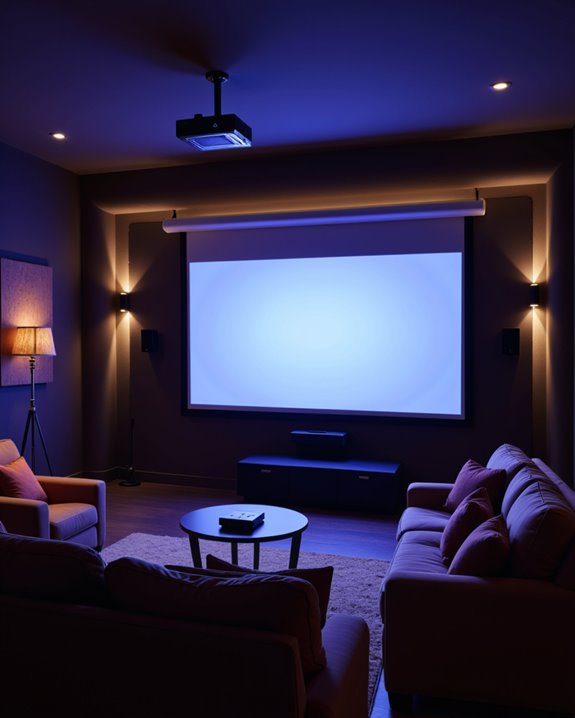
How does one determine the best screen size and placement for a projection setup? Screen size guidelines recommend basing the screen’s diagonal on the viewing distance and the room’s dimensions. Industry standards like THX suggest a viewing angle between 36 and 70 degrees, ensuring the screen fills enough of the viewer’s field of vision for immersion. Aspect ratio, which describes the relationship between a screen’s width and height (such as 16:9), also factors into calculations.
Placement strategies focus on maximizing comfort and image quality:
- Place the screen directly in front of the main seating area.
- Adjust height so the center is at eye level.
- Keep the screen away from windows to prevent reflections.
- Arrange seating symmetrically for optimal angles.
- Use online calculators to match screen size to room size.
Evaluating Advanced Features and Modern Screen Technologies
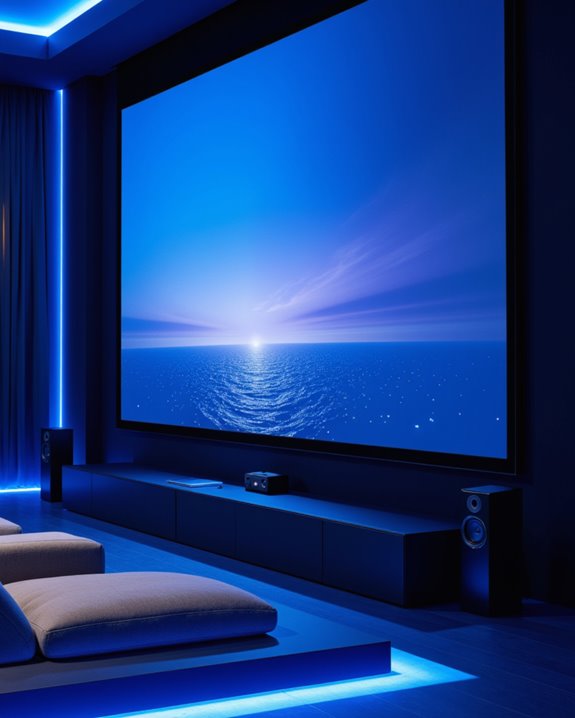
When examining advanced projector screen features, certain technologies stand out for their impact on image quality and viewing experience. Modern screens are designed to support 4K and 8K resolutions, allowing sharper visuals and improved detail. Ambient Light Rejecting (ALR) screens control how light is reflected, maintaining color accuracy and brightness even in rooms with windows or overhead lighting. Screen color—typically white or gray—affects perceived contrast; gray screens can enhance black levels in brighter environments. Viewing angles, or the range from which the screen looks clear, are influenced by the surface texture and material. Curved screens can increase immersion, while borderless designs offer a sleek look. Additional features include acoustically transparent fabrics, which let sound pass through, and motorized or retractable mounting options.
Recommended Products

★【BRIGHTNESS BOOST】This screen displays significantly brighter images than a normal white screen when viewed from center seats (up to 2.6x gain), and maintains comparable brightness from other angles. Enjoy a brighter image, or use the brightness for a bigger screen! (NOT for UST projectors.)

Cutting-Edge Screen Technology: Our UST ALR projection screen boasts a precision micro-toothed 3D structure and triangular grating, with one side black and the other white.Compared to traditional ALR projection screens, it is custom-designed for ultra-short-throw projectors, effectively absorbing ambient light from above while directing the projector's light towards the audience. This design ensures optimal image quality with minimal light interference.

Unshakably Stable Base and Support: This projection screen features a sturdy base and support—extended and reinforced—effectively addressing instability issues common in screen stands. Crafted from premium steel, the accessories of projector screen ensures long-term durability and resistance to bending or breaking
Assessing Installation Methods and Best Practices
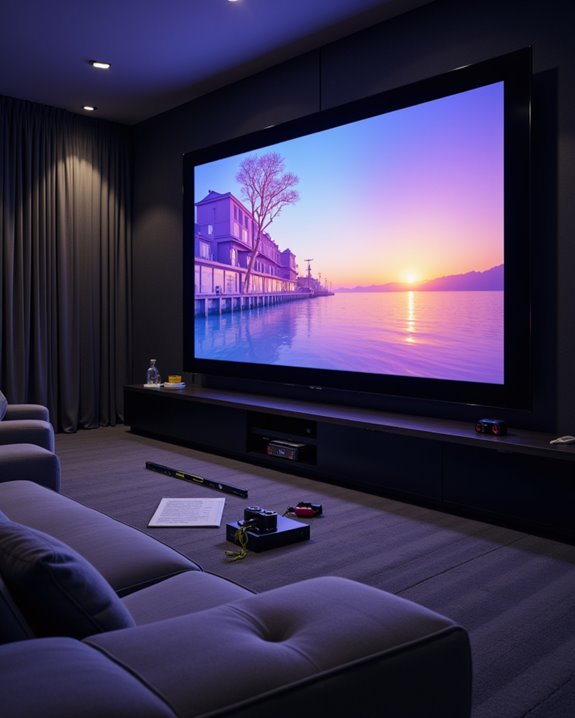
Proper installation is the foundation for maximizing projector screen performance, regardless of the chosen technology or advanced features. Selecting the right location depends on room layout, lighting control, and viewing distance. Mounting techniques include using stud finders to locate wall studs, mounting brackets for secure attachment, and leveling tools to ensure the screen is straight. Screens should be visible from all seating positions. Fixed-frame screens offer a permanent solution, while retractable and portable screens provide flexibility. Acoustic screens allow sound to pass through, enhancing audio placement. Cable management keeps connections organized, improving both appearance and safety. Screen cleaning, though not a direct installation step, should be considered during setup to avoid dust buildup. Weighing DIY installation against professional help ensures safety and ideal results.
Maintaining and Caring for Your Projector Screen
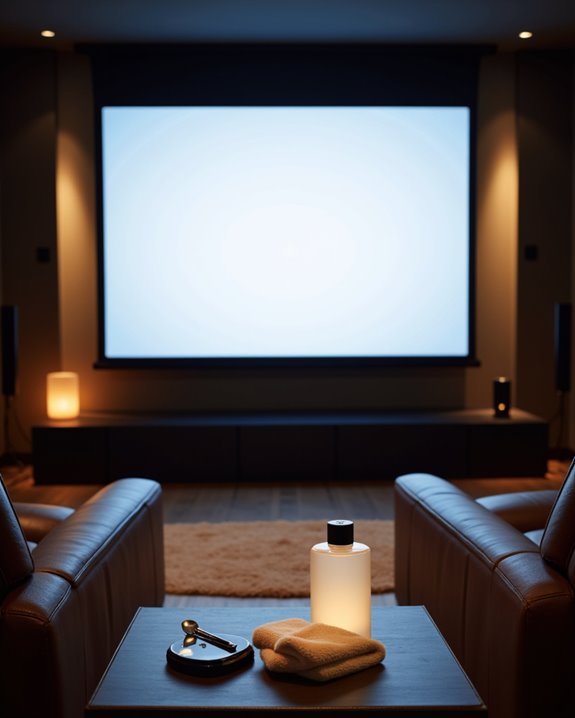
Consistent maintenance is essential for preserving the quality and lifespan of a projector screen. Screen cleaning should be performed every one to three months using a soft, lint-free microfiber cloth, which prevents scratches and preserves screen clarity. For tougher stains, a slightly damp cloth with mild soap or a specialized screen-cleaning solution is recommended, but excess moisture must be avoided. Dust prevention involves keeping the screen closed when not in use, which minimizes dust buildup and also protects the motor and mounting hardware. Additional tips include:
- Positioning the screen away from high-traffic, dusty areas.
- Ensuring proper air circulation and stable room temperature to reduce dust and moisture.
- Inspecting for damage, such as wrinkles or tears, and addressing issues promptly.
Adhering to these practices ensures long-term screen performance.
Planning for Future Upgrades and Adaptability
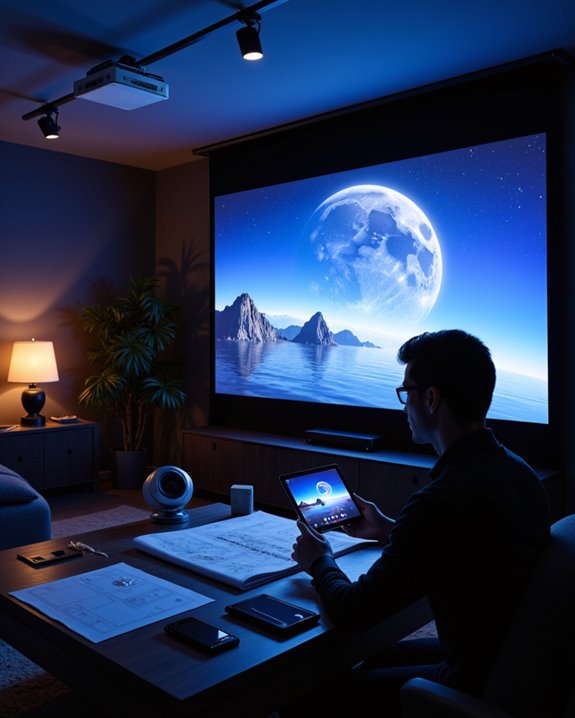
As projector technology continues to advance, planning for future upgrades and adaptability becomes essential for maintaining a high-quality viewing experience. Selecting a projector screen with strong screen durability guarantees long-term use, especially as new 4K or laser projectors emerge. Multiformat screens, which adjust to different aspect ratios like 16:9 (HDTV) or 2.35:1 (CinemaScope), provide flexibility for both movies and television. Material upgrades—such as ambient light rejecting fabrics—can improve performance in rooms with more light. Consider these factors for adaptability:
- Compatibility with future projector resolutions, like 4K or HDR.
- Screen size that fits possible changes in room layout.
- Aesthetic integration, meaning the screen complements home decor.
Budgeting for future upgrades allows for easy replacement or material enhancements as technology evolves.
Frequently Asked Questions
Can Projector Screens Double as Whiteboards for Presentations?
Projector screens can double as whiteboards for presentations if constructed from specialized projector screen materials with whiteboard compatibility. These dual-purpose surfaces enable both image projection and dry-erase writing, enhancing presentation versatility in classrooms, offices, and meeting spaces.
Are Projector Screens Safe for Use Around Children or Pets?
Studies show that over 30% of home accidents involve unsecured equipment; thus, child safety and pet safety around projector screens depend largely on proper installation, use of pet-resistant materials, cable management, and restricting unsupervised access to the area.
Do Projector Screens Affect Room Acoustics or Sound Quality?
Projector screens impact room acoustics by influencing sound reflection and acoustic enhancement. Acoustically transparent screens allow speakers behind them, aligning audio and visuals, while certain materials may attenuate or reflect sound, affecting clarity and overall sound quality.
Can Screens Be Customized With Artwork or Logos?
Screens can be customized with custom artwork or logo branding, enhancing visual appeal and promoting identity at various events. This customization is achieved using graphic design software and compatible file formats, ensuring vibrant, high-quality projections tailored to client needs.
Are There Eco-Friendly or Recyclable Projector Screen Options?
Eco-friendly projector screens are available, with some models utilizing recyclable materials and eco friendly manufacturing processes. However, detailed information about specific recyclable components or standardized sustainability certifications remains limited across major screen manufacturers and retail options.