As an Amazon Associate, we earn from qualifying purchases. Some links on this site are affiliate links at no extra cost to you. Our recommendations are based on thorough research and editorial judgment.

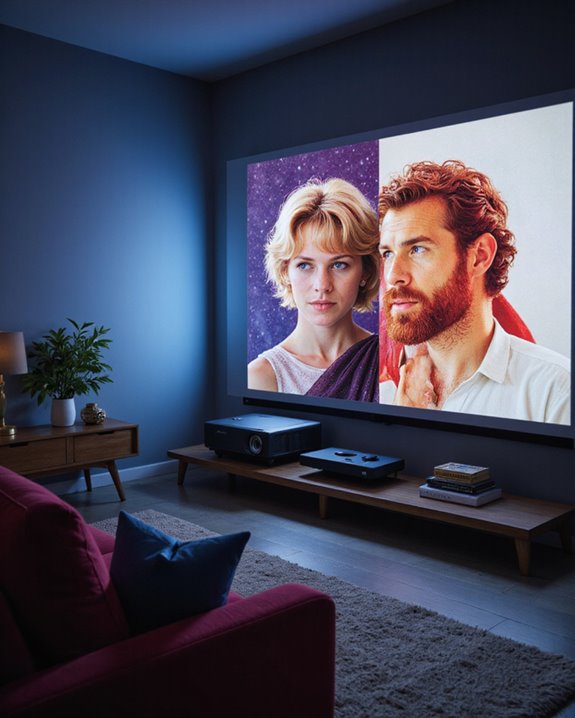
Can Projectors Change Aspect Ratio for Different Content?

Modern projectors can effectively change aspect ratios to match different content types. Most projectors support common formats like 4:3, 16:9, and 16:10 through built-in hardware and software adjustments. While each projector has a native aspect ratio based on its physical resolution, advanced scaling technology allows them to display various formats without significant quality loss. The process involves automatic detection and adjustment features, with some models offering preset zoom options and custom settings. Understanding the technical aspects reveals additional capabilities for ideal viewing experiences.
Key Takeaways
- Modern projectors can change aspect ratios through built-in scaling technology, lens adjustments, and digital controls for different content formats.
- Most projectors support multiple aspect ratios like 4:3, 16:9, and 16:10 through hardware or software adjustments.
- Advanced chipsets automatically detect content format and adjust the display using features like lens memory and zoom presets.
- Black bars (letterboxing or pillarboxing) maintain proper proportions when content aspect ratios differ from the screen’s native ratio.
- Projectors use intelligent scaling algorithms to display various aspect ratios while maintaining image quality and preventing distortion.
What Are Aspect Ratios in Projector Systems
You may be interested
Aspect ratios in projector systems represent the proportional relationship between an image’s width and height, expressed as two numbers separated by a colon (such as 16:9). Throughout aspect ratio history, different standards have emerged to accommodate various content types and viewing experiences. The measurement is calculated by dividing the width by the height, resulting in standardized formats that projectors use to display images correctly. Modern projectors often support multiple aspect ratios through hardware or software adjustments, providing greater flexibility for diverse media. Creative aspect ratios have evolved with technology, allowing for more versatile display options. Modern projectors can handle multiple aspect ratios through various methods:
- Fixed frame adaptation
- Letterboxing for wider content
- Pillarboxing for narrower content
This flexibility enables projectors to maintain image quality while displaying different content types, from traditional movies to modern gaming formats, without distortion or loss of visual information. Most new projectors favor a 16:9 format due to its widespread compatibility with contemporary media.
Common Aspect Ratios Used in Modern Projection
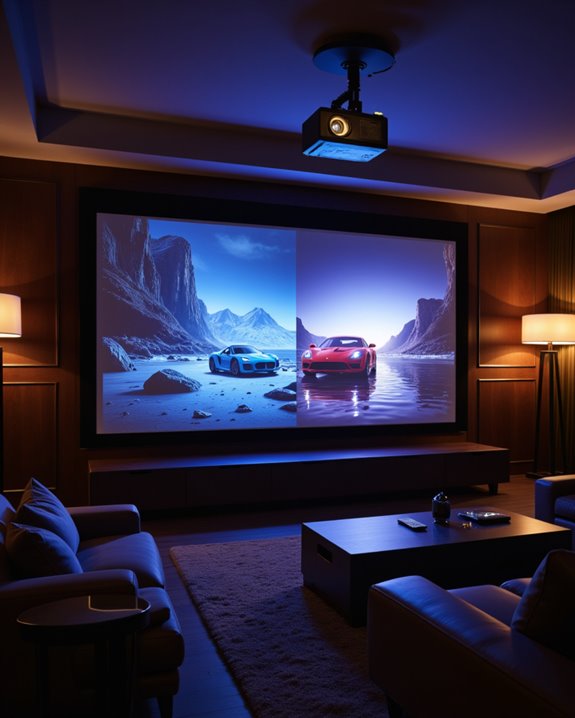
Modern projectors primarily support three distinct aspect ratios that define how images are displayed: 4:3, 16:9, and 16:10. Each ratio serves specific purposes, with 16:9 being the most prevalent in contemporary home theater setups due to its compatibility with HDTV content and movies.
The 4:3 format remains relevant for classic media and some business presentations, while 16:10 is favored in professional environments where additional vertical space benefits productivity. Proper screen selection is crucial to avoid compromising viewing enjoyment due to aspect ratio differences. Advanced features like lens shift and color calibration help optimize image quality across these different ratios. When selecting a projector, users should consider their primary content type and viewing environment. While most modern projectors can adapt to various aspect ratios through settings adjustments, displaying content in the device’s native ratio guarantees the best visual experience. Additionally, understanding aspect ratio flexibility can help users better match their projector settings with diverse media sources.
Recommended Products

CONVENIENT TO STORAGE AND CARRY : Compact one-piece,lightweight and folding design. You can fold the projector screen in small size and put it in your backpack or suitcase
CONVENIENT TO STORAGE AND CARRY : Compact one-piece,lightweight and folding design. You can fold the projector screen in small size and put it in your backpack or suitcase

Projector Screen with Stand. 120-inch diagonal, 160°wide viewing angle, aspect ratio 1:1 and 16:9 4k HD portable projector screen is made of high quality natural polyester fiber. Towond projector screen offers sharp and bright images. Thick and anti-crease design giving you more fun, even support FRONT and REAR projection.
Understanding Native vs. Supported Aspect Ratios
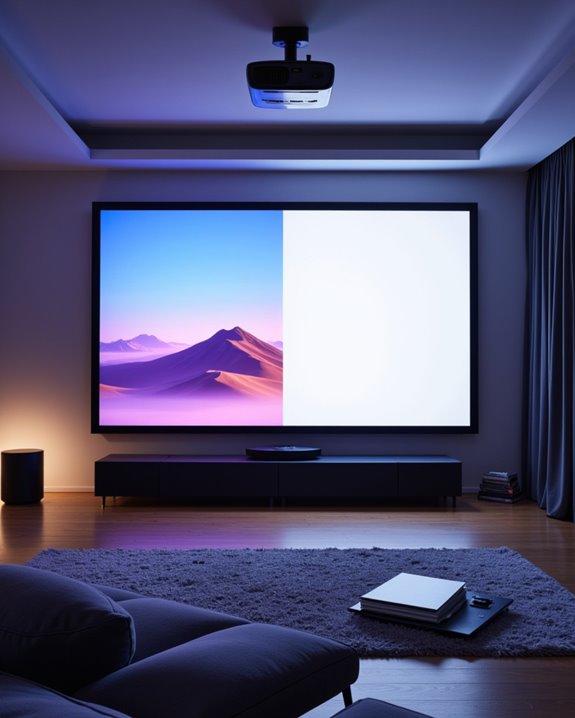
Understanding the difference between native and supported aspect ratios proves essential for achieving ideal image quality in projection systems. The native aspect ratio represents a projector’s built-in display format, which typically aligns with its physical resolution for perfect performance. Modern projectors often feature both lens shift capabilities and color calibration options to enhance image quality across different formats. Scaling engines have improved significantly, making scaled content appear nearly as good as native resolution content. Additionally, the environmental setup can influence how well different aspect ratios are displayed, especially when considering ambient light and screen surface quality.
While a projector’s native aspect ratio remains fixed, many devices support multiple aspect ratios through scaling and adjustment features. For example, a projector with a 16:9 native ratio can display 4:3 content by adding black bars on the sides. This versatility allows users to view various content types without significant distortion, though the best image quality always occurs when displaying content that matches the projector’s native aspect ratio.
Recommended Products

Excellent display effect: The projection screen has a high reflectivity, which can present a high definition and saturated picture, making the projection effect more excellent.

Size and Aspect Ratio: 16:9 aspect ratio, 100 inch diagonal screen size 87 x 48.82 inch. Product Weight: 25.4 lbs

【Projector Screen Outdoor】 - 100inch projector screen and stand, 16:9 Ratio, 160° Wide Viewing Angle, the outdoor movie screen is designed for providing sharp and high-resolution images, enriched colors and watching experience from different viewing position
How Projectors Handle Aspect Ratio Changes
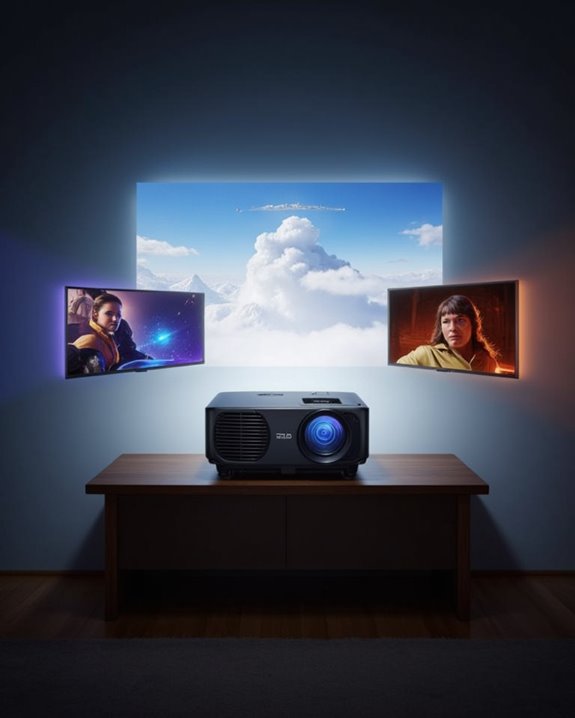
Three primary mechanisms allow projectors to handle aspect ratio changes effectively: scaling technology, lens shift capabilities, and keystone correction features. Screen calibration plays a vital role in ensuring content displays correctly without unwanted image stretching.
When content aspect ratios differ from the screen’s native format, projectors automatically adjust the display. This adjustment may result in black bars appearing above and below or on the sides of the image to maintain proper proportions. Modern projectors use advanced chipsets and lenses specifically designed to handle various aspect ratios, from standard 4:3 to widescreen 16:9 formats.
The throw distance between projector and screen impacts aspect ratio management, requiring careful placement and adjustment to achieve maximum image quality. Some projectors include automatic features that detect and adjust to content formatting changes seamlessly. High-end projectors now include lens memory features that allow users to switch between different aspect ratios with the push of a button.
Recommended Products

【Plug & Play】This Will to HDMI converter is no drivers or complex settings required. Simply plug the Wii console into this built-in HDMI adapter and enjoy instant gaming on modern TVs or monitors. The 1.5m cable adds flexibility to your setup without extra purchases

[INDUSTRIAL-STRENGTH MAGNETIC GRIP] - Armed with high-performance Neodymium magnets, this magnetic outdoor projector screen locks onto your vehicle with a bulletproof hold. Engineered to stay securely anchored even if the evening breeze picks up, it ensures your movie night remains completely uninterrupted.

SIZE: 100-inch Diagonal 4:3 Aspect Ratio. View Size: 59.8" H x 79.9" W. Overall Size: 63.1" H x 87.1" W. White Case
Benefits of Adjustable Aspect Ratios
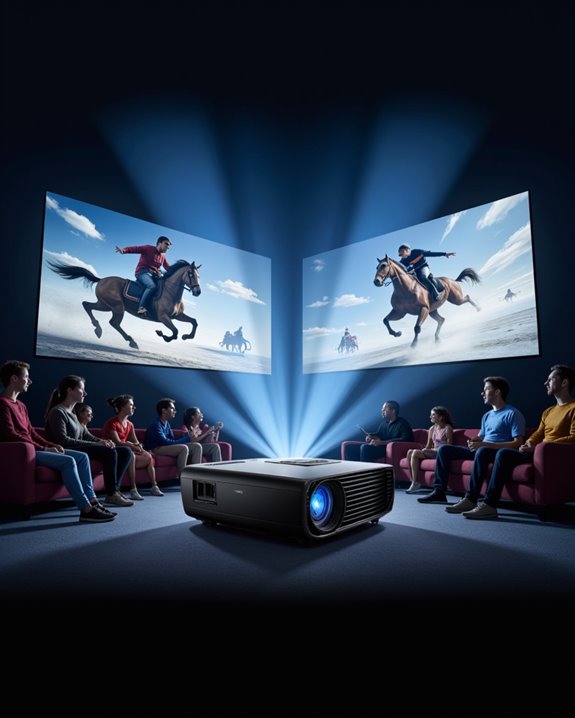
Adjustable aspect ratios represent one of the most valuable features in modern projection technology, offering users unprecedented flexibility in displaying various content formats. These systems enhance the viewing experience by eliminating black bars and maintaining ideal image quality across different content types. The technology seamlessly integrates with color calibration and audio synchronization features, ensuring a complete multimedia experience. Modern projectors like the XGIMI HORIZON Ultra utilize Intelligent Screen Adaption to automatically optimize aspect ratios for different content.
The benefits extend beyond basic functionality, offering significant cost advantages and operational convenience. Users can easily switch between formats like 4:3, 16:9, and 2.35:1 without compromising image quality. The feature’s long-term value is evident in its ability to accommodate future content formats, reducing the need for frequent upgrades. Professional users particularly benefit from the enhanced presentation capabilities, making these projectors versatile tools for both entertainment and business applications.
Technical Limitations and Solutions
While modern projectors offer impressive display capabilities, they face several technical constraints that can affect image quality and viewing experience. Primary limitations include the projector’s native resolution, which determines how well it can display different aspect ratios without image distortion. When content doesn’t match the projector’s native format, scaling occurs, potentially compromising color accuracy and overall clarity. Modern projectors like XGIMI models feature ultra-short throw capabilities that help overcome some placement limitations.
Common technical challenges include:
- Resolution dependencies that affect image quality when switching between formats
- Physical limitations of lens adjustment mechanisms
- Processing power required for real-time aspect ratio conversion
- Screen compatibility issues with non-standard formats
To address these limitations, manufacturers implement various solutions, such as advanced scaling algorithms and automatic format detection. These features help maintain image quality while accommodating different content types, though some compromise in picture quality may still occur.
Recommended Products

[ Built-in Official Licensed Google TV ] - Without additional equipment, the smart projector can directly access Netflix, Prime Video, YouTube, Hulu, and other applications. It greatly reduces the complexity of operation and makes watching movies more convenient
![[Officially-Licensed App & Auto Focus]White Smart Mini Projector with WiFi and Bluetooth, XuanPad 4K Support Movie Projector, Portable Native 1080P Outdoor Projector with 360° Stand](https://m.media-amazon.com/images/I/51I8uy-U8bL._SL500_.jpg)
Exciting Moments Begin - The XuanPad mini projector compatible with Netflix for the ultimate viewing experience.No extra devices or complicated setup needed—just enjoy instant access to a vast library of movies with immersive, smart TV-like quality.XuanPad smart projectors are compatible with a variety of built-in apps like YouTube and Prime Video, and support for wireless screen mirroring and HDMI. Whether it's movie night, a gaming session, or camping, our licensed projectors can meet your customized entertainment needs.
![Outdoor-Projector-4K [VIDAA Live TV/40W Dolby/920 ISO] with WiFi6 and Bluetooth Compatible with Netflix, Smart Projector, AI Voice Control & Auto Focus, HDR10, Movie Proyector for Ceiling Home Theater](https://m.media-amazon.com/images/I/51R8227Xr5L._SL500_.jpg)
【2026 No.1 Fast VIDAA OS | Cloud Storage & Data Security】The upgraded X9 PRO 4k projector builds on the classic X9 proyector with superior speakers, higher brightness, and the exclusive VIDAA OS—designed to feel like a smart TV but perform even smoother. Unlike standard Android or Google TV projectors, VIDAA stays fast and stable over months of heavy use, with zero lag. It includes cloud storage to keep local memory free, and no data tracking, no targeted ads, and no personal collection. Kids mode with enhanced privacy protection. Whether at home, camping, or watching live sports, you get a secure, distraction‑free cinema experience every time
Best Practices for Aspect Ratio Management
Managing aspect ratios effectively requires a systematic approach that combines technical knowledge with practical implementation. The process starts with selecting the right screen format for the intended content type, ensuring proper room configuration, and optimizing viewing distances. Color calibration and ambient lighting control work together with aspect ratio settings to deliver the best possible image quality. Most modern content creators format their media in 16:9 widescreen to match current display standards.
Key practices include:
- Matching the projector’s native resolution to content whenever possible
- Using zoom presets for quick shifts between aspect ratios
- Maintaining proper viewing angles (around 36 degrees horizontal)
- Installing screens at seated eye level
- Implementing custom resolution settings when needed
For maximum effectiveness, these adjustments should account for both the physical space constraints and the primary content type being displayed.
Future Trends in Projector Aspect Ratio Technology
The evolution of projector aspect ratio technology is rapidly advancing toward more intelligent and versatile solutions. Modern projectors increasingly feature content customization options that automatically adjust display settings based on input sources. Manufacturers are incorporating artificial intelligence and Internet of Things (IoT) capabilities to enhance projection calibration and viewing experiences. Short-throw projectors offer exceptional flexibility for adapting aspect ratios in space-constrained environments.
Future projectors will support ultra-high resolutions up to 8K and 16K, allowing for seamless transitions between different aspect ratios without quality loss. Smart home integration and voice control features are making aspect ratio adjustments more user-friendly, while AI-powered systems can detect and optimize display settings for specific content types. Multi-device connectivity is also expanding, enabling users to stream content from various sources while maintaining optimal aspect ratios for each format.
Frequently Asked Questions
Can Changing Aspect Ratios Frequently Damage My Projector’s Internal Components?
Frequent aspect ratio adjustments generally won’t damage internal components. However, extensive projector lens calibration can cause mechanical wear over time. Modern projectors are designed with internal component durability to handle regular aspect ratio changes.
Does Ambient Room Lighting Affect How Well Different Aspect Ratios Display?
Like a cloud dimming the sun, ambient lighting affects overall image quality and color accuracy, but doesn’t directly impact how aspect ratios are displayed. The geometric proportions remain consistent regardless of room lighting conditions.
Which Screen Materials Work Best for Frequently Switching Between Aspect Ratios?
Tab-tensioned matte white screens offer ideal aspect ratio flexibility and screen material compatibility. Their neutral gain around 1.1 maintains consistent performance across formats while preventing distortion, making them ideal for frequent format switching.
How Do Curved Projection Screens Impact Aspect Ratio Adjustments?
Like a flexible dancer adapting to different choreographies, curved screens gracefully accommodate aspect ratio changes. However, they require precise projector adjustments and may need specialized lenses to maintain proper image geometry across the curve.
Do Wireless Streaming Devices Affect a Projector’s Aspect Ratio Switching Capabilities?
Wireless streaming devices generally don’t impede aspect ratio switching, though wireless interference can affect signal stability. The projector maintains its native capability to adjust aspect ratios regardless of the streaming source’s connection method.