As an Amazon Associate, we earn from qualifying purchases. Some links on this site are affiliate links at no extra cost to you. Our recommendations are based on thorough research and editorial judgment.

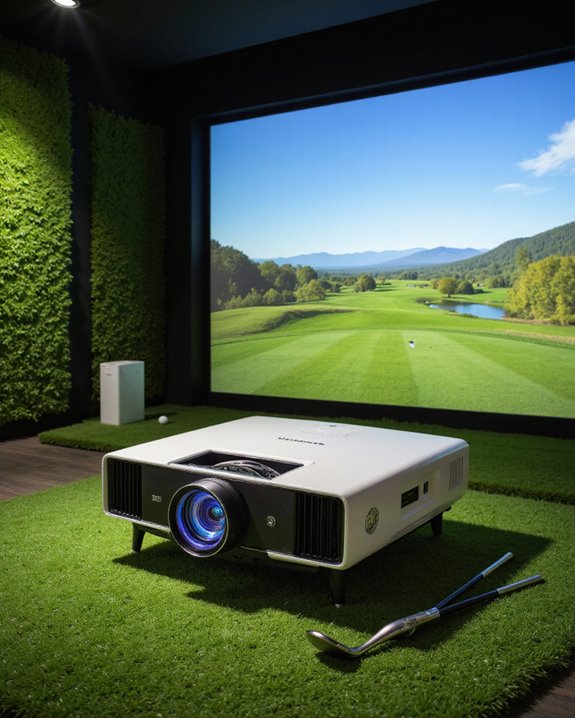
Can You Use Any Projector for a Golf Simulator?

Not every projector is suitable for a golf simulator. A proper setup needs a projector with at least 3,000 ANSI lumens for brightness (how well the image shows in light), a resolution of 1080p or higher for clear visuals, and an aspect ratio—4:3 maximizes height, 16:9 provides a wider view. Short throw projectors (can create big images from a short distance) work better in tight spaces. Brand reliability and sound options also matter; further details show how to match the right features.
Key Takeaways
- Not all projectors are suitable; golf simulators require high brightness (at least 3,000 lumens) and sharp resolution for clear, visible images.
- The projector’s aspect ratio and throw distance must match your simulator screen size and room dimensions to avoid image distortion or shadowing.
- Short-throw projectors are preferred for golf simulators, allowing large images from close range and minimizing interference with swings.
- Reliable HDMI or wireless connectivity is essential to integrate seamlessly with launch monitors and simulation software.
- Choosing a reputable brand with good warranty, low noise, and easy maintenance ensures long-term reliability and a better simulation experience.
Understanding Projector Brightness and Resolution Needs
You may be interested
When selecting a projector for a golf simulator, brightness and resolution are the two most critical factors to guarantee a clear and lifelike image. Brightness, measured in ANSI lumens, should be at least 3000 lumens for smaller or dimly lit rooms. Larger screens or spaces with more ambient light require 4000–5000 lumens to avoid washed-out visuals. High brightness is necessary because projectors cannot produce true blacks, so images may appear faded if the lumen level is too low. Resolution, such as 1080p (Full HD) or WUXGA (1920×1200), ensures sharp details and enhances color accuracy, making golf courses and ball flight more realistic. Also, a lower noise level is desirable to prevent distractions during play, supporting an immersive golf simulation environment. Additionally, incorporating advanced smart features can improve connectivity and ease of setup, ensuring a seamless gaming experience.
Recommended Products

[Smart Projector with Built-in Streaming Apps]GooDee’s outdoor projector features an intelligent system deeply integrated with the global streaming ecosystem. Stream your favorite content directly via certified HDCP compliance, with one-click access to top streaming apps such as YouTube and other popular platforms, offering over 1,200,000+ videos. Built-in browser & App Store for personalized entertainment. Improved smoothness, stability, and responsiveness over previous generations. Regular updates ensure security, reliability, and the latest features

[True 2200 ANSI & 4K HDR: Cinematic Golf & Home Theater]Powered by 2200 ANSI Lumens, 4K HDR10, and 6-color LED technology, this high-brightness projector delivers realistic fairway textures, rich contrast, and vivid course details—even in illuminated garages or basements. Enjoy true-to-life colors and cinematic clarity for both golf simulations and movie nights.

High Brightness FHD Laser Projector: Experience sharp visuals with native 1080p (1920x1080p) resolution and a 1.1-1.5 throw ratio; providing consistent clarity for professional-grade presentations and high-definition video content
Matching Aspect Ratio and Screen Size for Optimal Performance
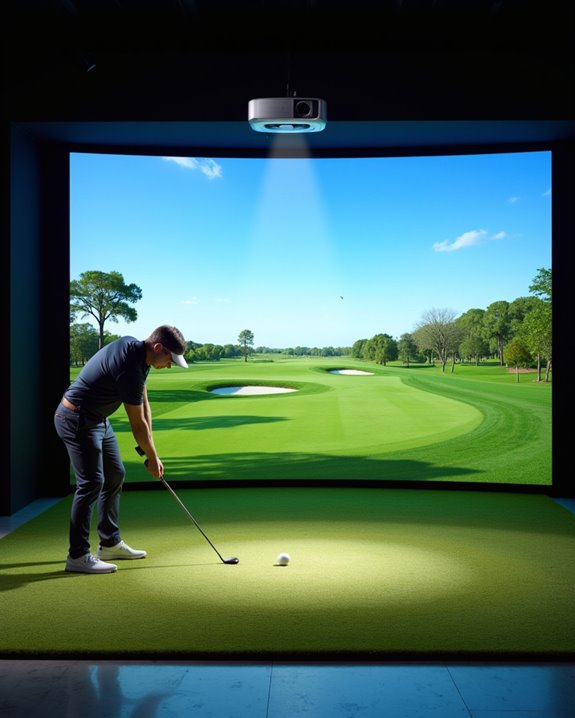
Selecting the correct aspect ratio and screen size is essential for achieving ideal performance in a golf simulator setup. Aspect ratio refers to the shape of the projected image, such as 4:3 (tall and square) or 16:9 (wide and rectangular). For small or narrow rooms, a 4:3 aspect ratio maximizes height, while a 16:9 aspect ratio fits wider spaces and enhances realism. Screen size is equally important; a height of 10 feet is often *preferable*, with widths of 12 feet for single players and 15 feet for both right- and left-handed golfers. Key considerations include:
- Matching the projector’s aspect ratio to the screen to avoid image distortion
- Selecting screen material compatible with the projector’s brightness and throw ratio
- Customizing for room dimensions when necessary
- The screen material, such as wrinkle-free polyester milk silk, supports vibrant, crisp images and supports both front and rear projection, ensuring optimal visual quality in your golf simulator.
Recommended Products

Professional Golf Impact Screen:Aerixtron’s 3D mesh impact screen offers ultra-clear HD projection, efficient sound absorption, and superior impact resistance. Withstands 200mph high-speed shots, professionally tested for 100,000 impacts. 5X longer service life than standard screens—reliable for seasoned golfers and venue operators.

Premium Impact-Resistant Material: Made from high-quality flannel fabric with a durable construction, this golf simulator impact screen is designed to withstand repeated ball strikes while resisting wear and tear. The reinforced frame structure helps improve stability and provides long-lasting performance for home golf practice.

Durable Structural Design: The Keoltuo Golf Impact Screen is made of thickened 3D air mesh polyester fiber material, and the stainless steel grommet at the edges have also been reinforced, which makes the screen very durable and able to withstand the force of real golf balls. It will give you enough confidence, even if you swing a golf ball on the screen at a speed of 200 mph, it can withstand the impact of approximately Tens of thousands of times hits.
Key Features That Impact Golf Simulator Compatibility
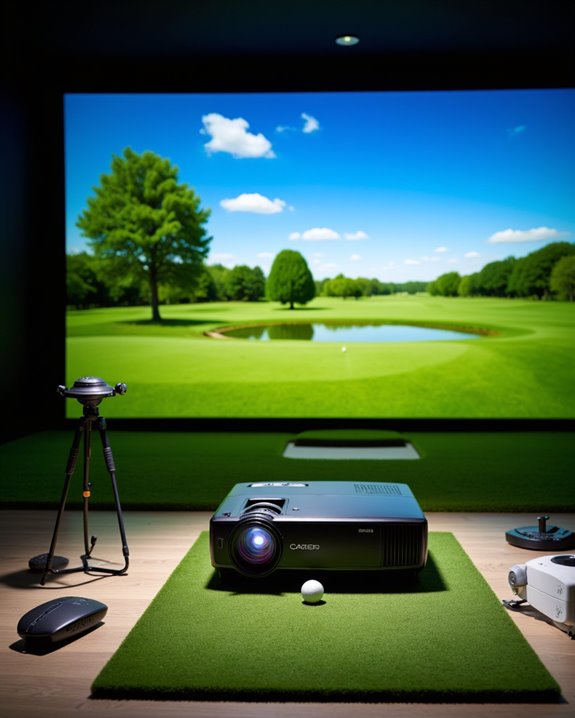
Achieving ideal performance in a golf simulator depends heavily on several key projector features, each shaping both image quality and overall usability. Brightness, measured in lumens, is critical; a projector should offer at least 2,500 lumens for areas with ambient light, while 3,000+ lumens provide perfect clarity. Resolution is equally essential—1080p is recommended, but 4K projectors deliver sharper visuals. Short throw projectors, with a throw ratio of 0.4–0.8, allow for close placement and large image projection. Screen calibration ensures the projected image matches the simulator screen’s size and shape accurately. Reliable HDMI connectivity supports launch monitor integration, while some models include wireless options. Brightness levels in projectors are vital to ensure clear visuals even in well-lit rooms, making high lumen output especially beneficial for golf simulators. Audio integration, though less emphasized, can enhance the simulation experience when external speakers are not used.
Recommended Products

Eco-Friendly Design

UNPARALLELED PICTURE QUALITY: TV Projector, comes with Native Full HD 1080p Resolution, 92% Rec. 709 Color Accuracy, 3000 Lumens and high native contrast ratio for the ultimate immersive cinematic and gaming experience.

Considering Installation, Environment, and Maintenance
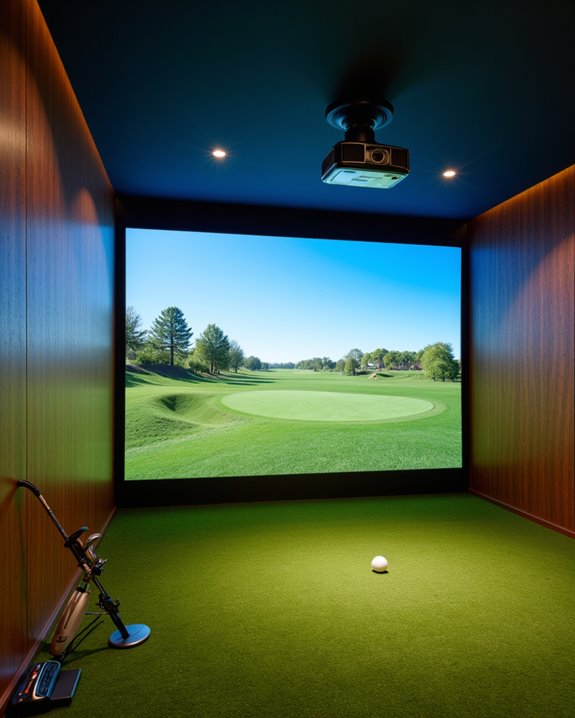
Although many projectors can display images on a screen, not all are suitable for golf simulators due to unique installation, environment, and maintenance needs. Projector mounting is critical—ceiling mounts, commonly used, place the projector above and behind the hitting area to prevent shadows and accidents but can make maintenance, like cleaning or adjustment, more difficult. Environmental factors such as room size, ambient light, and ventilation affect projector selection. For example:
- Short-throw projectors work best in smaller rooms.
- Rooms with bright light need projectors with at least 3000–4000 lumens for clear images.
- Adequate cooling and sealed optics help prevent dust buildup and overheating.
Routine maintenance, including filter cleaning and software updates, is necessary to ensure continued performance and accurate play simulation.
Recommended Products

FLOOR MOUNT COVER: Turf edition cover blends in with your sim setup; Avoid the cost and headaches of ceiling mounting your golf sim projector (additional hardware, wiring, contractors) and instead place it on the ground and safely protect it

Short Throw WXGA Projector: Experience crisp visuals with WXGA (1280x800p) resolution and a 0.5 throw ratio; ideal for projecting large, clear images in classrooms or small meeting rooms without shadows

Short Throw XGA Visuals: Deliver reliable XGA (1024x768p) resolution with a 0.6 throw ratio; perfect for standard business presentations and classroom instruction in compact environments
Evaluating Cost, Value, and Brand Reliability
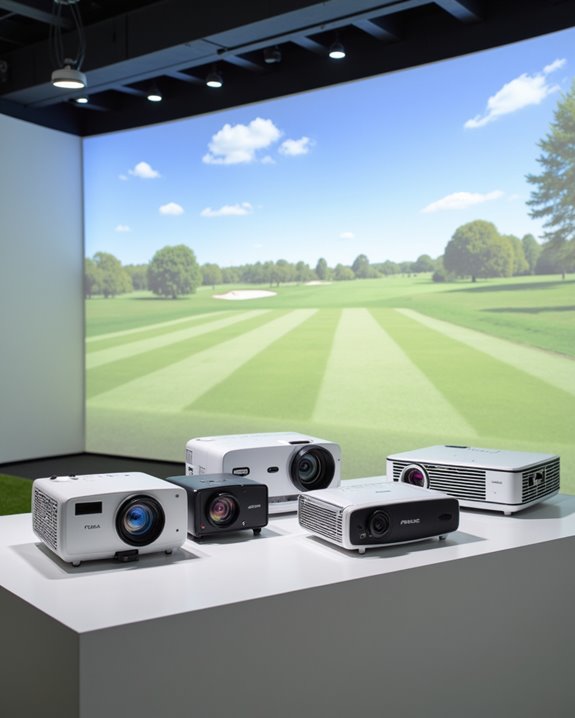
The total cost of a projector for a golf simulator depends mainly on three factors: resolution, brightness, and light source technology. High-resolution models, such as 4K UHD, deliver sharper images for larger screens, but cost more than standard 1080p options. Brightness, measured in lumens, affects visibility; 3,000 to 4,000 lumens are ideal for most simulator rooms. Laser projectors cost more up front than LED, yet offer longer lifespan and better brightness consistency. Value also hinges on projector mounting options and sound integration—features that help maximize space efficiency and immersive experience. Brands like BenQ, known for simulation projectors, provide reliability, extensive warranties, and technical support. Choosing a reputable brand guarantees advanced features like lens shift and keystone correction for precise alignment.
Recommended Products
High Brightness DLP Lamp Projector: Deliver clear visuals for essential presentations with SVGA (800x600p) resolution and a 1.9-2.1 throw ratio; providing a dependable solution for basic classroom and office needs

【Golf Simulator Projector Enclosure】A practical and cost-effective alternative to ceiling mounts. This floor-mounted projector cover lets you conveniently position your golf simulator projector on the ground while providing reliable protection from impacts and mishaps.

Full HD Home Theater Performance: Immerse yourself in cinematic FHD (1920x1080p) resolution with a 1.5-1.6 throw ratio; powered by 3,700 ANSI lumens to maintain vibrant visuals in living rooms with moderate ambient lighting
Frequently Asked Questions
Can I Use a Projector Outdoors for a Golf Simulator Setup?
While outdoor use is not without its gentle complexities, one may set up a projector for a golf simulator outside, provided outdoor lighting is addressed with sufficient projector brightness, weather-resistant housing, and proper installation to guarantee ideal performance.
Do Projectors for Golf Simulators Need Special Screens?
Special screens are necessary for golf simulators, as they must withstand ball impact and display high-quality images. Projector brightness and projector resolution are optimized when using durable impact screens matched to the projector’s specifications and aspect ratio.
Will a Projector Work With a Curved Golf Simulator Screen?
Projection compatibility with a curved golf simulator screen depends on the screen’s curvature and aspect ratio. Curved screen viability improves with advanced projectors, edge blending, and calibration, while mild curves may accommodate standard projectors with careful setup.
Can I Connect a Projector Wirelessly to My Simulator Computer?
Wireless connectivity enables a projector to connect to a simulator computer without physical cables, enhancing flexibility in projector placement. Wireless HDMI transmitters or built-in Wi-Fi features can simplify setup, though potential interference may affect performance and reliability.
How Do I Prevent My Projector From Being Hit by Golf Balls?
To prevent a projector from being hit by golf balls, users should prioritize secure projector mounting and invest in ball impact protection, such as floor-mounted or ceiling-mounted enclosures made from durable materials like ABS plastic or HDPE.