As an Amazon Associate, we earn from qualifying purchases. Some links on this site are affiliate links at no extra cost to you. Our recommendations are based on thorough research and editorial judgment.

Which Projector Is Best for Classroom Use?

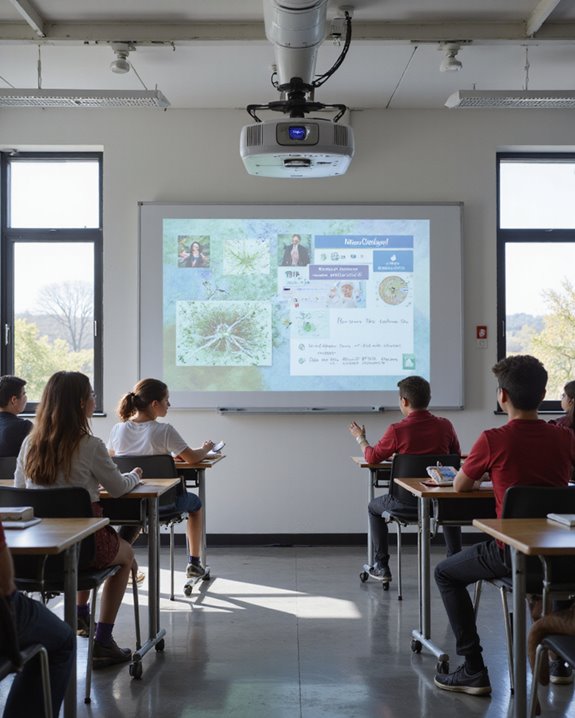
The best projector for classroom use offers at least 3,000 ANSI lumens—an industry standard for brightness that guarantees clear, readable images even with lights on. Look for native 1080p resolution for sharp text, plus multiple connectivity options like HDMI and wireless casting. Models with IP5X dust resistance and sealed optics last longer with less maintenance. Integrated 10-watt speakers provide adequate sound for standard classrooms. Comparing top models and feature sets helps schools meet specific space and lesson needs—more details follow below.
Key Takeaways
- Choose a projector with at least 3,000–5,000 ANSI lumens for clear visibility in classrooms with ambient light.
- Opt for native Full HD (1080p) or higher resolution to ensure sharp text and detailed educational visuals.
- Ensure multiple connectivity options like HDMI, USB, and wireless casting for flexible device integration and easy setup.
- Select models with dust-resistant features (e.g., IP5X) for durability and reduced maintenance in busy school environments.
- Prefer projectors with built-in speakers of at least 10 watts for clear, audible sound throughout the classroom.
Brightness and Visibility Requirements
How does a projector’s brightness influence what students see in a classroom? Brightness, measured in ANSI lumens, directly affects visibility, especially as projection distance and screen resolution increase. For small classrooms, 3,000–4,999 lumens maintain clear images, while medium-sized rooms benefit from 5,000–6,999 lumens for ideal clarity. Large lecture halls may require over 7,000 lumens to guarantee legibility from every seat. Key considerations include:
- Higher brightness combats ambient light, keeping images vivid.
- Projection distance—the space between projector and screen—requires more lumens as the distance grows.
- Larger screen sizes demand greater brightness for eye comfort and sharpness.
- Screen resolution, or pixel density, appears clearer when paired with adequate brightness.
- The brightness levels of high-lumen projectors like 5000 ANSI lumens support versatile environments, ensuring clear images even in well-lit spaces.
Sufficient brightness ensures that every student, regardless of seating, can view projected content clearly.
Recommended Products

High Brightness DLP Lamp Projector: Deliver clear visuals for essential presentations with SVGA (800x600p) resolution and a 1.9-2.1 throw ratio; providing a dependable solution for basic classroom and office needs
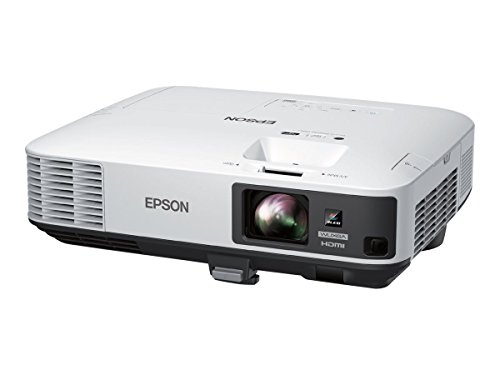
Far more accurate color with Epson — 3LCD, 3-chip technology for 3x Higher Color Brightness (1) and up to 3x Wider Color Gamut (3) than competitive DLP projectors

High-Performance Full HD Projector: Deliver sharp, detailed visuals with native FHD (1920x1080p) resolution and a 1.4-1.6 throw ratio; providing professional-grade clarity for any space including offices and classrooms
Resolution and Image Quality for Educational Content
Clear, detailed visuals are as important as brightness when using projectors for classroom learning. The resolution impact on image detail can shape students’ comprehension and engagement. Resolution refers to the number of pixels displayed; higher resolutions, such as 1080p (1920×1080) or 4K (3840×2160), offer sharper images and clear text, compared to entry-level 720p (1280×720). Key image quality factors include:
- Contrast ratio: Higher ratios, like 3700:1, enhance detail visibility.
- Color accuracy: Essential for subjects needing precise color representation.
- Luminance: Affects visibility but must suit room lighting.
- Native resolution: Delivers ideal image detail, unlike supported (scaled) resolutions.
For larger screens or STEM subjects, higher resolutions reduce errors and improve legibility, but budget and content type should guide the final choice. Additionally, native resolution plays a crucial role in ensuring consistent image clarity without distortion or scaling artifacts.
Recommended Products

Upgraded 1080P Full HD: PJ108 Portable Projector adopts the 2025 latest Projection Technology and LCD color calibration and high light transmittance with native 1920x1080P resolution, 10000:1 high dynamic contrast ratio, shows a more clearer, brighter, and richer picture. Video projector Combining an innovative high-refraction 7 layers glassed lens, this 4K projector brightness rating of 180ANSI, have a longer service life
![Projector with WiFi and Bluetooth: [Auto Focus/Keystone] - NICPOW Full HD 1080P 4K Supported Portable Bluetooth Projector for Gaming Devices and Phones - Ideal for Indoor Outdoor Use - Grey](https://m.media-amazon.com/images/I/51JE43hvCqL._SL500_.jpg)
[ Unleash Stunning Visuals ] This movie projector has true 1080P HD (2.07 million pixels) and 4K decoding support (requires 4K content). Games look sharp with crisp details, movies feel like theater-grade quality, and shows burst with vivid colors – every scene looks lifelike, free from blurry edges, with vibrant hues and clear contrasts between dark and bright areas. Perfect for your living room wall or home theater setup
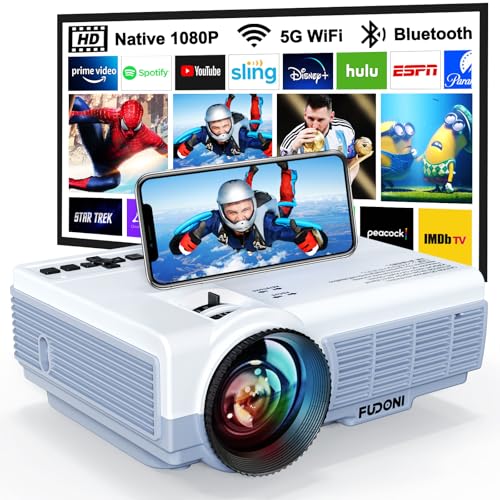
【5G WiFi + 5.3 Bluetooth: Seamless Connectivity for Any Space】 Dual-band 5G+2.4G WiFi ensures lag-free streaming (3x faster than 2.4G) with a connection speed of 5 seconds. Bluetooth 5.3 pairs effortlessly with external speakers/headphones for immersive home theater audio or outdoor party sound. Includes HDMI/USB/VGA ports for laptops, gaming consoles, streaming sticks (Roku/Chromecast), and classroom or office devices.
Connectivity and Ease of Use in the Classroom
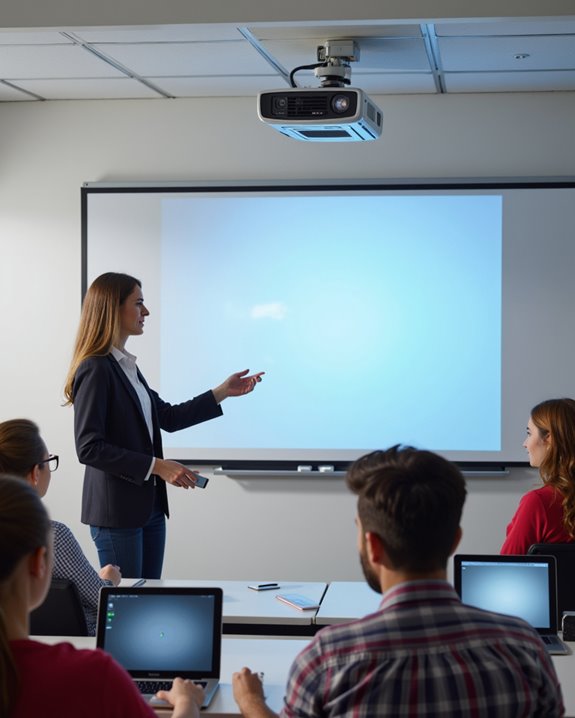
When selecting a projector for classroom use, connectivity and ease of use are primary concerns, as they directly affect lesson flow and teacher flexibility. “Connectivity” refers to the methods by which devices link to the projector, including HDMI (High-Definition Multimedia Interface), USB (Universal Serial Bus), and wireless options. Wireless compatibility is essential, especially in bring-your-own-device (BYOD) environments, allowing multiple devices to connect without extra software. Key features include:
- Network capabilities for remote management
- Wireless casting options, such as AirPlay and Chromecast, for seamless content sharing
- Centralized content control for streamlined teaching
- Setup features like auto focus and keystone correction support quick and easy installation, reducing setup time and technical difficulties during lessons.
Effective cable management systems reduce clutter, improving classroom safety and aesthetics. Intuitive menu systems and robust remote controls further enhance user experience. Quick start-up and flexible mounting options also support smooth classroom operation.
Recommended Products

328FT/100M Ultra-Long Range & 5G+2.4G Dual-Band Transmission:The FUTUREAGLE S8 Wireless HDMI Transmitter and Receiver delivers a powerful wireless range of up to 100 meters (328 feet), allowing you to break free from cable clutter and arrange your devices with flexibility. The advanced LDS technology significantly enhances signal penetration and reception, ensuring stable transmission even in large spaces like conference rooms, classrooms, or spacious living rooms. Furthermore, our versatile hdmi transmitter supports 5GHz & 2.4GHz dual-band transmission, providing strong anti-interference capability and reliable signal performance for both indoor and outdoor use.
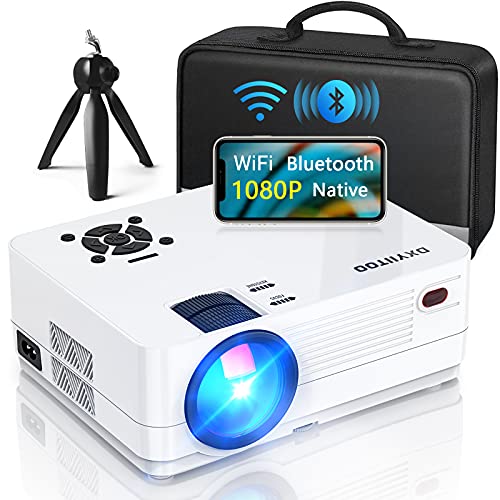
【2.4G/5G WiFi & Airplay & Screen Mirroring】Dxyiitoo WiFi projector supports the "Airplay" function and "Screen Mirroring" function when connected to a phone.it supports the iOS and Android systems. you can play on your phone when using the "Airplay" function to project the phone app's video. and you won't miss any screen operations when using the "Screen Mirroring". It supports data cable/lightning connection, also supports WIFI or hotspot connection

【2 in 1 USB Type C Receiver & Magnetic Storage Design & NO APP】Plug & Play,2.4GHz.Our wireless presentation clicker is equipped with 2 in 1 USB Type C receiver compatibility with MAC,Laptops,PC,Computer.A multifunctional PPT click gadget for users using newer devices. Needn't to purchase a new slide clicker if you changed your device. The 2.4GHz dongle is magnetically stored at the bottom of the power point clicker,our wireless presenter remote is ideal for professional and educational settings
Durability and Maintenance Considerations
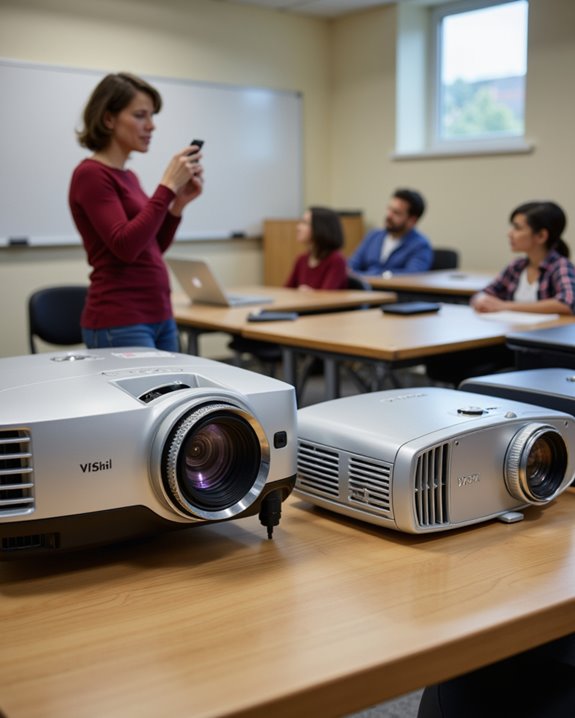
Projector durability and maintenance are critical factors that influence long-term performance and cost in classroom environments. Dust resistance is essential, as dust buildup—common in schools with open windows or nearby playgrounds—can damage sensitive parts like the color wheel sensor, leading to image flicker, shutdowns, and increased maintenance costs. Projectors designed with sealed optical paths and high airflow protect internal components, reducing dust intrusion and extending lifespan. Key features for maintenance convenience include:
- IP5X-rated (Ingress Protection) dustproofing for classroom resilience
- Easy-access filter and lamp replacement
- Lowered brightness settings (70-80%) to decrease heat and wear
Selecting models that offer robust dust resistance and user-friendly maintenance reduces downtime and total cost of ownership, making them better suited for busy academic settings.
Audio Performance for Engaging Lessons
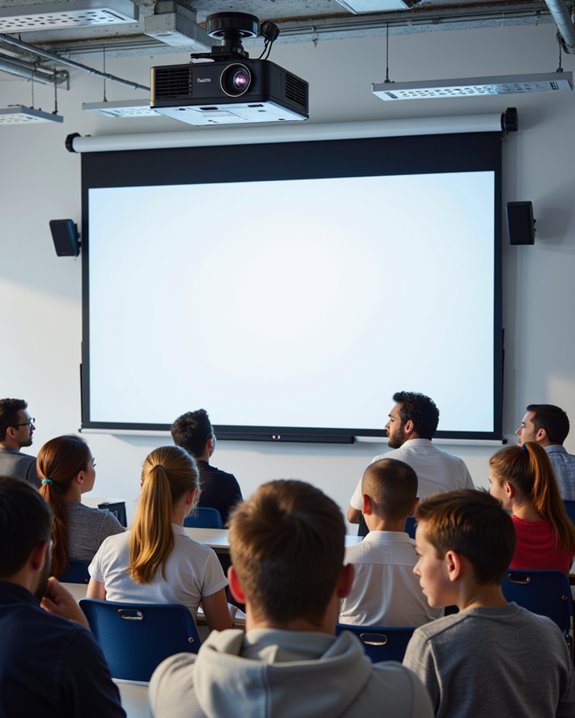
How does audio performance impact classroom engagement? Clear, powerful audio helps guarantee every student hears and understands the lesson, especially when multimedia is used. Many modern projectors include built-in speakers, commonly rated at 10 watts, which can fill an average classroom. Audio clarity, or how distinct and undistorted the sound is, makes lessons more engaging. Ergonomic design, such as remote volume controls and easy-to-access audio outputs, streamlines classroom use. Wireless connectivity allows teachers to play audio from laptops or tablets without extra cables. Features to contemplate include:
- 2.1 channel audio (with subwoofers for better bass)
- Vibration-reducing speaker housing
- Stereo mini jack outputs for external speakers
Proper projector placement and student feedback further optimize sound. Audio performance, alongside visual clarity, is essential for engaging lessons.
Comparing Price and Long-Term Value
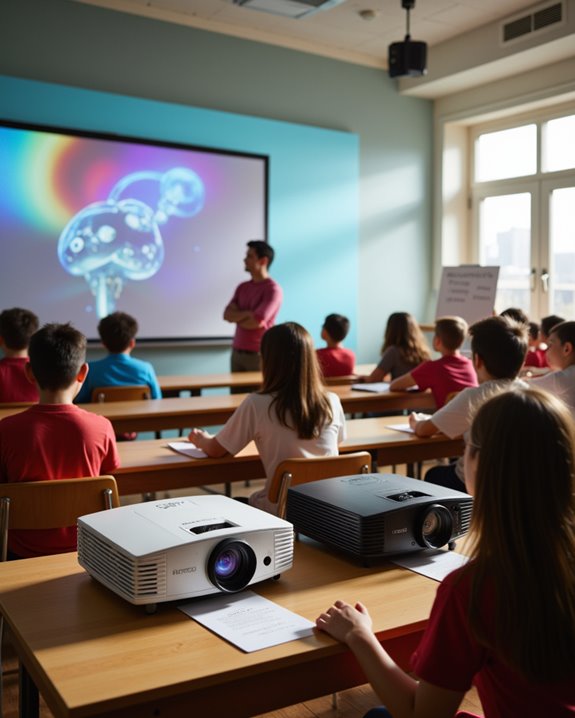
Selecting a projector for classroom use requires balancing initial price with long-term value. Cost effective options include entry-level projectors starting at $99, featuring 4,000-hour lamp lifespans, but require bulb replacements. Mid-range models, such as the ViewSonic LS630W at $750, use laser light sources lasting over 20,000 hours, reducing maintenance and improving return on investment. High-end options, while expensive—like the LG ProBeam BU70QGA at $5,499—offer 4K resolution and enhanced durability for specialized needs. Brand reliability plays a vital role, as established manufacturers like Epson, BenQ, and ViewSonic provide consistent quality and longer warranties. Educators should consider:
- Lamp vs. laser lifespan
- Replacement costs
- Brightness and resolution for classroom size
Prioritizing long-term savings often favors laser projectors despite higher upfront costs.
Recommended Products

High Brightness FHD Laser Projector: Experience sharp visuals with native 1080p (1920x1080p) resolution and a 1.1-1.5 throw ratio; providing consistent clarity for professional-grade presentations and high-definition video content

Uses the 3LCD technology for uncompromising and powerful display

Creative Control at Your Fingertips: Wirelessly connect to the mobile app to design custom 3D animations. Draw your own patterns, use simple pattern recognition, or enter text—plus choose from over 200 built-in effects, all within a 32ft range. (Whether it's SALA or any other, they all use the same APP to control the laser lights, and there is no difference in version or function, and this app can currently only create simple patterns)
Top Projector Models Recommended for Schools
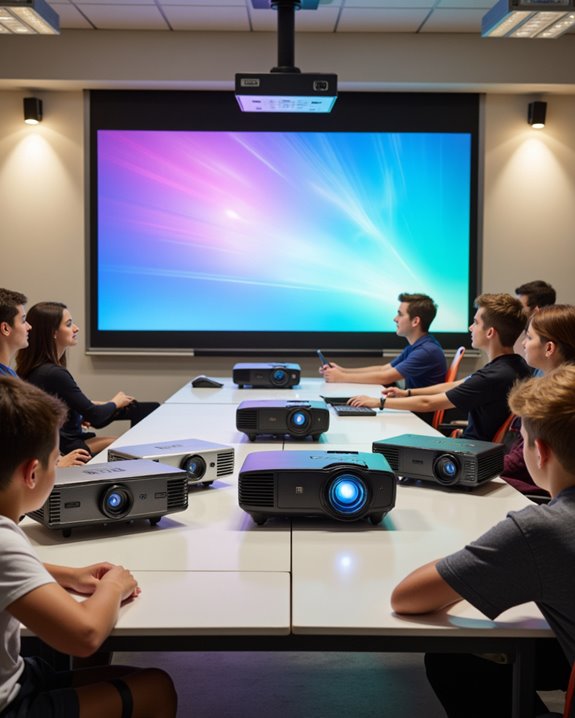
When weighing long-term value against initial cost, schools benefit most from projectors that combine high brightness, reliable performance, and low maintenance. Among top recommendations, the Epson PowerLite 109W delivers 4,000 lumens and WXGA resolution, ensuring clear projection even in well-lit rooms. High-brightness laser projectors, including 2026–2026 models, offer 4,000–5,000 lumens, advanced color accuracy, and longer-lasting laser light sources for reduced upkeep. These models support installation flexibility due to a range of throw distances, from 1.1 to 5 meters. The BenQ MW536 stands out with SmartEco mode and dual HDMI, while the Nebula Cosmos Laser 4K provides immersive audio and exceptional visual detail. Popular classroom projectors often feature Full HD resolution, enhanced color modes, and versatile connectivity for diverse lesson needs.
Recommended Products
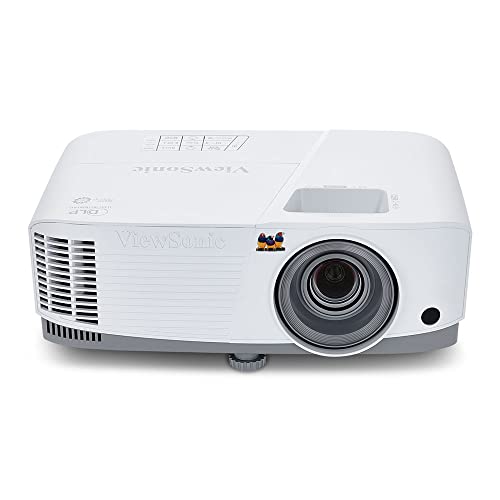
High Brightness DLP Lamp Projector: Deliver crisp text and vibrant images with WXGA (1280x800p) resolution and a 1.5-1.7 throw ratio; ideal for professional presentations and collaborative tasks in any workspace
Short Throw XGA Visuals: Deliver reliable XGA (1024x768p) resolution with a 0.6 throw ratio; perfect for standard business presentations and classroom instruction in compact environments

Experience true-to-life colors thanks to the 3LCD, 3-chip technology
Frequently Asked Questions
Can Projectors Be Ceiling-Mounted in All Classroom Settings?
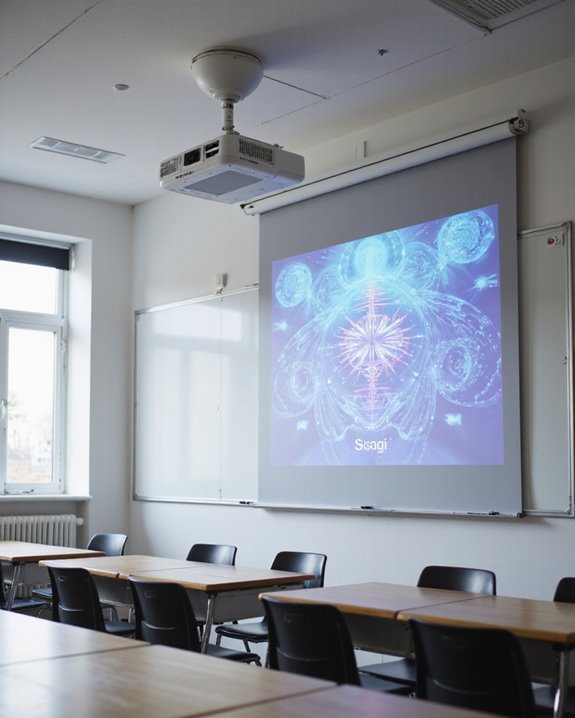
Projectors cannot be ceiling-mounted in all classroom settings due to varying mounting options and ceiling fixtures. Structural integrity, ceiling type, and accessibility influence feasibility, so careful assessment of mounting options and compatibility with existing ceiling fixtures is necessary.
What Safety Precautions Should Teachers Follow When Using Projectors?
Teachers should avoid electrical hazards by using surge protectors and managing cables neatly. Proper ventilation is essential to prevent overheating. They should also minimize direct beam exposure, ensure stable mounting, and provide clear safety reminders to maintain a safe environment.
How Do Projectors Perform With Interactive Whiteboards?
Like a conductor guiding a symphony, interactive whiteboard integration relies on projectors to guarantee touch sensitivity accuracy, vivid image quality, and seamless control, allowing educational content to flow harmoniously between devices for immersive, interactive classroom experiences.
Are Projectors Compatible With Popular Classroom Management Software?
Projector compatibility with popular classroom management software often depends on wireless connectivity and robust software integration. Many modern projectors support cloud-based applications and real-time collaboration, ensuring seamless connection with management platforms and enhancing classroom interaction and flexibility.
What Are the Best Practices for Projector Lamp Disposal?
Picture gloved hands gently placing a spent lamp into a marked, sturdy box. Best practices for lamp disposal emphasize environmental safety: cool handling, secure storage, use of hazardous waste facilities, and adherence to regulations to prevent mercury contamination.