As an Amazon Associate, we earn from qualifying purchases. Some links on this site are affiliate links at no extra cost to you. Our recommendations are based on thorough research and editorial judgment.

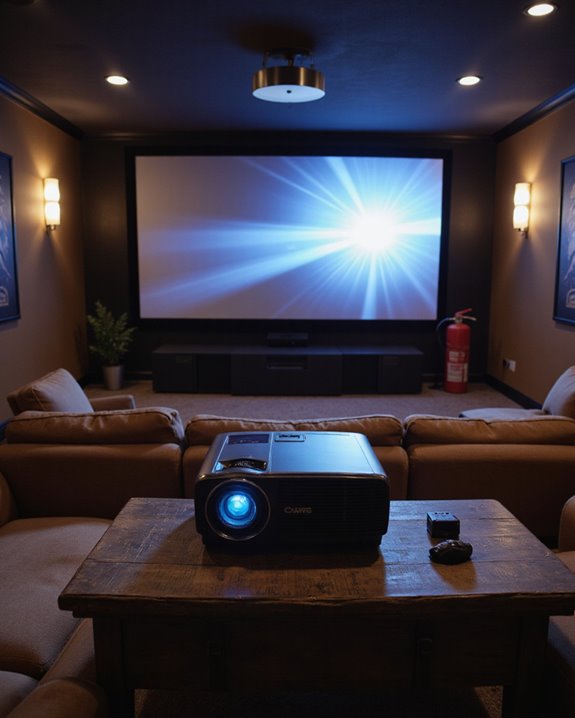
Can Projectors Catch Fire? Safety Tips for Home Theater Use

Home theater projectors can catch fire due to electrical issues, poor ventilation, or improper maintenance, though modern units include safety features that minimize risks. Key prevention steps include maintaining proper ventilation with 20 inches of clearance, regular cleaning of vents and filters, and prompt replacement of damaged power cords. Users should watch for warning signs like burning odors, excessive heat, or unusual shutdowns. Understanding proper installation and maintenance techniques guarantees safe, long-term operation of these devices.
Key Takeaways
- Yes, projectors can catch fire due to overheating, faulty wiring, blocked ventilation, or electrical malfunctions if not properly maintained and operated.
- Maintain at least 20 inches of clearance around your projector and keep all vents unobstructed to prevent dangerous overheating.
- Monitor for warning signs like burning smells, excessive heat, smoke, or unexpected shutdowns, and immediately unplug the device if detected.
- Clean air filters and vents regularly with compressed air or brushes to prevent dust buildup that could lead to overheating.
- Never leave projectors running unattended, and install smoke detectors and keep an electrical fire-rated extinguisher nearby for safety.
Understanding the Fire Risks in Home Theater Projectors
You may be interested
While home theater projectors provide immersive entertainment experiences, they also present specific fire hazards that require careful attention. The primary fire hazard stems from electrical safety issues, including overloaded outlets and malfunctioning internal components that can lead to dangerous overheating situations. Modern projectors are significantly safer than historical film projection systems that used highly flammable nitrate-based materials.
Several key factors contribute to projector-related fire risks. Poor ventilation can trap heat inside the device, while incorrect installation may restrict proper airflow. The presence of flammable materials near projectors, such as curtains or upholstery, further increases the potential for fire incidents. Additionally, worn-out parts within the projector can malfunction, creating excessive heat that could ignite nearby materials. Regular maintenance checks and proper placement are essential to minimize these risks, ensuring both ideal performance and safety in home theater setups. Proper ventilation and adherence to safety guidelines are crucial to prevent overheating and reduce fire hazards.
Essential Safety Precautions for Projector Operation
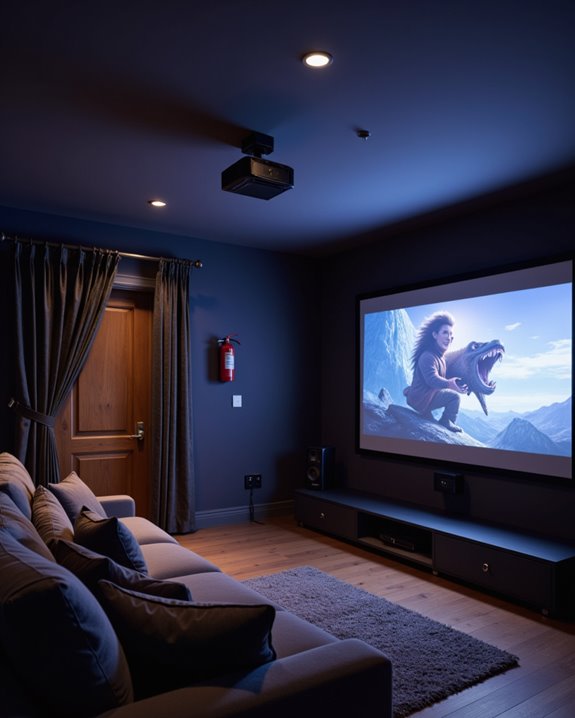
Operating a projector safely requires adherence to specific preventive measures that protect both the equipment and its users. Proper placement is vital, with projection angles not exceeding 10° left or right, or 15° forward or backward, to ensure sound safety and peak performance. The device must be positioned in a well-ventilated area with at least 20 inches of clearance on all sides. Direct sunlight exposure can significantly increase the risk of overheating and potential damage to the projector. Additionally, choosing a model with effective cooling features can help manage heat and prevent overheating during extended use.
Essential safety practices include:
- Never disassembling the unit, as it contains dangerous high-voltage components
- Turning off the projector when not in use
- Avoiding USB connections while the device is running
- Keeping cables properly secured and undamaged
- Regular cleaning of vents and external surfaces
Maintaining these precautions considerably reduces fire risks while extending the projector’s lifespan through proper ventilation and operation.
Recommended Products
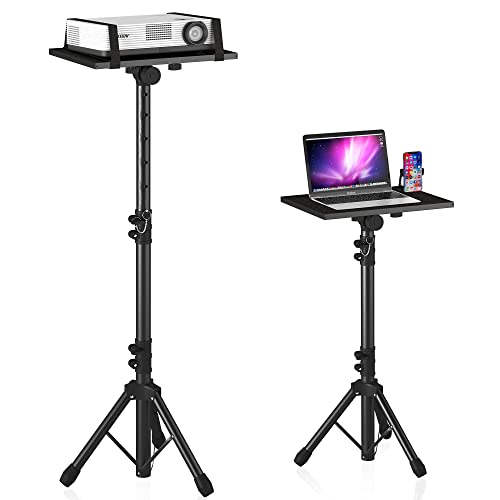
【𝑼𝒑𝒈𝒓𝒂𝒅𝒆𝒅 𝑷𝒓𝒐𝒕𝒆𝒄𝒕𝒊𝒐𝒏 𝑫𝒆𝒗𝒊𝒄𝒆】: Projector Stands add a safety latch, which avoids the danger of falling. Laptop tripod is made of thickened aluminum metal to ensure overall stability. Metal top tray prevents warping in the transportation process.
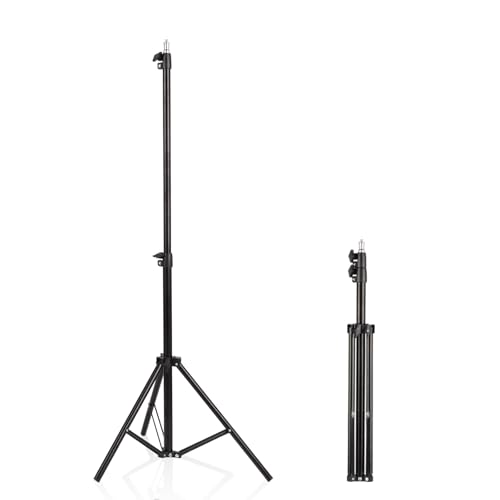
【Multi-Purpose Light Stand & Tripod Combo】 Projector tripod stand adjustable, Adjustable from 22" (compact storage) to 63" (ideal for standing shots), this tripod light stand serves as a photography light stand, DJ light stand, or camera tripod stand. Perfect for versatile indoor/outdoor setups—use with tripod umbrellas, lightstand table accessories, or C-stand photography gear.
Signs Your Projector May Be at Risk
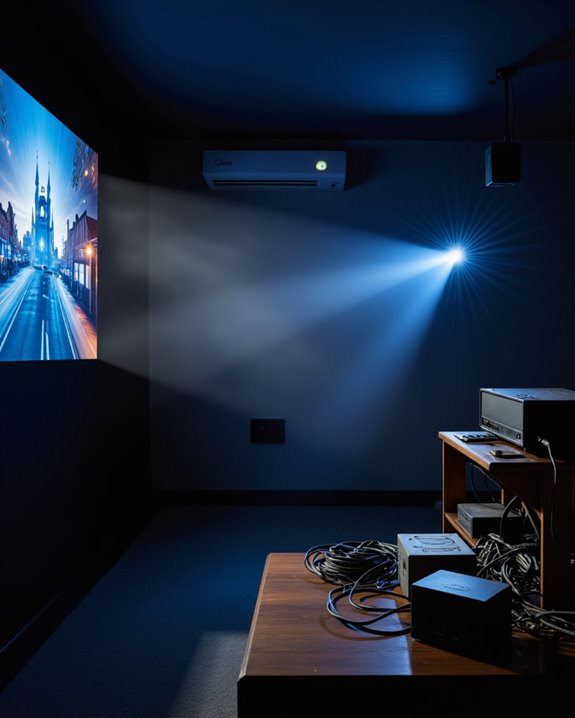
Recognizing early warning signs of projector malfunction can prevent dangerous fire hazards and costly equipment damage. Proper projector placement and electrical wiring are vital first steps in preventing issues. Leave 20 cm of clearance between the projector and any walls to ensure adequate airflow. Users should watch for common warning indicators that signal potential risks.
Key warning signs include:
- Frequent unexpected shutdowns
- Red warning lights or error messages
- Burning odors or unusual sounds
- Visible damage to the casing
- Overheating despite normal use
Poor ventilation around the projector can trigger these issues, as can malfunctioning cooling systems and fans. Dust accumulation also poses a significant risk by blocking airflow and causing the unit to overheat. When users notice these signs, they should immediately power down the projector and have it inspected by a qualified technician. Additionally, hybrid light sources in modern projectors help reduce the risk of overheating and fire hazards by providing longer-lasting and more stable illumination.
Recommended Products
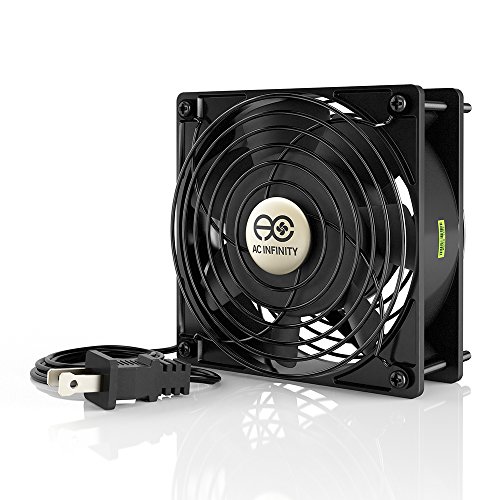
Designed for projects that requires cooling or ventilation; or as a replacement fan for various products.

Item: Heatsink Cooling Fan Use for DVR HDCVI Camera with Screwdriver
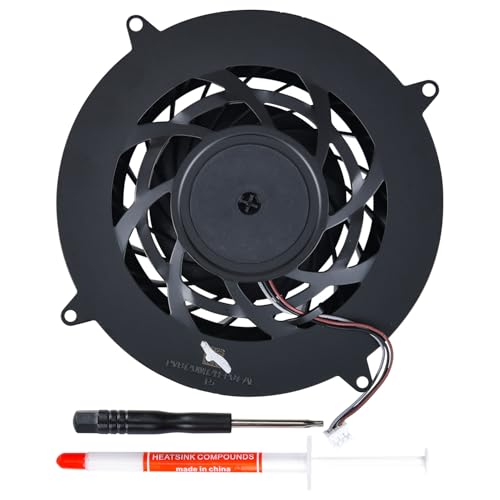
Only Fit: Brand new and silent 19 blades PS5 Pro fan for Sony Playstation 5 PS5 Pro CFI-70XX CFI-7000 CFI-7021 Console Series
Best Practices for Projector Maintenance and Care
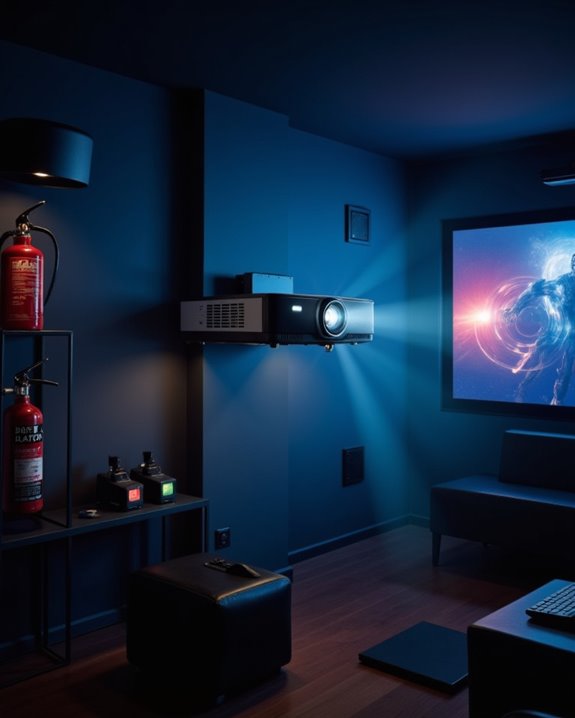
Proper maintenance and regular care markedly extend a projector’s lifespan while preventing potential fire hazards. Regular cleaning of components, particularly the air filters and vents, prevents dust accumulation that can lead to overheating. Users should monitor the projector bulb lifespan and replace lamps before they deteriorate to dangerous levels. Stable power connections are crucial for safe projector operation.
Essential maintenance practices include:
- Cleaning the lens with appropriate tools like lens brushes or compressed air
- Checking and replacing air filters according to usage frequency
- Ensuring proper ventilation around the unit
- Using protective covers during storage
Environmental factors also play an indispensable role in projector safety. The device should operate in clean, temperature-controlled spaces away from dust and humidity. Professional servicing is recommended for complex issues, while regular inspections can identify potential problems before they become hazardous.
Recommended Products

||| Air Filter Compatible with Epson Projector: EB-C05S/EB-C10SE/EB-C15S/EB-C20X/EB-C25XE/EB-C30X/EB-C35X/EB-C40X/EB-C45W/EB-C50W/EB-C55W/EB-C340X/EB-C240X/EB-C215S/EH-TW490C/CB-S04E CB-U04 CB-X04 CB-TZ2000 CB-X05 CH-TW5200 CH-TW5210 CH-TW5300 CH-TW5350 CH-TW650 CH-TW610 CH-HC1060 CH-TW470C CH-TW490C CH-TW495 CH-TW570

Hoesthic Professional replacement projector filters, compatible with the following models:CB-X27 CB-955W CB-955WH CB-965 CB-965H CB-E10 CB-E01E CB-X06 CB-W06 CB-X06E CB-FH06 CB-X51 CB-W52 CB-S03 CB-X03 CB-W03 CB-S03+ CB-W15 CB-X17 CB-99W CB-S18 CB-X18 CB-X20 CB-X21 CB-X22 CB-X24 CB-X25 CB-S31 CB-X31 CB-X31E CB-X36 CB-X41 CB-S41 CB-X49 CB-X05 CB-X05E CB-W05 CB-U05 CB-S05E CB-S04 CB-S04E CB-U04 CB-X04 CB-X39 CB-TZ2000 CB-X29 CB-X30 CB-97 CB-97H CB-98H CB-945 CB-950W CB-U42 CB-W42 CB-X140 CB-W140 CB-U140 CH-TW470C CH-TW490C CH-TW495 CH-TW570 CH-TW750 CH-TW5200 CH-TW5210 CH-TW5300 CH-TW5350 .

Litance Replacement Projector Air Filter for Epson: ELPAF32 / V13H134A32
Emergency Response: What to Do If Your Projector Overheats
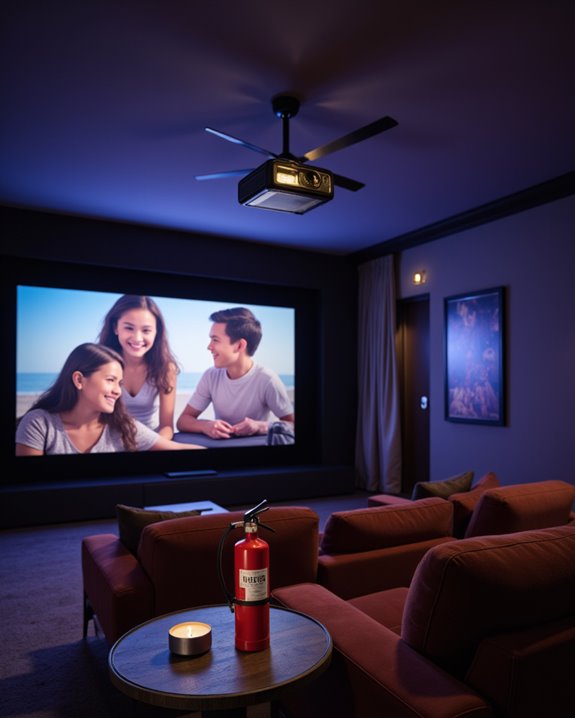
When a projector shows signs of overheating, swift action becomes vital to prevent potential damage or fire hazards. The immediate response should be disconnecting the power cord and moving the device to a cooler, well-ventilated area for proper projector cooling. Regular air filter cleaning can significantly reduce the risk of dangerous overheating incidents.
Users must allow 45-60 seconds after unplugging before reconnecting power, giving internal components time to cool down and discharge residual heat. For enhanced fire safety, it’s important to ensure all ventilation openings remain unobstructed and free from dust or debris. The ambient room temperature should be maintained between 20°C to 25°C (68°F to 77°F).
If overheating persists after these steps, users should avoid operating the projector and seek professional service, as continuous operation could pose serious fire risks or cause permanent hardware damage.
Recommended Products

A quiet fan system designed for cooling routers, modems, game consoles, and other AV components.

【2-in-1 Dual Row 80mm USB Cooling Fan】 ELUTENG dual-row 8cm USB fan is USB powered and supports plug and play. It can be placed horizontally or vertically for flexible installation. Equipped with 2 connected fans that run simultaneously, providing stronger and more efficient cooling performance. Ideal for cooling Router, Laptop, TV Box, Receiver, Mobile Phone, PS5, PS4, Projector, Instrument, and Hard Drive Enclosure.

【With 2 DC to USB Female Adapters】ELUTENG computer fan USB 120mm is equipped with 2 DC female to USB female adapters for interface conversion, easily adapting to multiple devices. It provides a solution to the problem of incompatible interfaces between devices, allowing you to use the fan whenever and wherever you want.
Choosing a Fire-Safe Projector for Your Home Theater
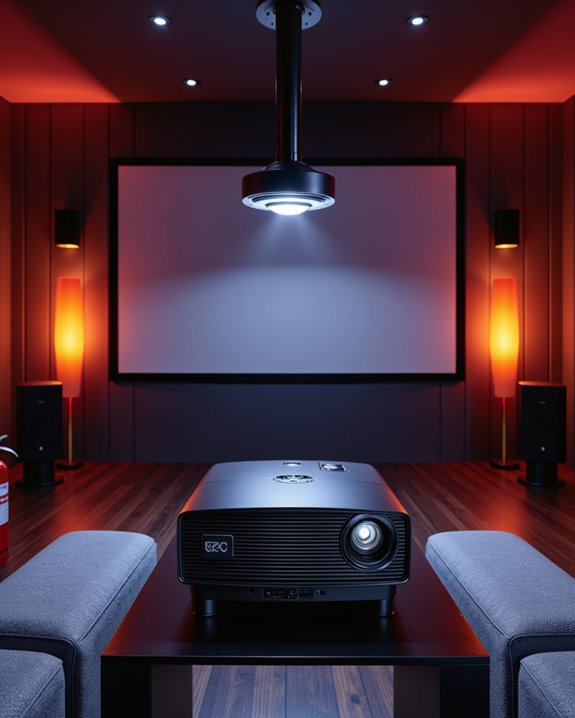
The selection of a fire-safe projector stands as a critical first step in creating a secure home theater environment. Safety-certified models featuring UL or CE markings provide essential protection against fire hazards. LED and laser-based projectors generate less heat than traditional lamp systems, making them inherently safer choices. With convenience similar to U.S. store pickup, many retailers offer professional mounting services for optimal safety placement.
Proper projector placement and cable management play vital roles in fire prevention. The device should be mounted on stable surfaces with adequate ventilation clearance around all vents. Models with efficient cooling systems, including multiple fans and strategic ventilation, help maintain safe operating temperatures. When selecting a projector, buyers should prioritize those with built-in thermal protection and automatic shutoff features. Energy-efficient options with SuperEco modes further reduce heat buildup while maintaining optimal performance levels.
Recommended Products

Wide Compatibility:This replacement power cord is compatible with FENCHILIN, Hansong DC117-15 / DC11715, Hasipu, and COOLJEEN lighted vanity mirrors. It works perfectly with any model requiring a DC 12V 2A power supply.

Wide Compatibility & Precise Output: Universal 100-240V AC input delivers stable DC 12V/5A/60W max output; 5.5x2.5mm jack is compatible with 5.5x2.1mm devices for broad use. Includes a 5.5 x 2.1mm DC female plug

[Officially Licensed Apps HP Projector | Compatible with Netflix & ChatGPT Ready] Supports Netflix, Prime Video, YouTube, Disney+ and Tubi—stream your favorite content instantly with no extra devices required for endless entertainment.
Frequently Asked Questions
Can I Run My Projector Overnight for Gaming Marathons?
While possible, overnight gaming marathons demand strict projector thermal management. Without proper safe operating practices, overheating risks escalate dangerously. Users should implement cooling breaks and monitor temperature to prevent potential hazards.
Do Projector Insurance Policies Cover Fire-Related Damage?
Standard homeowners insurance policies typically include fire damage coverage for electronics like projectors under personal property protection. Additional endorsements may be needed for high-value projector systems that exceed standard coverage limits.
Are Ceiling-Mounted Projectors More Likely to Catch Fire Than Table-Mounted Ones?
Like two sides of the same coin, both mounting types carry similar risks. Ceiling-mounted projectors face electrical hazards from complex installations, while table-mounted units encounter ventilation concerns from nearby objects. Neither is inherently riskier.
Should Projectors Be Unplugged During Lightning Storms?
For ideal electrical safety, projectors should be unplugged during lightning storms. This lightning protection measure prevents potential damage from power surges and protects both the device and surrounding equipment from electrical mishaps.
Can Outdoor Humidity Affect My Projector’s Fire Risk When Used Inside?
Studies show humidity-related projector failures increase 40% during peak moisture seasons. High outdoor conditions can infiltrate indoor spaces, with excess humidity impacting internal components, restricting airflow, and elevating fire risks through compromised cooling systems.