As an Amazon Associate, we earn from qualifying purchases. Some links on this site are affiliate links at no extra cost to you. Our recommendations are based on thorough research and editorial judgment.

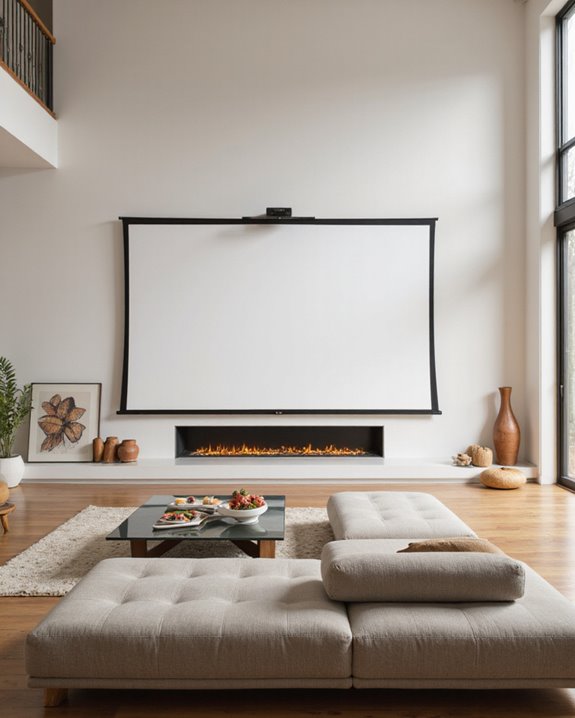
How High Should a Projector Screen Be Mounted?

A projector screen should be mounted so the screen center lines up with the viewer’s seated eye level, usually about 40–45 inches from the floor. The bottom edge is best placed 24–48 inches high: • 24–36 inches for small rooms with fewer rows • 40–48 inches for larger or tiered seating. Aligning the vertical viewing angle within 0°–15° below eye level reduces neck strain. Adjust placement for obstructions, ceiling height, and room features. Further specifics can clarify ideal setups.
Key Takeaways
- The center of the projector screen should align with your seated eye level, typically 40-45 inches from the floor.
- For most home theaters, the bottom of the screen should be 24-36 inches above the floor.
- In rooms with multiple seating rows, mount the screen bottom 40-48 inches from the floor for clear views.
- Adjust screen height to ensure a vertical viewing angle between 0° and 15° below eye level to minimize neck strain.
- Consider ceiling height, seating arrangement, and obstructions to ensure everyone has an unobstructed and comfortable view.
Determining the Ideal Eye Level for Viewing
You may be interested
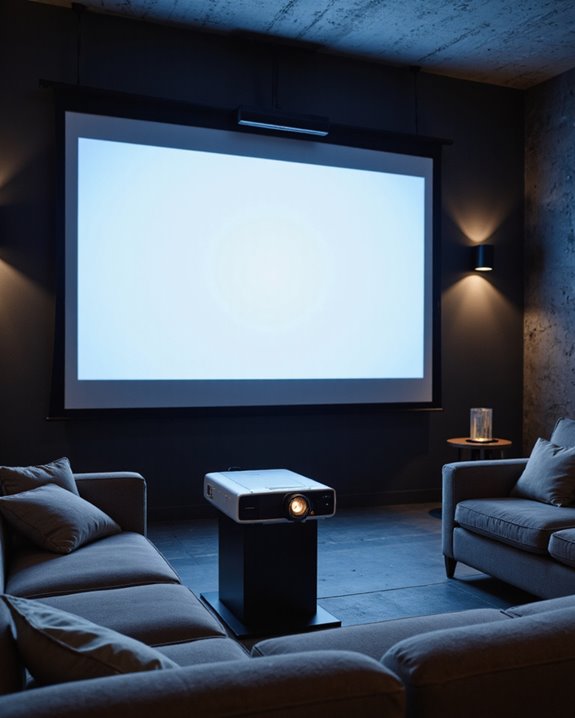
How does one determine the most comfortable height for a projector screen? The key is aligning the screen center with the average seated eye level, typically 40-45 inches from the floor. This positioning minimizes neck strain and keeps the vertical viewing angle between 0° and 15° below eye level, which is ideal for comfort. Factors to consider include:
- Seating arrangement: Single rows work best with the screen at eye level, while multiple rows or tiered seating may require adjustments.
- Lighting conditions: Proper screen height reduces glare from ambient light and avoids reflections.
- Sound setup: Keeping the screen at eye level allows speakers to be positioned at ear height, preserving audio clarity.
- Screen size: Larger screens may require a slightly lower center to keep viewing angles comfortable for all users.
- The placement of the projector and screen should also consider viewing angle to ensure optimal picture quality and comfort.
Recommended Screen Bottom Height From the Floor
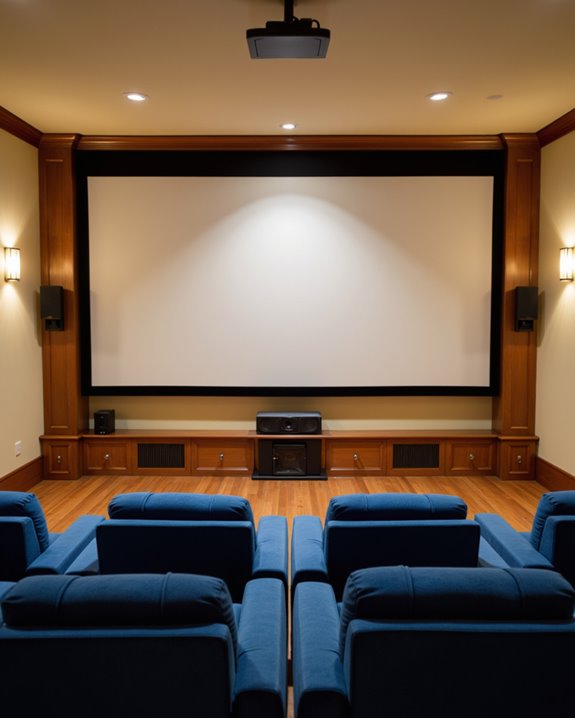
When selecting the ideal height for mounting a projector screen, the position of the screen’s bottom edge above the floor is a key factor for viewer comfort and visibility. For rooms with multiple seating rows, experts recommend mounting the screen’s bottom edge 40-48 inches above the floor. In home theaters or spaces with one or two seating rows, 24-36 inches is more suitable. Consider barriers, such as podiums or risers, which may require adjustments. The average seated eye level, about 42-50 inches from the floor, helps determine the “sweet spot”—typically 48 inches. Material selection affects installation, as heavier screens may need stronger mounts. Soundproofing techniques, such as acoustic panels, should be planned to avoid interfering with the chosen mounting height or screen placement. Additionally, proper mounting hardware and setup are essential for secure installation and optimal viewing angles.
Recommended Products

Application: Fits most manual or spectrum projector screen on the market. Support maximum loading weight up to 66lbs / 30kg
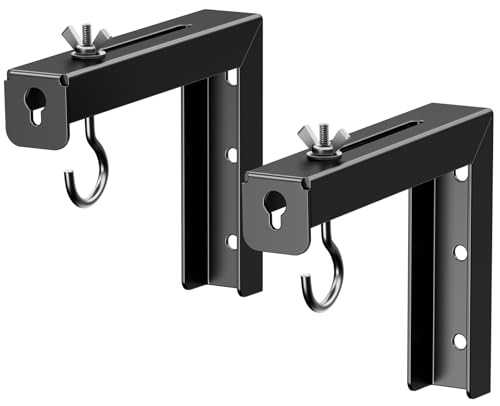
Universal Compatibility: Fits most manual or spectrum projector screen on the market. Support maximum loading weight up to 66lbs/30kg

Application: Fits most manual or spectrum projector screen on the market. Support maximum loading weight up to 66lbs / 30kg
Projector Mounting Height in Relation to the Screen
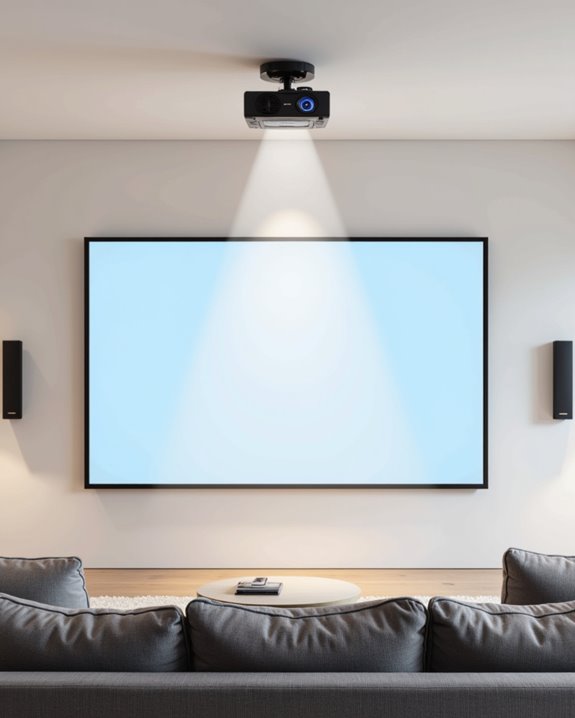
Proper mounting height of a projector in relation to the screen is essential for achieving a clear, undistorted image. The projector should be positioned so its lens aligns with the top edge—or slightly above—of the projected image, ensuring accurate projection angles and avoiding keystone distortion, which causes the image to slant or skew. For ceiling-mounted setups, the vertical distance between the projector and screen must be carefully measured. This ensures the image remains rectangular and fully fills the screen, supporting proper screen tension, which keeps the surface flat and prevents rippling. Factors affecting mounting height include:
- The projector’s throw distance (distance from lens to screen)
- The screen’s aspect ratio (shape of the display area)
- Ceiling height and room obstacles
- Projection technology and brightness levels can influence the ideal mounting height to optimize image clarity and visibility.
Calculation tools help determine precise mounting positions.
Recommended Products

Universal Compatibility: Fits most projectors (Note: Length <13.7'', Width <8.6'') with standard mounting interfaces. Projector Wall Mount supports a maximum load of 10kg/22LBS, suitable for home, office, cinema and other scenarios, and is compatible with mainstream device sizes, no compatibility concerns

Versatile Application: PUTORSEN projector ceiling mount is compatible with most manual or spectrum projector screens, Also can be used to hold a video camera, laptop, or other electronic device. The metal 13.77” x 8.66” tray holds up to 22 lbs of weight

Fits projectors with 1/4 inch thread (or M4 or M6), and weight under 30lbs (13.6kg). Note: Only for single-hole installation. Not suitable for three-hole or four-hole installations.
Matching Screen Size to Room Dimensions
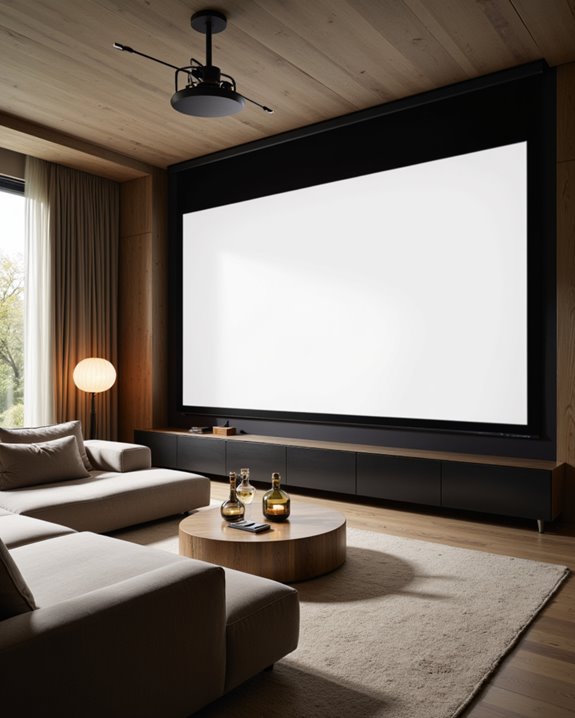
Selecting the right projector screen size starts with evaluating the room’s dimensions, as both viewing comfort and image quality depend on the relationship between screen size and available space. Screen aspect ratio—such as 16:9 for most home theaters—should match the projector’s native format to avoid image distortion or black bars. Ideal screen height is about one-third the distance from the screen to the main seating, ensuring the best projection angle and minimal eye strain. For example:
- A 100- to 120-inch diagonal screen suits most typical home theater rooms.
- The viewing distance should provide a horizontal field of view near 50°, as recommended by THX for immersive 4K content.
- Use online calculators to balance screen width, projection angle, and room layout for optimal results.
Recommended Products

Lightweight and Detachable tripod:Projector screen stand is very durable, making it not easy to bend, deform, and break. The stand is not only beautiful but also lightweight. The projection screen pairing with grounding spikes,ropes and a sandbag make it to sturdy enough to be used in outdoor.

Outdoor Movie Screen:This outdoor projector screen with stand features a 4K HD 16:10 ratio, delivering sharp, high-resolution images with vibrant colors for an immersive viewing experience from any angle. The foldable design ensures easy setup and storage, making it perfect for outdoor movie nights.

HOME THEATER LEVEL ENJOYMENT: HYZ projector screen with stand uses cinema-grade material, which can achieve theater-grade 1.5-level gain reflection effect, five-layer preferred material, in order to ensure that the visual experience of the maximum degree of refusal to roll edges, creases. 160° Viewing angle without dead angle viewing, 4K HD equipment, you can enjoy the theater experience at home
Adjusting for Ceiling Height and Room Features
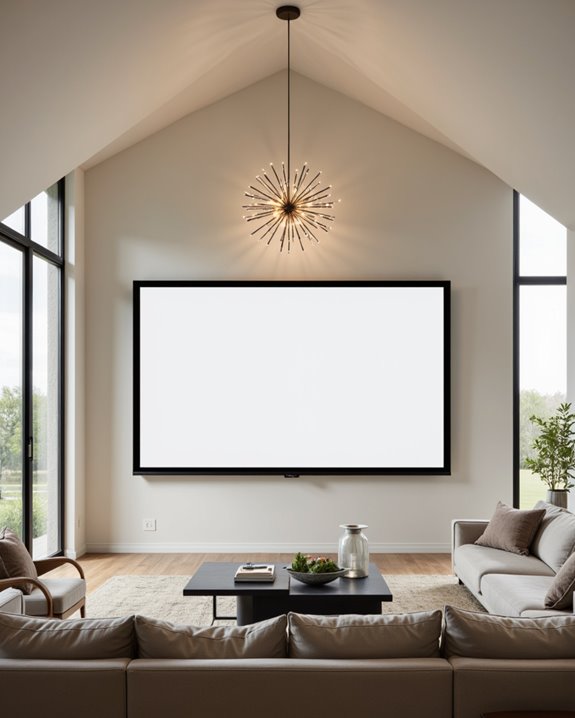
Ceiling height and room features play a significant role in determining the best mounting height for a projector screen. Low ceilings may require the screen to be installed closer to the floor or call for retractable screens that descend as needed. High ceilings offer more flexibility, allowing larger screens and extra drop for ideal alignment with viewer eye level. Room features such as center channel speakers, furniture, or architectural barriers must be considered to guarantee the screen remains unobstructed. Lighting conditions—how light enters and reflects in the space—affect screen visibility and may influence placement. Acoustic treatments, which are materials designed to improve sound quality, should also be accounted for so they do not interfere with the screen’s position or image clarity.
Recommended Products

【Watch Before Buying】 Please read the dimensions carefully and measure the size corresponding to the desired scene before confirming. You can also match the scene according to the specific size, without being limited to the following.

IMPORTANT: The VIVOHOME manual projector screen provides a 100-inch diagonal display area (87W×49H in, 16:9) for the best viewing experience at 9.2 ft; Its overall size is 92 × 59 in, so please ensure your room allows enough space for easy installation

SIZE: 100-INCH Diag. 16:9 Aspect Ratio. View Size 49.0" H X 87.2" W. Overall Size 62.6" H X 93.5" W. White Case.
Maximizing Viewing Comfort and Ergonomics
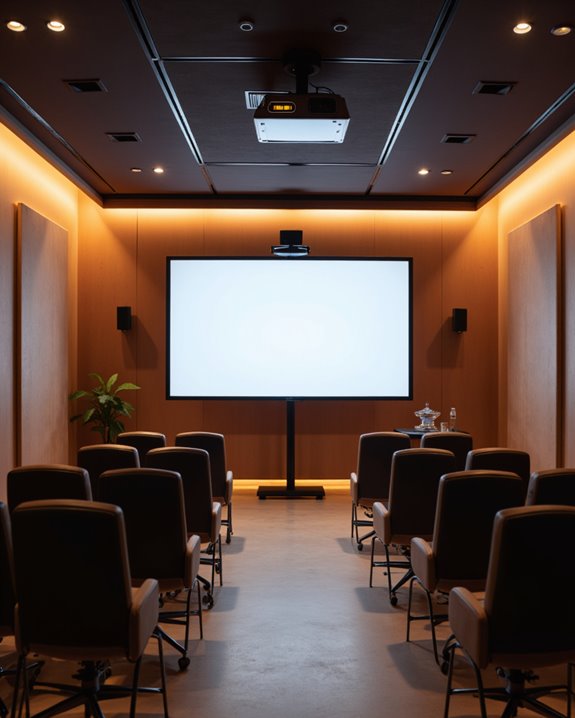
When determining how high to mount a projector screen, aligning the visible area with the audience’s seated eye level is crucial for maximizing viewing comfort and ergonomics. The ideal mounting height places the boundary between the top two-thirds and bottom one-third of the screen at approximately 48 inches from the floor, matching the average seated eye level. This reduces neck and eye strain by promoting a neutral posture. Proper lighting adjustments—such as minimizing glare from windows or overhead lights—further enhance comfort. Speaker placement is equally important; speakers should be positioned near ear level for clear, immersive sound. Consider these factors:
- Screen height: aligns with eye level for comfort
- Lighting adjustments: reduce glare and eye fatigue
- Speaker placement: ensures balanced, clear audio
These steps create a comfortable, ergonomic viewing experience.
Recommended Products

Application: Fits most manual or spectrum projector screen on the market. Support maximum loading weight up to 80lbs / 36kg.

UNIVERSAL: Compatible with most manual or spectrum projector screen on the market. Suitable for wood stud, concrete wall, brick wall and drywall

UNIVERSAL L-SHAPED PROJECTION SCREEN BRACKETS: Our projector screen wall mount makes setting up for your next movie or presentation a breeze. Most projector screens do not come with mounting hardware. Our screen mounting brackets are what you need to your hang your screen. Universal hooks are compatible with most hanging projector screens on the market.
Frequently Asked Questions
Can I Mount a Projector Screen on a Sloped Ceiling?
Mounting a projector screen on a sloped ceiling presents sloped ceiling challenges, such as stability and alignment. Alternative mounting solutions include reinforced mounts, adjustable brackets, wall mounting, or professional installation to guarantee the screen remains level and secure.
How Does Ambient Light Affect Screen Height Choices?
Ambient light primarily influences screen material and size selection rather than screen height. Projection angle and vertical positioning remain focused on viewer comfort, as ambient light does not directly affect the height at which a projector screen is mounted.
What Wall Materials Are Best for Securely Mounting a Screen?
When securely installing a screen, wooden studs provide the most dependable support for mounting brackets. Concrete or brick walls are also solid options when paired with appropriate wall anchors, while drywall may require reinforcement to guarantee stability.
Are Motorized Screens Mounted at Different Heights Than Fixed Screens?
When comparing apples to oranges, manual vs motorized screens differ in placement: fixed screen placement focuses on ideal eye-level height, while motorized screens are mounted higher to accommodate retraction mechanisms, then lowered for comfortable viewing during use.
How Do I Hide Screen Mounting Hardware for a Cleaner Look?
The current question addresses concealed mounting and aesthetic integration for projector screens. Solutions include using decorative trim, recessed mounts, or enclosures, coordinating screen frame colors, and placing furniture or wall art to effectively minimize visible hardware for a cleaner appearance.