As an Amazon Associate, we earn from qualifying purchases. Some links on this site are affiliate links at no extra cost to you. Our recommendations are based on thorough research and editorial judgment.

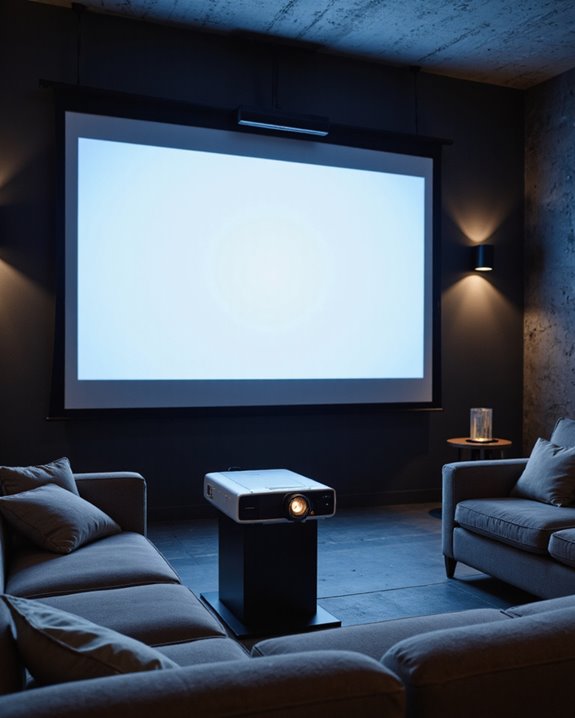
Does a Projector Need to Be Centered for the Best Viewing?

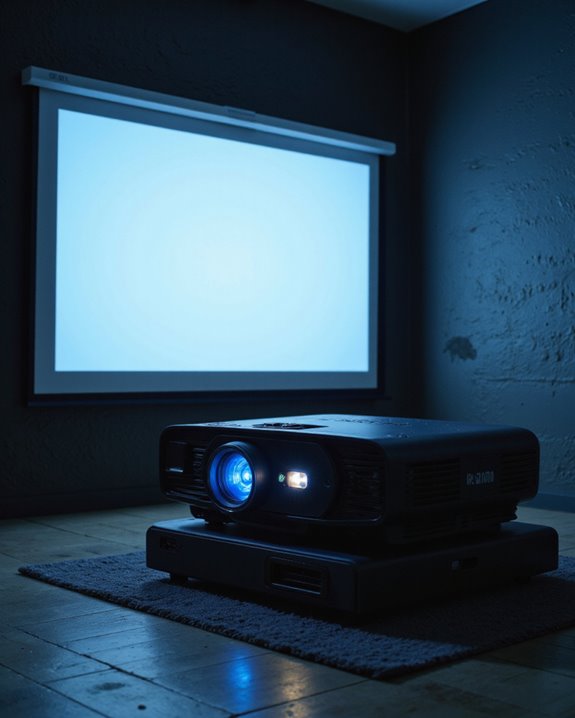
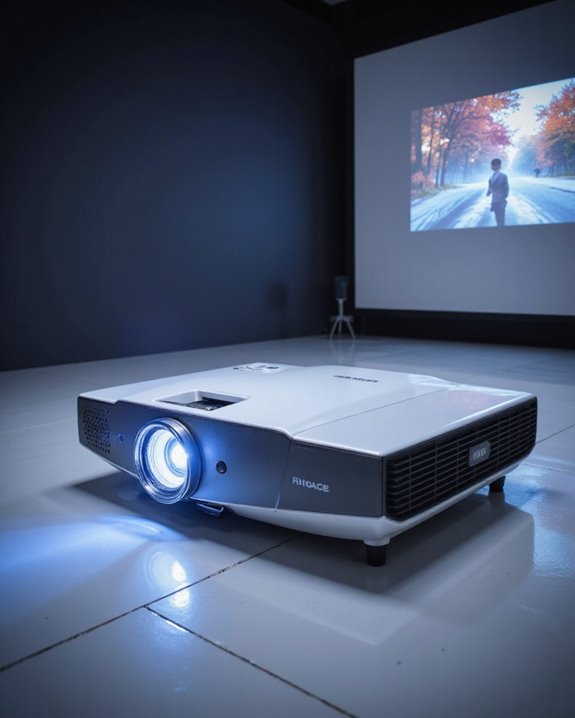
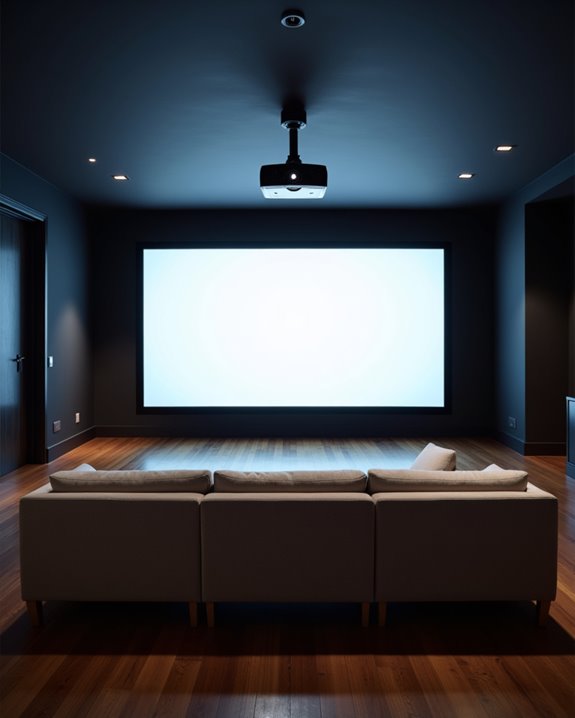
A projector should be horizontally centered with its lens aligned to the middle of the screen for best results. This approach prevents visual distortion, keeps the image sharp, and guarantees colors stay accurate. Centering eliminates the need for digital corrections like keystone, which can reduce image clarity. Key factors include: screen size, throw distance (distance from projector to screen), and viewing distance. Positioning also affects brightness and contrast. Additional placement advice can further enhance the viewing experience.
Key Takeaways
- Centering the projector preserves image quality by avoiding distortion and maintaining accurate aspect ratio.
- A centered projector ensures uniform brightness and sharpness across the entire screen.
- Off-center placement increases reliance on digital keystone correction, which can reduce image clarity.
- Proper alignment simplifies setup, improves color accuracy, and enhances overall viewing comfort.
- Centering minimizes edge warping and helps maintain the intended resolution and contrast.
Importance of Centering Your Projector
You may be interested
Why does centering a projector matter for the best viewing experience? Centering the projector directly in front of the screen is essential for preserving image quality. When centered, the projector displays images without distortion, keeps the correct aspect ratio, and achieves maximum resolution. This positioning also enhances color accuracy, meaning colors appear true to their original tones, which is important for movies and presentations. Additionally, optimal placement helps maintain consistent image brightness and uniformity across the entire screen, ensuring a high-quality viewing experience. A centered projector reduces the need for keystone correction—a digital adjustment that tries to fix trapezoidal distortion but often lowers image quality and sharpness. Additional benefits include:
- Improved contrast, making dark and light areas more distinct
- Simplified setup, saving time on physical and digital adjustments
- Optimal viewing angles, preventing clarity loss at screen edges
Recommended Products

Universal Compatibility: Fits most projectors (Note: Length <13.7'', Width <8.6'') with standard mounting interfaces. Projector Wall Mount supports a maximum load of 10kg/22LBS, suitable for home, office, cinema and other scenarios, and is compatible with mainstream device sizes, no compatibility concerns

Fits projectors with 1/4 inch thread (or M4 or M6), and weight under 30lbs (13.6kg). Note: Only for single-hole installation. Not suitable for three-hole or four-hole installations.

【Note】The projector mount used in this projector mount should have the following conditions: 1. The wall where the mount is installed should be a hard solid wall, not a hollow and weak wall; 2. The projector has 3-4 screws holes to install screws; 3. The diameter of screw holes is 3 mm or 4 mm.
How Screen Alignment Affects Image Quality
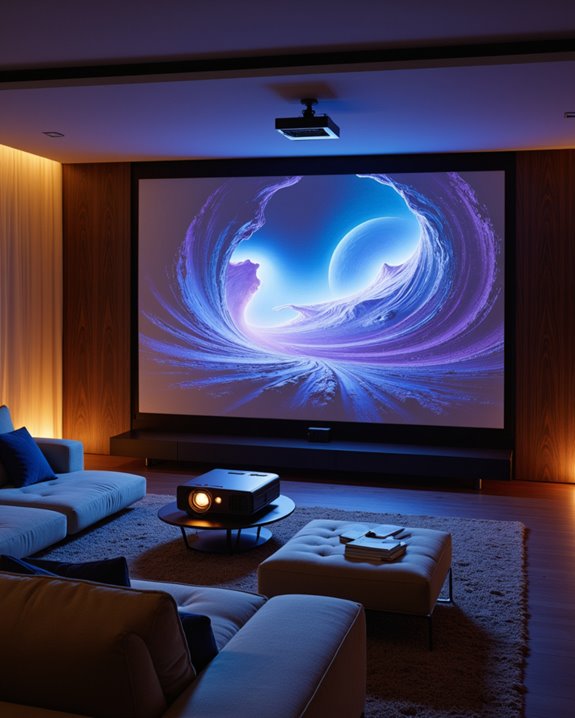
How does the alignment of a projector’s screen influence the clarity and sharpness of the image? Proper screen alignment is critical. When the projector is centered and level, the image appears sharper and more vibrant. Digital keystone correction, which digitally adjusts a distorted image, can help when physical alignment isn’t possible. However, this process often reduces sharpness and pixel accuracy. Lens shift, a physical adjustment of the projected image, avoids digital distortion but may introduce minor geometric errors if used excessively. Additionally, maintaining optimal brightness levels and contrast ratio ensures the image remains clear and vivid across different environments. Key factors affected by alignment include: – Image sharpness: Best when digital correction is avoided. – Color calibration: Easier with a well-aligned image, ensuring colors appear as intended. – Sound synchronization: A clear, distortion-free image simplifies audio-visual matching. High contrast and correct alignment yield the best overall viewing experience.
Recommended Products

📽️UNIVERSAL: Compatible with majority of projectors on the market whose mounting holes are from 2.83'' to 11.42" and weight under 30lbs (13.6kg)

Versatile Application: PUTORSEN projector ceiling mount is compatible with most manual or spectrum projector screens, Also can be used to hold a video camera, laptop, or other electronic device. The metal 13.77” x 8.66” tray holds up to 22 lbs of weight
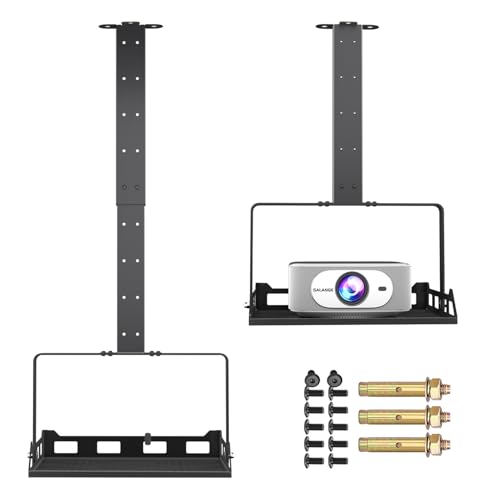
360° Rotatable Tray & 0-90° Tilt for Perfect Projection - This universal projector ceiling mount features a 360° rotatable tray and supports 0-90° tilting. Pair it with your projector’s auto or manual keystone correction, and you can get a perfectly rectangular projection on walls or screens without hanging the mount at a low height. Secure the device by driving screws upward through the multi-row heat dissipation holes on the tray bottom; the all-around side guards prevent slipping even when tilted.
Determining the Right Throw Distance and Screen Size
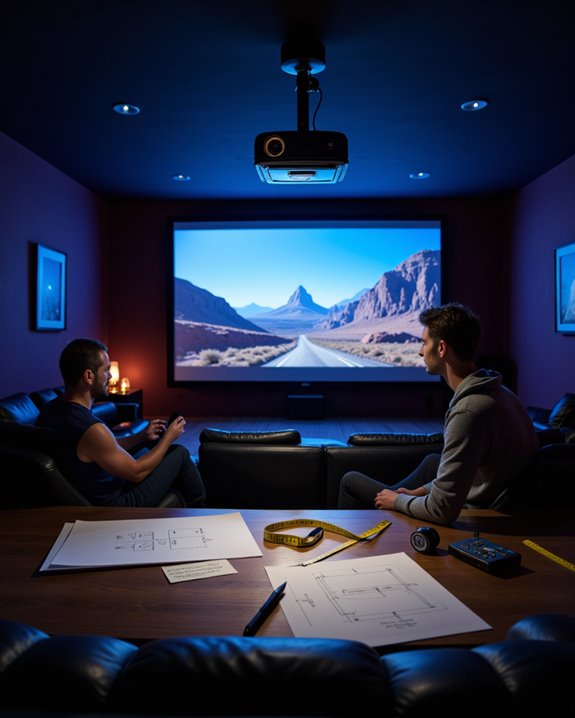
Selecting the correct throw distance and screen size is essential for achieving a sharp, well-proportioned image in any projection setup. The throw ratio—distance from projector lens to screen divided by image width (D/W)—determines how far back a projector must be placed. For example, a throw ratio of 2.0 means the projector should be twice as far from the screen as the image is wide. Choosing the right screen size also matters:
- Larger screens require longer throw distances, or projectors with a lower throw ratio.
- Always match the screen’s aspect ratio to the projector’s.
A proper projection angle is critical; improper angles can lead to lens distortion, where image edges warp or blur. Use manufacturer specifications, projection calculators, and ensure consistent unit measurements for accuracy and ideal results. Additionally, throw distance and ratio directly influence the placement options and overall image quality, especially at large sizes like 200 inches.
Optimal Viewing Distance and Angle Guidelines
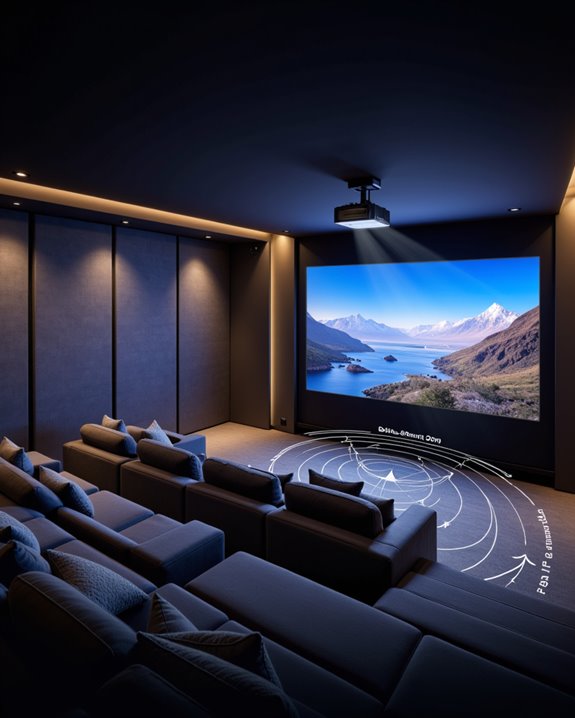
Achieving the best possible image quality from a projector setup depends on following clear guidelines for viewing distance and angle. The ideal viewing distance is typically 2.5 meters for a 100-inch screen, balancing clarity and comfort. Sitting too close may cause eye strain, while sitting too far can reduce screen brightness and detail. A 36-degree viewing angle—recommended by industry leaders like THX—enhances visual comfort by ensuring the entire screen is easily visible.
Key points include:
- Position the screen at or just below eye level to minimize neck strain,
- Make sure the projector is centered to avoid image distortion,
- Adjust for optimal sound synchronization, as poor seating alignment can affect audio perception.
Individual preferences matter, but these guidelines maximize both image quality and enjoyment.
Recommended Products

【3-IN-1 UNIVERSAL PROJECTOR MOUNT】Works as a flush ceiling mount, extendable ceiling arm, or wall mount projector bracket for maximum flexibility. Ideal for home theater projectors, office presentations, and classroom setups. Fits wood studs, concrete walls, and flat ceilings.
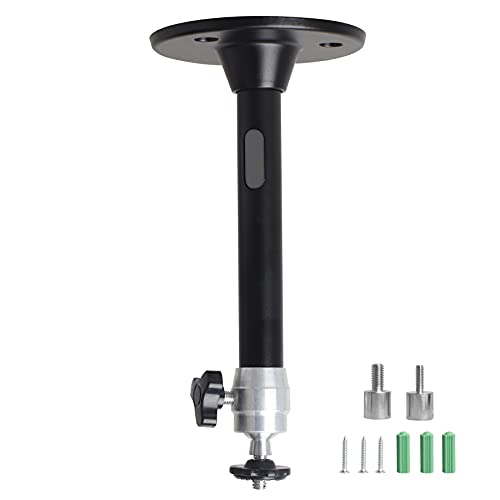
Projector Holder Compatible with QKK,DR.J,DBPOWER,Anker,VANKYO,AAXA,Jinhoo,PVO,TMY,AuKing and Most Other Mini Projector
Practical Tips for Projector Placement in Your Room
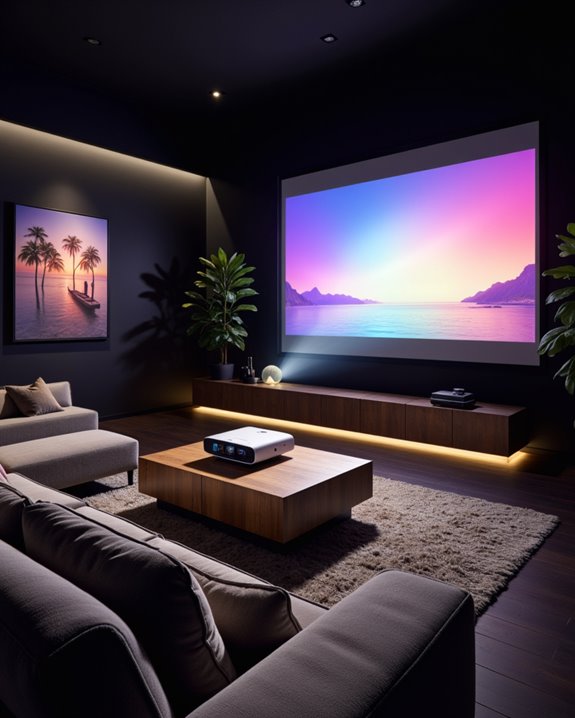
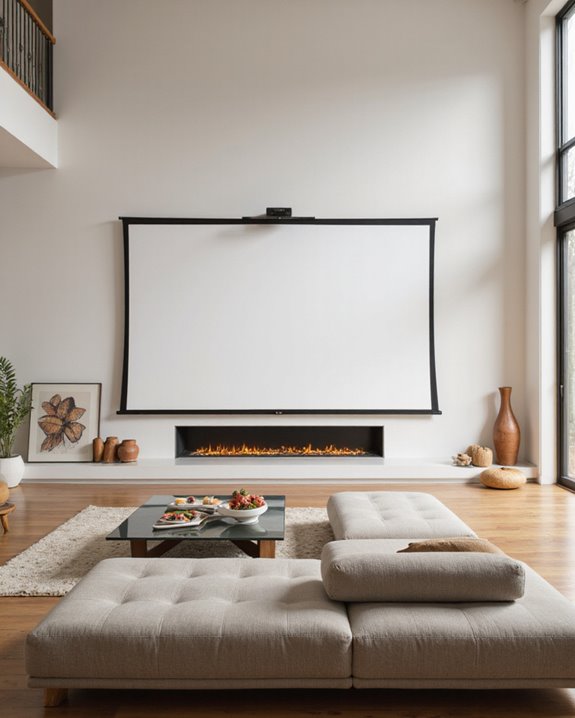
For ideal projector placement, careful attention to room layout, screen dimensions, and lighting conditions is essential. The projector should be positioned so the lens is horizontally aligned with the screen’s center, minimizing image distortion. Proper throw distance—how far the projector sits from the screen—must match the projector’s specifications to ensure sharp, full images. Select a matte white screen to reduce glare and enhance color calibration, which means adjusting projector settings for accurate, vivid colors.
Minimize ambient light by using blackout curtains and ensure the projector is on a stable surface or a ceiling mount. Organize cables to prevent tripping hazards. For sound integration, place speakers to avoid blocking the screen or causing echoes. Regularly clean the projector lens and screen for consistently clear images.
Recommended Products
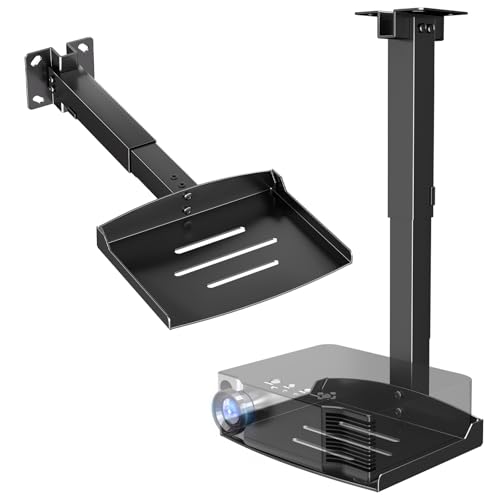
Versatile Application: PUTORSEN projector ceiling mount is compatible with most manual or spectrum projector screens, Also can be used to hold a video camera, laptop, or other electronic device. The metal 11.02” x 8.27” tray holds up to 22 lbs of weight

Universal Extending Ceiling Projector Mount: Built for universal mounting, this product fits the majority of projectors on the market and is an excellent addition to any office, conference room, classroom, or home theater
Frequently Asked Questions
Can You Use a Projector Off-Center With Keystone Correction?
Off center projection is possible by using keystone correction, which digitally or optically adjusts the image to align properly. However, relying on keystone correction may reduce image brightness and clarity compared to a perfectly centered projector setup.
Do All Projectors Support Ceiling Mounting?
Like pieces in a puzzle, not all projectors fit the ceiling mounting picture. Some models lack necessary mounting holes or compatible brackets, impacting projection angle and screen alignment, so users must check specifications before installation.
How Does Ambient Light Affect Projector Placement?
Ambient light markedly influences projector placement, as minimizing exposure to windows or direct light sources helps preserve image brightness and contrast. Strategically positioning the projector and screen, combined with ambient light control measures, enhances overall viewing quality and clarity.
Are Ultra-Short-Throw Projectors Easier to Align?
Ultra-short-throw projectors are generally easier to align than traditional models due to their minimal projection angle and flexible screen placement. Their design reduces setup complexity, though precise alignment is still necessary to achieve ideal image quality and uniformity.
What Cables Are Needed for Connecting a Projector?
Like the lifeblood of any connection setup, cable types such as HDMI, DisplayPort, USB, Cat cables, and adapters are essential for linking projectors to various devices, ensuring smooth video, audio, and network transmission.