As an Amazon Associate, we earn from qualifying purchases. Some links on this site are affiliate links at no extra cost to you. Our recommendations are based on thorough research and editorial judgment.

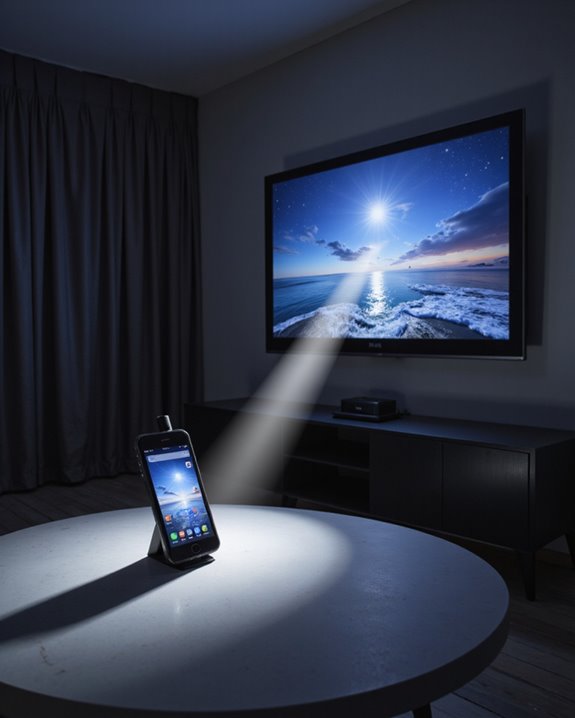
Do Flashlight Projector Apps Really Work for Projector TVs?

Flashlight projector apps do not actually turn phones into real projectors for TVs. These apps simply use the phone’s flashlight to shine light, but cannot project images or videos onto screens or walls. True projectors use advanced technology like lamps or LEDs and special lenses to display clear visuals at larger sizes. Users often find flashlight projector apps disappointing due to poor image quality, low brightness, and misleading claims. Further information explains better projection alternatives and how these solutions truly work.
Key Takeaways
- Flashlight projector apps cannot turn your phone into a true projector or replicate projector TV image quality.
- These apps only use your phone’s flashlight to shine light, not to display real images or videos on a wall.
- Image clarity, brightness, and size are far inferior compared to dedicated projector TVs.
- Most flashlight projector apps are misleading, often focusing on ads or basic flashlight controls rather than true projection.
- User reviews frequently report disappointment, poor performance, and no actual projection capability.
Understanding Flashlight Projector Apps
You may be interested
How do flashlight projector apps work, and what makes them useful? Flashlight projector apps, designed for both iOS and Android devices, use the built-in camera flashlight to create simple projections onto flat surfaces. App compatibility is broad, allowing users with various smartphones to access these features. These apps usually offer user-friendly interfaces, quick setup, and portability—making them convenient for impromptu presentations or entertainment. However, there are notable limitations:
- Projections require very dark rooms for visibility.
- Battery life can be affected, as continuous flashlight use drains power rapidly.
- Image clarity and brightness are inferior to dedicated projectors.
- App compatibility issues may arise on less common devices.
Despite these challenges, flashlight projector apps are cost-effective and accessible, providing basic projection capabilities for casual uses. Limited projection quality also means they are best suited for simple or temporary displays rather than professional presentations.
How Projection Technology Actually Works
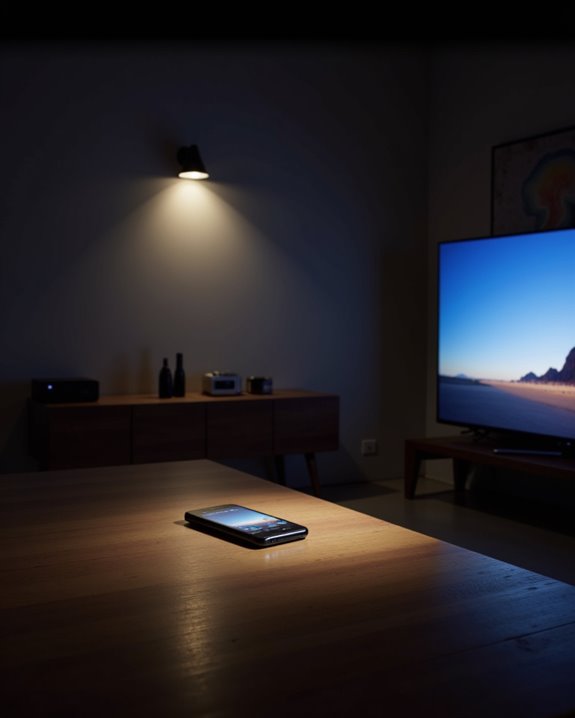
Unlike flashlight projector apps, which rely on a phone’s flashlight for basic image projection, true projection technology uses advanced hardware and specialized processes to display images on screens or walls. Projectors use a powerful light source, such as a lamp, LED, or laser, to produce a wide spectrum of light wavelengths. This light passes through or reflects off imaging panels—like LCD (Liquid Crystal Display), DLP (Digital Light Processing), or LCoS (Liquid Crystal on Silicon)—that shape the digital signal into a visible image. Additionally, high-performance projectors incorporate resolution support to ensure sharp and detailed visuals, enabling a more immersive viewing experience. Key features include:
- Adjustable lenses to focus and enlarge the image.
- Support for high image resolution, enabling sharp and detailed visuals.
- Compatibility with multiple video sources.
Projection TVs can be front- or rear-projection, offering larger screen sizes and enhanced connectivity for home theaters, gaming, and educational uses.
The Technical Limitations of Phone Flashlights
A smartphone flashlight faces several technical limitations that affect its effectiveness for demanding lighting tasks. The built-in LED, designed for close-range use, offers limited brightness and lacks a reflector, which prevents the light from focusing into a strong beam. Battery capacity also restricts prolonged or intense use—extended operation can quickly drain power. App compatibility issues may further limit flashlight functionality, as some devices may not fully support third-party apps that attempt to enhance brightness or control. Additional constraints include:
- Short illumination range, suitable mostly for nearby objects
- Inconsistent light spectrum, with a high blue light component that may pose eye health risks during prolonged exposure
- Ergonomic challenges, as smartphone shape and grip make precision tasks difficult
- The high lumens output of smartphone flashlights is generally insufficient for larger or outdoor spaces, limiting their usefulness for more demanding illumination needs
Compared to dedicated flashlights, smartphones are less versatile and powerful.
Recommended Products

HIGH LUMEN TACTICAL FLASHLIGHT – Powerful 1200-lumen LED flashlight for camping, hunting, home use, security, hiking, and walking at night. Compact, handheld design fits easily in backpacks, survival kits, or car glove compartments.

【30W OUTPUT | 10000 HIGH LUMENS】Shadowhawk S1476 super bright flashlight is equipped with an upgraded XHP70.2 LED chip, achieves 30% greater luminous flux than other lamp beads in the market, maxing up to 10000 lm. With an amazing 30W output, the high powered flashlight provides high brightness, not only can easily illuminate the whole room and backyard, but also can easily penetrate dust and fog well, comparable to car fog lamps, especially suitable for any situation with low visibility.

【BRIGHT FLASHLIGHT】Flashlights high lumens equipped with an LCD real-time battery level display, which provides a clear and accurate reading of the remaining flashlight battery power. Rechargeable flashlights is equipped with Upgraded Long Beam LED Chip.
Examining the Claims Made by Projector Apps
Curiously, many projector apps for smartphones claim to transform a device’s flashlight into a functional projector, but these claims rarely match reality. Most apps, such as Flashlight Video Projector, offer basic features like one-tap activation or SOS signals. These are utility functions, not projection. Despite boasting over 200,000 downloads, the apps typically lack true projection capabilities and cannot deliver high-quality visuals needed for projector TVs.
Key limitations include:
- Battery life: Running the flashlight continuously drains the phone’s battery quickly.
- App permissions: Many projector apps request access to device data unrelated to basic flashlight use, raising privacy concerns.
These apps are mainly compatible with Android 7.0 or higher and are often absent from major app stores, signaling unresolved performance and functionality issues.
User Experiences and Common Disappointments
How do users typically respond when testing flashlight projector apps? Most report disappointment, citing limited functionality and poor image quality. These apps often lack the light intensity and optics needed for real projection. Common complaints include:
- Inadequate brightness, which makes images hard to see.
- Battery drain, as running the flashlight for extended periods quickly depletes power.
- App compatibility issues, where some devices cannot run the apps smoothly or at all.
Users often note that many apps rely on the phone’s screen, not the flashlight, to simulate projection—meaning there is no real projection effect. Misleading advertising leads to unmet expectations, as the promised features rarely work as claimed. As a result, users generally recommend dedicated projectors for reliable and higher-quality results.
The Role of Screen Casting in Media Sharing
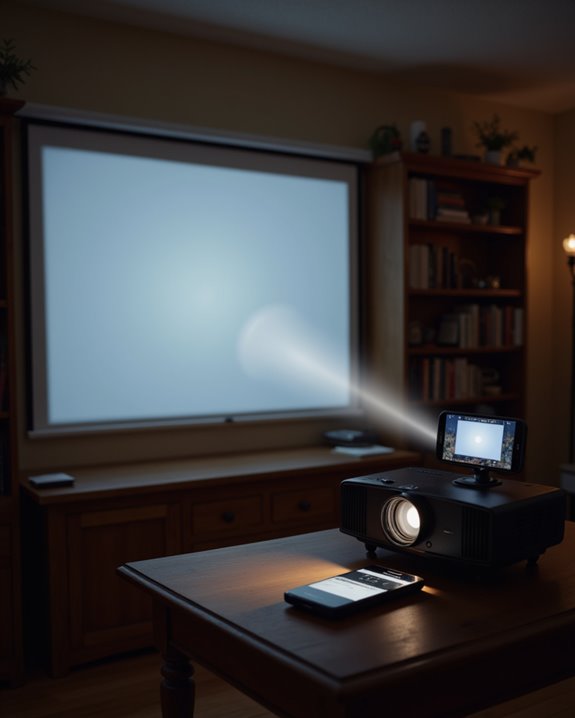
Screen casting plays a significant role in modern media sharing, offering a practical solution for displaying content from one device onto a larger screen. Screen casting, or sending content wirelessly to another device, enables users to share videos, presentations, or even live streams efficiently. This technology supports a wide range of devices and operating systems, making it highly versatile. Essential technical requirements include:
- Stable Wi-Fi or internet connectivity
- Device compatibility with protocols like Wi-Fi Direct or Miracast
- Software support for enhanced functionality
Screen casting differs from screen mirroring by allowing users to continue other tasks on the original device during streaming. Security is addressed through encryption and access controls. Digital rights and content licensing also play a crucial role, ensuring that streamed content complies with legal and usage restrictions.
Recommended Products

iOS ONLY = ZERO COMPATIBILITY HEADACHES — Unlike adapters that claim "works with all devices" but fail on Android due to brand/model/OS differences, this adapter is designed exclusively for iPhone & iPad (iOS 7+). No app downloads, no Bluetooth pairing, no WiFi needed — just plug in and your screen mirrors instantly. Works with iPhone 16/15/14/13/12/11 and all iPad models.
Comparing Dedicated Projectors to Mobile Solutions
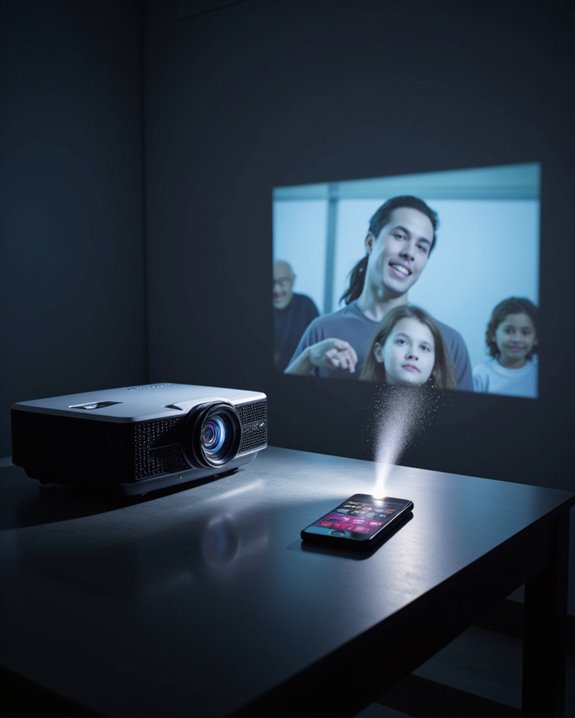
When comparing dedicated projectors and mobile solutions, the most noticeable differences are in image quality, portability, and cost. Dedicated projectors provide high-resolution images, strong brightness levels, and better color accuracy due to advanced technology. These devices can project large images and maintain stability, but they are less portable and often more expensive. In contrast, mobile solutions—such as flashlight projector apps—are highly portable, relying on smartphones for both the light source and app compatibility. However, these solutions are limited by battery life, lower brightness, and smaller image size. Additional differences include:
- Dedicated projectors require more frequent maintenance and external power.
- Mobile solutions are often easier to set up, compatible with more media types, and depend on smartphone battery life.
- Dedicated projectors offer more reliable connectivity and performance.
Recommended Products

【Built-in WiFi & Bluetooth Projector with Apps】Dual-band WiFi 2.4G + 5G ensures fast and stable wireless streaming. Bluetooth 5.2 supports speakers and headphones. Built-in apps like YouTube and Prime Video are supported, and the projector is compatible with TV sticks (not included) to access a wide range of streaming content and enjoy massive video libraries, making it a perfect movie projector.

High-Definition Resolution: This outdoor projector supports 1080P Full HD, with a native resolution of 720P (1280x720), delivering clear and vibrant images that bring children's movies, cartoons, and games to life—Avoid manual brightness adjustments to maintain optimal picture quality

Note: For the best viewing experience, we recommend a 5.2ft distance for a 80" screen. Please also upgrade to the latest firmware for optimal performance.
Identifying and Avoiding Misleading Apps
Many consumers are surprised to find that most flashlight projector apps do not deliver on their promises, often using misleading claims to attract downloads. These apps frequently claim to project images or videos using a phone’s flashlight or camera, but smartphones lack the required optics and hardware for real projection. Common warning signs include:
- Unrealistic claims, such as projecting HD images onto walls
- Lack of technical details on how projection is achieved
- Heavy presence of ads, indicating a focus on ad revenue
Fake reviews, which are positive but vague or repeated, may mask dissatisfied users’ experiences. In addition, some apps ask for unnecessary app permissions, like access to contacts or storage, posing data security risks. Consumers should verify user feedback and remain cautious of projector apps that seem too good to be true.
Recommended Products

A Roku account and internet connection are required for activation (Creating an account is free). Note: Power Supply: 100-240V AC, 50/60Hz.
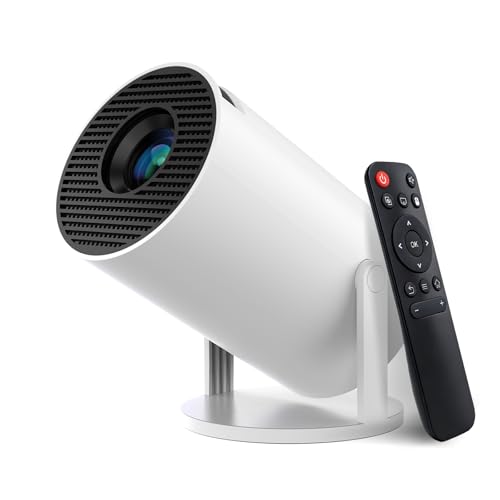
【Built-in Streaming Media APP】Without any additional equipment, the smart projector can directly access applications such as Prime Video, YouTube and Hulu. The built-in applications allow you to easily enjoy a wide variety of movies, popular TV series and millions of other contents. Moreover, it also has an app store where you can download more applications. Whether it's a shared movie night or personal entertainment, this smart projector is very suitable

【The Latest WIFI 6 Technology And Bluetooth 5.3】This projector with Wi-Fi and Bluetooth is equipped with the latest Wi-Fi 6 technology, compatible with Wi-Fi 6, 5G and 2.4G, offering faster connection speed and stronger stability, eliminating buffering and disconnection issues, and ensuring smoother online content playback. Additionally, it is fitted with the latest Bluetooth 5.3 chip, allowing for easy connection to Bluetooth speakers, headphones or other Bluetooth audio devices, providing a more efficient and stable transmission channel, and enabling users to enjoy higher audio quality with ease
Tips for Choosing the Best Projection Solution
Selecting an effective projection solution starts with understanding the limitations of smartphone apps that promise projector-like features. True projectors and TVs rely on advanced display technology, while flashlight projector apps cannot create real images on a wall or screen. When choosing between projectors and TVs, consider key factors:
- Image Quality: TVs provide brighter images and better contrast ratios, which enhance clarity and depth.
- Screen Size: Projectors allow for larger display sizes, ideal for group viewing, but require more space.
- Battery Life: Portable projectors often run on batteries, so check usage time for extended sessions.
- App Compatibility: Ensure the device supports necessary streaming apps and external devices for flexibility.
- Sound: Projectors may need separate speakers, while TVs offer built-in audio solutions.
Recommended Products

A Roku account and internet connection are required for activation (Creating an account is free)

[ Native 1080P Full HD Resolution ] - Enjoy crystal-clear visuals with HAPPRUN H1's native 1920x1080 resolution, delivering sharper, brighter, and more vibrant images for an immersive viewing experience. This 1080p projector is perfect for creating a stunning home theater or bedroom projector setup

Stylish, Eye-Catching Design: The modern design of Vibe One (Battery Powered) adds personality and style to any space. Pick the color that fits your style —— classic, timeless grey or a retro, playful blue-yellow color combo. And with the in-box stickers, you can customize it your way.
Frequently Asked Questions
Can Using Projector Apps Damage My Phone’S Flashlight or Battery?
Like a marathon runner pushed too hard, frequent use of projector apps can strain the phone’s flashlight and battery, raising battery safety concerns and reducing lifespan, especially if app compatibility is poor or power management is inefficient.
Are There Privacy Concerns With Installing Flashlight Projector Apps?
Privacy risks are significant with flashlight projector apps, as they often request excessive app permissions unrelated to their core function. These permissions can enable data collection, cross-app tracking, and potential misuse of user information, raising substantial privacy concerns.
Do These Apps Require Special Permissions or Access to Personal Data?
Flashlight projector apps often request excessive permissions, raising permissions concerns and potential privacy risks. These apps may access sensitive personal data, such as location and contacts, beyond what is necessary for basic functionality, underscoring the importance of cautious app selection.
Are There Any Legal Issues With Casting Copyrighted Content via These Apps?
A 2022 report found 30% of users were unaware streaming legality issues. Casting copyrighted content via apps can risk copyright infringement, exposing users and developers to legal action, including lawsuits and penalties, if unlicensed material is streamed.
Can Projector Apps Be Used Without an Internet Connection?
Projector apps often feature offline functionality, enabling use without an internet connection. Users can access locally stored media, though storage requirements may limit available content. Offline operation increases flexibility, especially in areas with limited or no connectivity.