As an Amazon Associate, we earn from qualifying purchases. Some links on this site are affiliate links at no extra cost to you. Our recommendations are based on thorough research and editorial judgment.

Do Projectors Need WiFi? Essential Facts for Home Theater Users

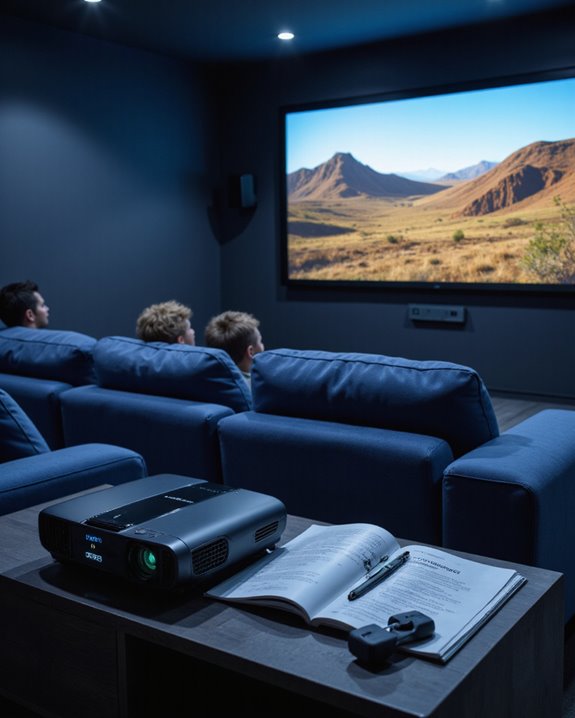
Projectors do not require WiFi to function effectively, as they can operate through traditional HDMI, VGA, or USB connections. WiFi capability adds convenient features like wireless streaming from phones and tablets, smart device integration, and access to entertainment apps like Netflix. Modern WiFi-enabled projectors support technologies such as Miracast and AirPlay, while maintaining compatibility with standard wired connections. Understanding the full range of connectivity options helps users maximize their home theater experience.
Key Takeaways
- Projectors do not require WiFi for basic functionality, as they can operate effectively through traditional connections like HDMI, VGA, or USB-C.
- WiFi capabilities enhance convenience by enabling wireless streaming, screen mirroring, and remote control through mobile devices.
- Built-in WiFi allows direct access to streaming services like Netflix and YouTube through integrated apps without additional devices.
- Non-WiFi projectors can achieve wireless functionality through affordable alternatives like HDMI dongles or USB WiFi adapters.
- Wired connections typically provide more stable and reliable performance than WiFi, especially for high-quality video content.
Understanding WiFi Functionality in Modern Projectors
You may be interested

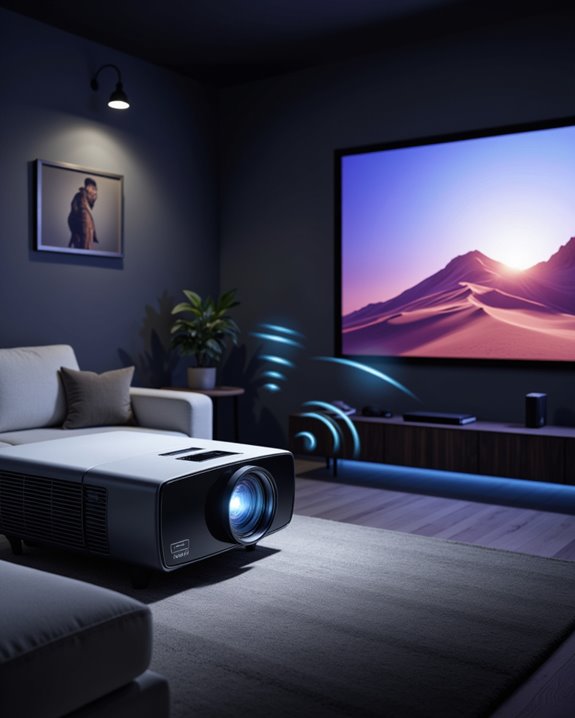
Modern projectors have revolutionized wireless connectivity through sophisticated WiFi integration systems. These devices connect to networks using either built-in WiFi cards or external USB wireless adapters, enabling seamless data transmission between source devices and the projector. The integration supports critical functions like firmware updates and WiFi security protocols to protect data during transmission.
The technology utilizes advanced screen mirroring capabilities through platforms like Miracast, AirPlay, and Chromecast. Modern projectors incorporate 5G Wi-Fi Modules that deliver faster speeds and improved stability compared to older standards. Projectors like the StarryHub offer plug-and-play functionality for quick deployment without complex setups. While wireless functionality offers convenience, manufacturers continue to include traditional ports like HDMI and VGA for compatibility with non-wireless equipment. The wireless connection process typically involves simple network discovery and device pairing, making setup accessible for most users. Additionally, some models support wireless streaming protocols, further enhancing ease of use.
Key Benefits of WiFi-Enabled Projectors
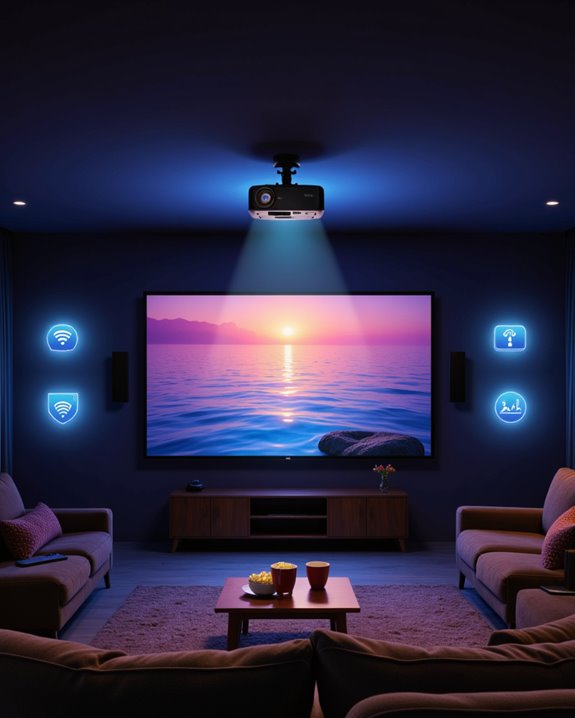
WiFi-enabled projectors deliver numerous advantages that transform how users experience home entertainment and business presentations. These devices enable personalized viewing through wireless connectivity, allowing seamless streaming from multiple devices without cable clutter. Users gain enhanced content management capabilities, accessing platforms like Netflix and YouTube directly through built-in apps. Modern wireless projectors utilize built-in WiFi networks to connect directly with smartphones and tablets for instant content sharing. The wireless transmission also reduces setup time and makes repositioning the projector more flexible, accommodating various room layouts.
The wireless functionality extends beyond basic streaming, offering smart features such as automatic screen adjustment and remote control through mobile apps. Integration with home automation systems enables voice commands and scheduled operations. Users can also benefit from wireless audio options, connecting to Bluetooth speakers or headphones for improved sound quality. The elimination of physical cables provides greater flexibility in projector placement while maintaining high-quality 4K resolution capabilities and reliable signal transmission.
Recommended Products

A Roku account and internet connection are required for activation (Creating an account is free). Note: Power Supply: 100-240V AC, 50/60Hz.

【Compatibe with Netflix, No Extra Devices Needed】This isn’t just a projector—it’s your "Hollywood Digital Pass." Instantly access a global library with pre-installed YouTube/Prime Video, offering 1000,000+ titles at your fingertips. Enjoy officially licensed content, secure and regularly updated, with stunning 4K HDR clarity.

【The Latest WIFI 6 Technology And Bluetooth 5.3】This projector with Wi-Fi and Bluetooth is equipped with the latest Wi-Fi 6 technology, compatible with Wi-Fi 6, 5G and 2.4G, offering faster connection speed and stronger stability, eliminating buffering and disconnection issues, and ensuring smoother online content playback. Additionally, it is fitted with the latest Bluetooth 5.3 chip, allowing for easy connection to Bluetooth speakers, headphones or other Bluetooth audio devices, providing a more efficient and stable transmission channel, and enabling users to enjoy higher audio quality with ease
Streaming Capabilities and Smart Features
Building upon the wireless functionality advantages, streaming capabilities and smart features represent the core appeal of today’s WiFi projectors. Modern projectors incorporate Android-based systems that enable direct access to streaming services like Netflix and Hulu, while supporting wireless gaming through seamless device connectivity. These smart features include automatic screen calibration and voice control capabilities for enhanced user convenience. Leading models like the LG CineBeam HU70LA deliver stunning visuals with wide color gamut technology and webOS integration. Many WiFi projectors come equipped with built-in app stores, allowing users to expand their entertainment options beyond traditional streaming services. The integration of advanced operating systems enables automatic updates and smart home compatibility. With support for wireless casting technologies like Chromecast and AirPlay, users can easily mirror content from smartphones and tablets. Additionally, high-resolution capabilities up to 4K ensure superior image quality for streaming content, and some models offer software update management to keep features current and secure.
Recommended Products

【Upgraded Movie Projector】The HY300 ULTRA projector, as an upgraded model of hy300 projector, this portable projector equipped with advanced Android TV 11.0 system, built-in the advantages of WiFi 6 and Bluetooth 5.4, with fast network connection speed, stronger anti-interference ability, and stable and smooth wireless projection. It provides a fast and stable projection for videos, games, and more.170 ANSI high brightness upgrade, and built-in application ecosystem continues to expand, enjoying Prime Video/YouTube and other platforms over 500,000 film and television resources.

[ Built-in Google TV | 10,000+ Apps | Voice Control ] - VISSPL 4K projector brings your favorite entertainment together—no TV stick, no extra devices, and no complicated setup. This Google TV projector gives you instant access to YouTube, Prime Video, Disney+, Hulu, and 10,000+ apps from one easy-to-use home screen. Enjoy 800+ free live TV channels, personalized recommendations, and seamless access to movies, shows, sports. Simply press the voice button on the remote and ask Google Assistant to search movies, launch apps, adjust volume, or check the weather. From home theater nights to outdoor entertainment, this smart projector makes every viewing experience faster, smarter, and easier.
![[Officially-Licensed App & Auto Focus]White Smart Mini Projector with WiFi and Bluetooth, XuanPad 4K Support Movie Projector, Portable Native 1080P Outdoor Projector with 360° Stand](https://m.media-amazon.com/images/I/51I8uy-U8bL._SL500_.jpg)
Exciting Moments Begin - The XuanPad mini projector compatible with Netflix for the ultimate viewing experience.No extra devices or complicated setup needed—just enjoy instant access to a vast library of movies with immersive, smart TV-like quality.XuanPad smart projectors are compatible with a variety of built-in apps like YouTube and Prime Video, and support for wireless screen mirroring and HDMI. Whether it's movie night, a gaming session, or camping, our licensed projectors can meet your customized entertainment needs.
Alternative Connection Methods for Projectors
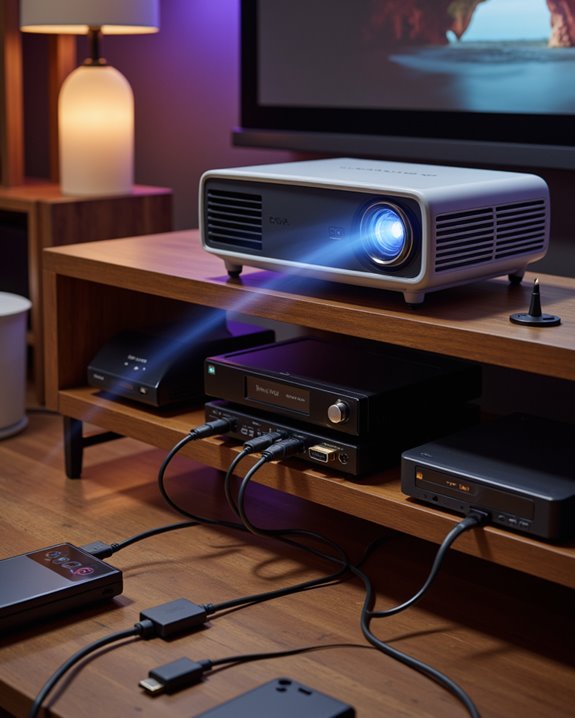
A robust selection of alternative connection methods exists for projectors beyond WiFi functionality, guaranteeing users can display content even without wireless internet access. Traditional HDMI cables provide reliable, high-quality video transmission, while USB-C adapters offer modern connectivity solutions with simplified cable management. For under $30, users can purchase Wi-Fi dongles that plug directly into HDMI ports for wireless streaming capabilities.
For wireless gaming and content streaming without internet, technologies like Miracast and AirPlay enable direct device-to-projector connections. Users can also utilize USB drives or external hard drives for offline content playback. Smart projectors often include built-in features like Chromecast, expanding connection possibilities without additional hardware.
Legacy options remain available for older equipment, including VGA cables and composite connections. These alternatives ensure compatibility across different devices and scenarios, making projectors versatile display solutions regardless of internet availability.
Setting Up Your WiFi Projector for Optimal Performance
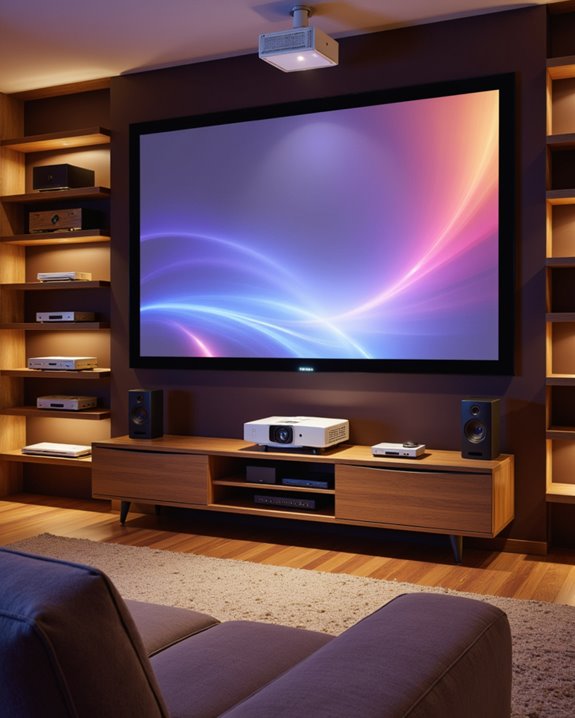
While establishing a reliable wireless connection forms the foundation of projector setup, proper configuration requires careful attention to both network and physical positioning details. Initial projector calibration involves accessing Wi-Fi settings through the remote control functionality and carefully entering network credentials. Users should position the device within effective range of their router, minimizing physical obstacles that could weaken the signal. For optimal viewing quality and brightness, projectors requiring more than 3,000 lumens are recommended for rooms with significant ambient light.
For *best* performance, operators need to:
- Update the projector’s firmware regularly
- Adjust network protocols when necessary
- Test signal strength in various locations
- Configure screen alignment precisely
If connection issues arise, users should methodically troubleshoot by checking password accuracy, restarting devices, or relocating the projector closer to the router. Advanced settings like IP configuration may require consultation of the user manual for model-specific instructions.
Recommended Products
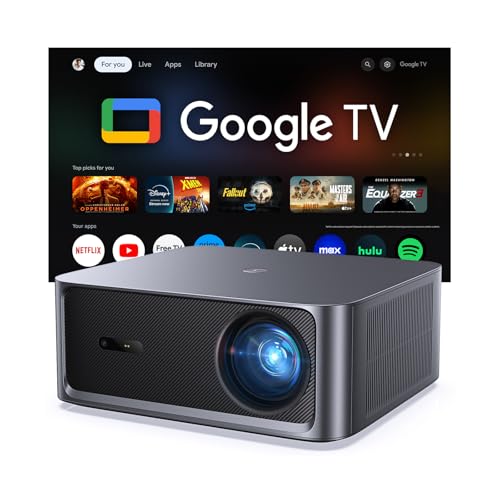
[Built-in Google TV with Official Streaming Apps]-Enjoy instant access to 1,000+ apps with built-in Google TV, including Netflix, Prime Video, YouTube, Hulu, and Disney+. No extra TV stick needed—just power on and start streaming your favorite movies, shows, and sports with a smooth plug-and-play experience.

[3000 Brightness Lumens & 4K Support] The 4k Projector features native 1080P resolution, supports 4K decoding, and delivers 3000 ANSI brightness performance. With a 25,000:1 contrast ratio and a cinema-grade wide color gamut of up to 98% NTSC, the movie projector creates a visually rich experience with vibrant colors. The optical system utilizes a precision-engineered, high-purity glass lens to ensure uniform brightness, eliminating any trace of edge blur, and accurately render lifelike details.
![[Now with Netflix & 3500ANSI] 4K Smart Projector with WiFi and Bluetooth, Auto Focus & Keystone Mini Projector with Stand, Outdoor Home Theater Small Proyector for bedroom(white)](https://m.media-amazon.com/images/I/41YyyzzOhCL._SL500_.jpg)
[Smart Projector Now with Netflix – No Stick, No Lag]This VISSPL upgrade mini projector comes pre-installed with Netflix, YouTube, Prime Video – just power on and stream. Unlike laggy TV sticks, this portable projector runs on 1.5GB RAM for 2x faster app launches and zero stutter. Whale OS integrates Whale App Store and OTA updates – download any app, stream from any source. No subscription tricks, no extra hardware. Turn any wall into your Home Cinema with this wireless projector – smooth, smart, and hassle free.
Comparing Wifi Vs Non-Wifi Projector Models
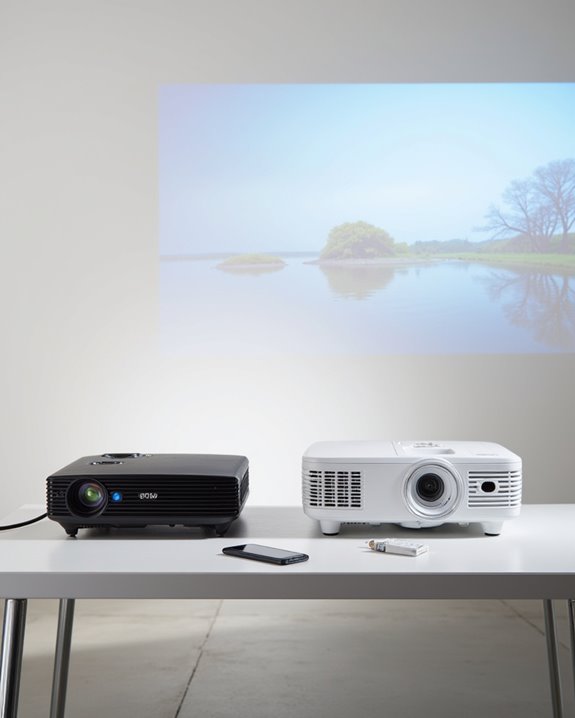
The fundamental divide between WiFi and non-WiFi projectors centers on their connectivity capabilities and built-in features. WiFi-enabled models offer wireless streaming and device casting, while non-WiFi projectors rely on physical connections like HDMI and USB ports. Battery life tends to be similar between both types, as wireless functionality typically consumes minimal power. Smart projectors enhance the viewing experience with built-in streaming apps that eliminate the need for additional devices.
The key differences emerge in their functionality and cost. WiFi projectors often include remote control features through smartphone apps, enabling easier navigation and settings adjustment. However, they typically cost more than their non-WiFi counterparts. Non-WiFi projectors excel in environments where internet access isn’t necessary, offering reliable performance through direct connections. When streaming services are essential, WiFi projectors provide convenient access, though some may require additional hardware to bypass copyright restrictions.
Recommended Products
![[Built-in App & 2026 Upgraded] Mini Projector with WiFi 6 and Bluetooth 5.4](https://m.media-amazon.com/images/I/51mKV0J+8VL._SL500_.jpg)
[Projector with Air Remote Function & Built-in Apps] The remote control of the Wowlink W210 portable projector has the Air Remote function based on gyroscope technology. You can control the projector screen by just shaking your wrist. The W210 portable mini projector has built-in applications, compatible with Prime Video, YouTube and D+. You can watch movies and videos with one click without external devices, and start the immersive audio-visual feast of home theater anytime, anywhere

【Smart Home Entertainment Hub】Powered by a built-in Linux OS. Enjoy endless apps possibilities through our movie-ready home projector - simply connect to WiFi to access various apps via our app store. No external devices required for authentic cinema experiences.

【Netflix Ready with Built-in Streaming Apps】Enjoy direct access to Netflix, YouTube, Prime Video, Hulu, D+, Peacock, Vudu, Paramount+, Tubi and Pluto TV — all built into the smart projector. Stream movies, shows, anime and live content without extra streaming devices for a smoother viewing experience at home or outdoors
Essential Features to Consider When Buying a Projector
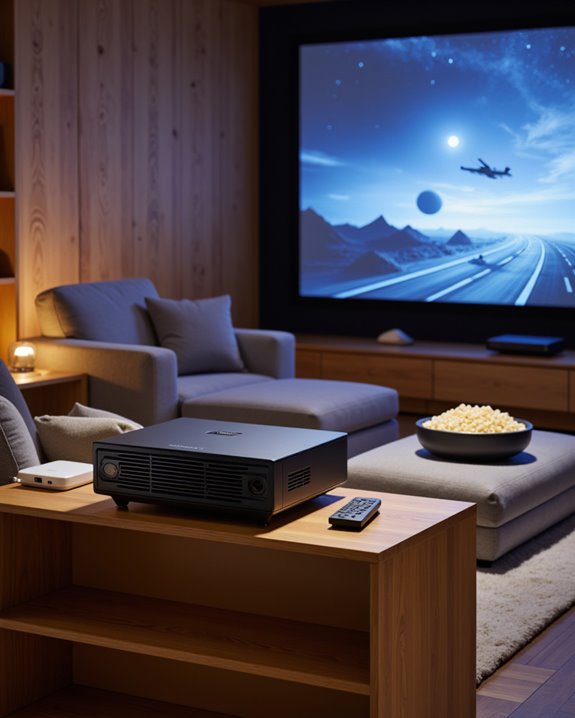
Understanding projector features helps buyers make informed decisions that align with their specific needs. Key considerations include resolution, contrast ratio, and connectivity options. Resolution determines image sharpness, with 4K offering superior quality for precise projector mounting and screen calibration.
Contrast ratio and color saturation impact image depth and vibrancy, particularly in home theater environments. Modern LED projectors deliver wide color gamut capabilities for enhanced visual quality. Modern projectors offer multiple connection types, from HDMI to wireless capabilities. Throw distance, which affects image size based on room dimensions, requires careful calculation for optimal placement.
Brightness, measured in lumens, determines performance in various lighting conditions. While LED and laser models provide energy efficiency, traditional lamp projectors remain common. The selection process should prioritize features that match the intended viewing environment and content type.
Recommended Products

[ Built-in Official Licensed Google TV ] - Without additional equipment, the smart projector can directly access Netflix, Prime Video, YouTube, Hulu, and other applications. It greatly reduces the complexity of operation and makes watching movies more convenient
![Outdoor-Projector-4K [VIDAA Live TV/40W Dolby/920 ISO] with WiFi6 and Bluetooth Compatible with Netflix, Smart Projector, AI Voice Control & Auto Focus, HDR10, Movie Proyector for Ceiling Home Theater](https://m.media-amazon.com/images/I/51R8227Xr5L._SL500_.jpg)
【2026 No.1 Fast VIDAA OS | Cloud Storage & Data Security】The upgraded X9 PRO 4k projector builds on the classic X9 proyector with superior speakers, higher brightness, and the exclusive VIDAA OS—designed to feel like a smart TV but perform even smoother. Unlike standard Android or Google TV projectors, VIDAA stays fast and stable over months of heavy use, with zero lag. It includes cloud storage to keep local memory free, and no data tracking, no targeted ads, and no personal collection. Kids mode with enhanced privacy protection. Whether at home, camping, or watching live sports, you get a secure, distraction‑free cinema experience every time

[BUILT-IN OFFICIAL GOOGLE TV OS WITH 10,000+ STREAMING APPS] Skip messy cords and pricey external TV dongles; this smart projector comes preloaded with licensed Google TV, granting instant access to Netflix, Prime Video, YouTube and thousands more streaming platforms; stream daily family shows without hooking up extra devices.
Making the Right Choice for Your Home Theater Setup
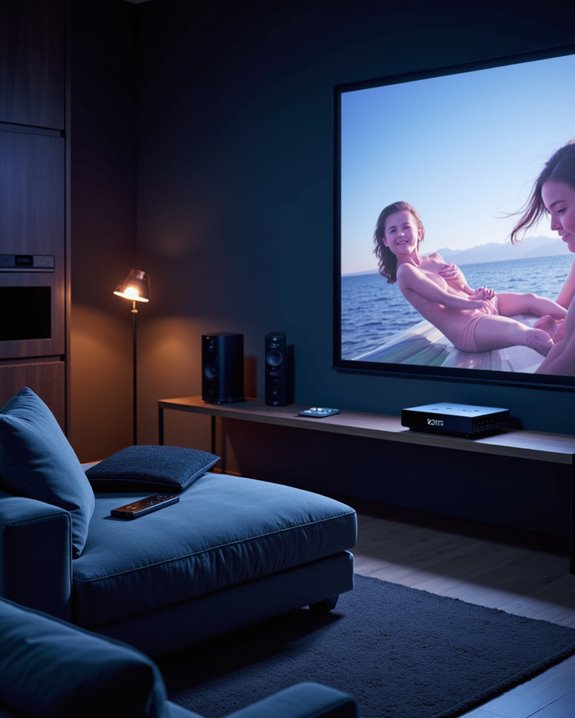
Creating an effective home theater setup requires careful consideration of multiple interconnected elements that work together to deliver an immersive viewing experience. The process begins with determining the appropriate screen size for the room dimensions and selecting a projector with suitable brightness and resolution capabilities. Fixed screens provide superior viewing quality and minimize installation challenges compared to retractable options.
Sound quality plays a vital role in the overall experience, requiring strategic placement of speakers and proper acoustic treatment. The setup should include:
- A screen material that matches the projector’s specifications
- Adequate light control through blinds or curtains
- Comfortable seating positioned at ideal viewing angles
- Well-organized cable management systems
The room’s layout should accommodate both the technical requirements of the equipment and the practical needs of viewers. Proper mounting and installation ensure stability, while careful calibration of both video and audio components maximizes performance.
Frequently Asked Questions
Can Wifi Projectors Work in Areas With No Internet Connection?
WiFi projectors can operate in areas without internet through offline viewing options and wired connectivity methods. Users can connect devices via HDMI, USB ports, or utilize internal storage for displaying locally stored content.
How Much Data Does Streaming Through a Wifi Projector Consume?
4K streaming consumes up to 10GB per hour through a WiFi projector. Data usage varies markedly based on streaming quality, with HD content using 1-3GB hourly and standard definition requiring considerably less bandwidth.
Do Wifi Projectors Drain Batteries Faster Than Non-Wifi Models?
WiFi projectors typically drain batteries faster than non-WiFi models due to increased power consumption. Battery life is especially shorter when wireless connectivity is active, with WiFi-enabled models generally lasting 2-2.5 hours versus 4 hours for non-WiFi versions.
Can Multiple Devices Connect to a Wifi Projector Simultaneously?
Most Wi-Fi projectors support up to 50 connected devices simultaneously, though only 4 can typically display content at once. Device compatibility and signal strength affect performance across different platforms sharing screen space.
Will a Wifi Projector Interfere With Other Wireless Devices Nearby?
WiFi projectors can contribute to wireless interference in crowded networks, potentially affecting signal stability of nearby devices. However, proper channel selection and device placement can minimize these impacts on other wireless equipment.