As an Amazon Associate, we earn from qualifying purchases. Some links on this site are affiliate links at no extra cost to you. Our recommendations are based on thorough research and editorial judgment.

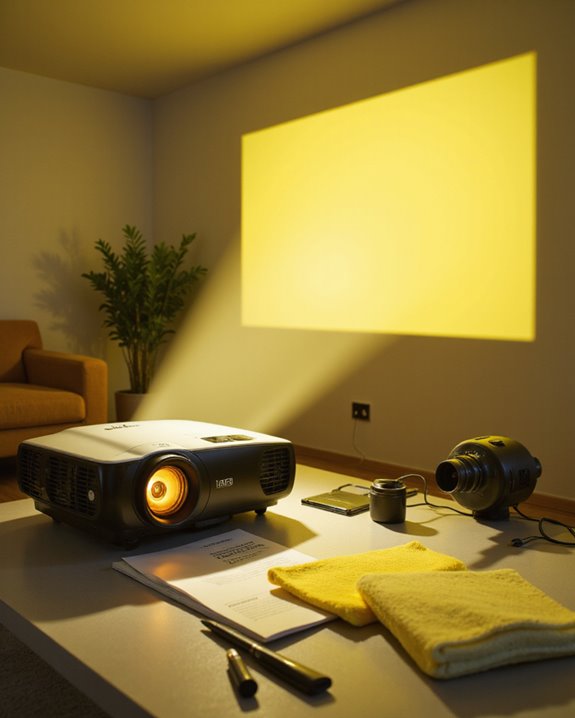
Why Does My Projector Turn Yellow? Common Causes and Fixes

Projector yellow discoloration typically stems from aging components, heat damage, and dust accumulation on internal parts. The most common causes include deteriorating LCD polarizers, poor ventilation leading to overheating, and dirt buildup on optical components. Basic fixes involve cleaning vents and filters, ensuring proper airflow, and checking cable connections. For persistent issues, professional servicing may be required. Understanding the specific cause helps determine whether simple maintenance or expert intervention will resolve the problem.
Key Takeaways
- Aging LCD polarizers and internal components naturally degrade over time, causing yellow discoloration in the projected image.
- Heat damage from poor ventilation and dust buildup breaks down optical components and misaligns LCD panels, creating yellow tints.
- Dust accumulation on internal components and blocked vents restricts airflow, leading to overheating and color distortion.
- Faulty cables, loose connections, or damaged connector pins can disrupt proper color signal transmission and cause yellowing.
- Regular cleaning, proper ventilation, timely lamp replacement, and professional maintenance can prevent or fix yellow discoloration issues.
Understanding Yellow Discoloration in Projectors
You may be interested
When a projector begins displaying a yellow tint or discoloration, several common factors may be responsible for this frustrating issue. The most frequent causes include damaged polarizing filters, dust accumulation on internal components, and aging projector lamps. Each of these problems affects color calibration differently, leading to inconsistent image quality and unwanted yellow hues.
Regular lens cleaning and maintenance play vital roles in preventing yellow discoloration. The polarizing filter, which guarantees accurate color representation, can degrade due to heat exposure over time. Additionally, dust settling on internal optical components scatters light and distorts color output. In some cases, failing projector lamps or loose cable connections contribute to color shifts. Poor airflow from blocked vents commonly leads to overheating and subsequent yellowing of the projected image. Understanding these potential causes helps users identify and address yellow tinting issues more effectively.
Heat-Related Causes of Yellow Tinting
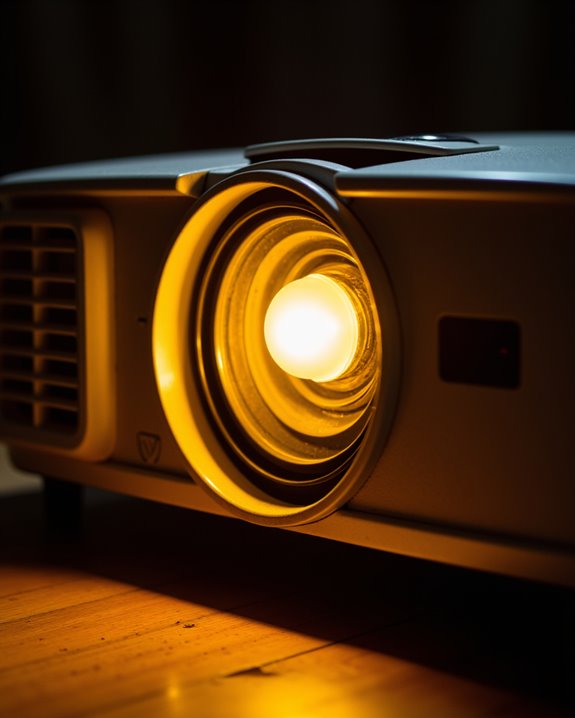
Excessive heat inside projectors stands as the primary culprit behind yellow tinting issues. When projectors experience prolonged exposure to high temperatures, critical components like polarizing filters begin to deteriorate. Heat damage occurs when organic compounds within these filters break down, resulting in visible yellow discoloration across the projected image. LCD panel misalignment can also contribute to heat-related color distortion, requiring professional recalibration. Additionally, brightness levels can influence heat buildup, as higher brightness often increases internal temperatures, exacerbating the problem. Ventilation issues often compound this problem, as poor airflow prevents proper cooling of internal components. Dust accumulation can further restrict airflow, creating a cycle of increasing heat buildup. The symptoms typically manifest as:
- Yellowish spots in specific areas of the image
- Gradual color shifting toward warmer tones
- Uneven discoloration across the screen
To prevent heat-related yellowing, proper maintenance of cooling systems, regular filter cleaning, and ensuring adequate ventilation around the projector are essential steps.
Common Hardware Issues Leading to Yellow Display
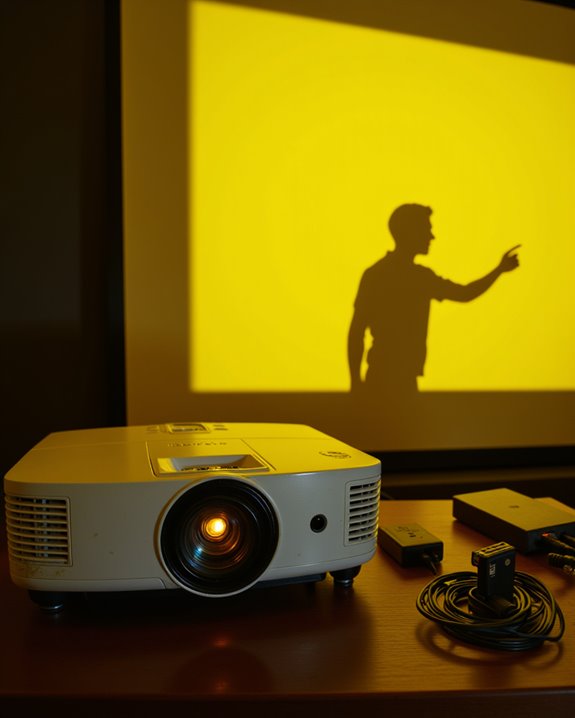
Beyond heat-related problems, several hardware components can trigger yellow discoloration in projector displays. The most common culprits include damaged color wheels in DLP projectors and polarizer degradation in LCD models. Color wheels, which filter light to create different colors, can develop cracks or misalignment issues that distort the projected image. A burnt prism lens is another serious internal issue that commonly results in permanent yellow tinting of the projection. Additionally, optical component deterioration caused by dust or aging can contribute to color imbalance and yellow tinting over time. Physical damage to essential components often causes distinct yellow tinting patterns:
- Bent VGA cable pins disrupting color signals
- Deteriorating LCD polarizers affected by heat and age
- Damaged reflectors and optical elements
- Scratched or warped lenses affecting light refraction
These hardware issues typically require professional repair or component replacement to restore proper color balance. Regular maintenance and inspection of these components can help prevent the development of yellow tinting problems.
Recommended Products
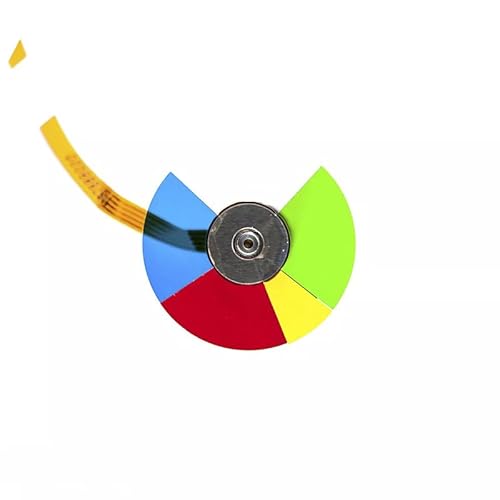
6 color segments, 3 screw holes, Diameter: 40mm. Please check the size and color of the color wheel before purchasing to ensure that it does not delay the customer's time. If you are in doubt, simply compare your old wheel against the photo.

8 color segments, 3 screw holes, Diameter: 40mm. Please check the size and color of the color wheel before purchasing to ensure that it does not delay the customer's time. If you are in doubt, simply compare your old wheel against the photo.

2026 upgraded color wheel, comes with one year warranty
Environmental Factors Affecting Projector Color
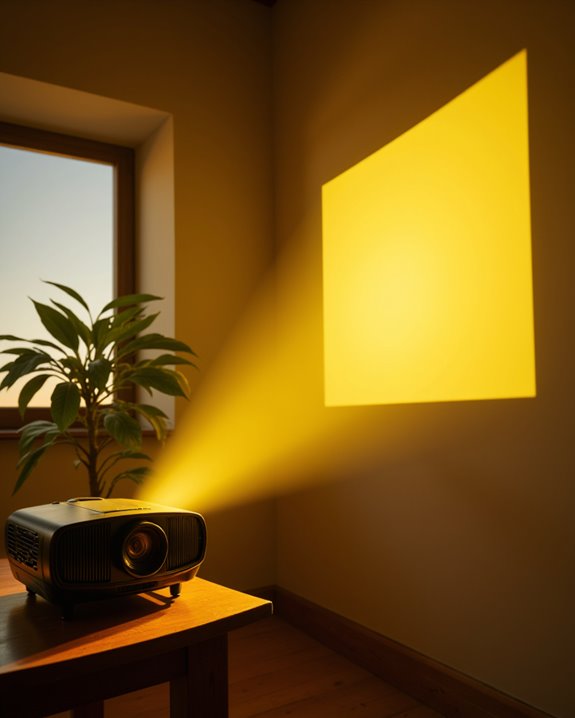
Environmental conditions play a crucial role in how projector colors appear on screen, particularly regarding yellow tinting issues. Ambient lighting has a significant impact on color accuracy, with direct sunlight and warm indoor lighting often causing unwanted yellow tints in projected images.
The choice of screen material can either minimize or amplify color distortion problems. White screens perform best in controlled, low-light environments, while gray screens help maintain color accuracy when there’s more ambient light present. For optimal viewing in bright spaces, ALR screens are specifically engineered to minimize the impact of ambient light. Room conditions, including temperature and humidity, can also affect projector performance and color output. Additionally, ambient light levels directly influence how colors are perceived on the projected image, emphasizing the importance of controlling environmental brightness for accurate color reproduction.
To maintain accurate colors, users should:
- Control room lighting conditions
- Choose appropriate screen materials for their environment
- Maintain stable room temperature and humidity
- Minimize colorful surroundings that could interfere with projection
- Use color management settings to compensate for environmental factors
Essential Maintenance Steps to Prevent Yellow Spots
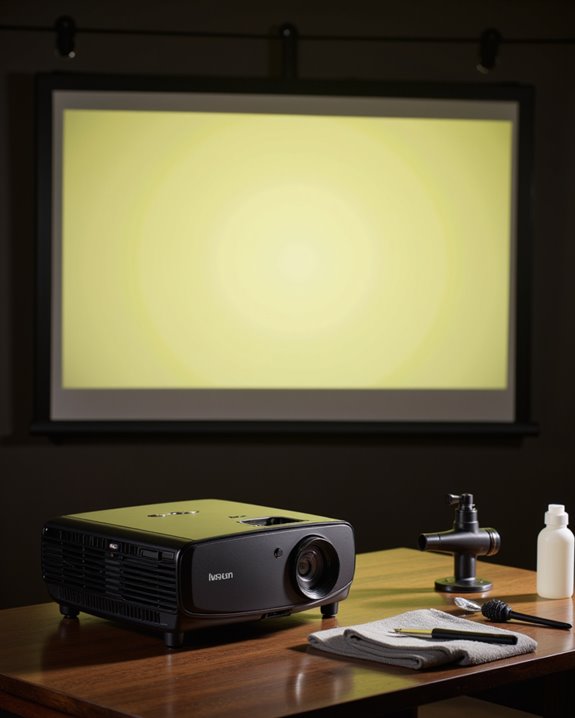
While environmental factors substantially impact projector performance, proper maintenance serves as the foundation for preventing yellow spots and maintaining ideal image quality. Regular cleaning of optical components, including the lens and color wheel, helps ensure proper color calibration and prevents discoloration. The projector’s optical alignment must be checked periodically to maintain accurate color reproduction. A faulty light engine failure can cause persistent yellow spots that worsen over time.
Essential maintenance steps include:
- Using a soft, lint-free cloth for lens cleaning
- Ensuring adequate ventilation to prevent overheating
- Replacing bulbs before they reach end-of-life
- Installing surge protection to safeguard internal components
- Maintaining secure cable connections
Regular inspections can identify potential issues early, while professional servicing may be necessary for complex problems. Keeping the projector in a dust-free environment and avoiding direct sunlight further protects against yellow spots and color distortion.
Recommended Products

【PROFESSIONAL LENS CLEANING KIT】:Dslr cleaning kit includes Camera Dust Blower*1, Lens Cleaning Pen*1, Microfiber Lens Cleaning Cloths*2. Safe for all electronics, coated lenses and sensors.
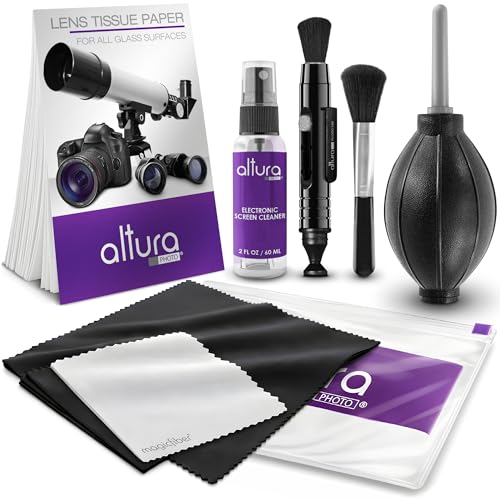
COMPLETE CAMERA CLEANING KIT: Our camera lens cleaning kit includes an alcohol & ammonia-free lens cleaner spray, cleaning brush, lens pen, air blower, MagicFiber microfiber cloths (3), and lens tissue paper wipes (50). Most competing lens cleaning kits cost more and still make you buy the spray and brush separately. Ours doesn't.

CRYSTAL CLEAR VISION – EVERY TIME: Our obsessively engineered, best-in-class formula is the only streak-free glasses cleaner that leaves your eyeglasses, sunglasses, camera lenses, and screens ridiculously clean and clear. With almost no effort, our premium ingredients wipe away dirt, grime, and oils, safely and consistently.
Technical Solutions for Yellow Display Problems
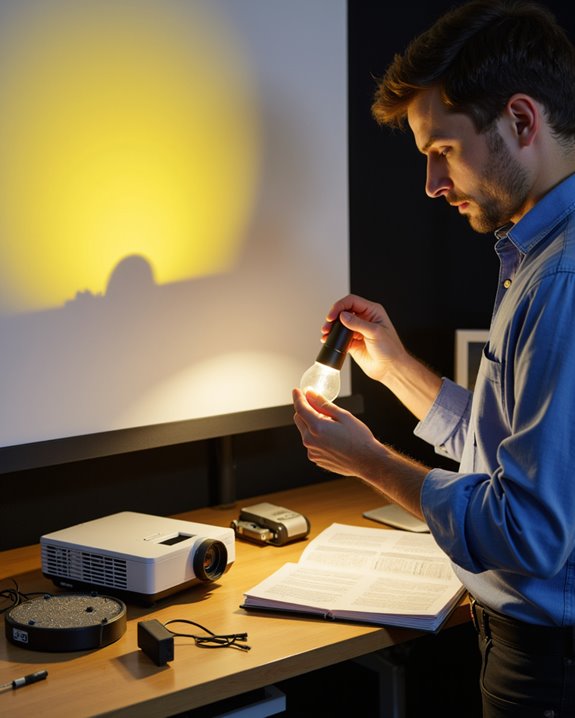
A thorough set of technical solutions exists for addressing yellow display problems in projectors. The first line of defense involves optical cleaning using specialized lens solutions and microfiber cloths to remove dust and residue that can cause color distortion. Professional color calibration tools can then be used to adjust and fine-tune the color settings, often restoring proper image quality. Testing with multiple input devices can help isolate whether the issue stems from the projector or the source.
When basic solutions prove insufficient, technicians can perform deeper hardware interventions. These include replacing worn polarizing filters, inspecting the LCD panel for damage, and testing the color wheel functionality. Signal-related issues can be resolved by checking cable connections and updating device drivers. For ideal results, the projector’s ventilation system should be maintained through regular filter cleaning and ensuring proper airflow, as overheating often contributes to yellow display problems.
Recommended Products

WHAT YOU CAN GET: 1 camera lens Cleaner 50ml + 1 air blower + 1 two in one Lens Cleaning Pen + 1 Retractable wool soft brush + 5 sensor cleaning swab + 25 lens cleaning Tissue Paper + 2 Microfiber Cleaning Cloth + 8 Cleaner Wipes + 1 storage box.

CRYSTAL CLEAR VISION – EVERY TIME: Our obsessively engineered, best-in-class formula is the only streak-free glasses cleaner that leaves your eyeglasses, sunglasses, camera lenses, and screens ridiculously clean and clear. With almost no effort, our premium ingredients wipe away dirt, grime, and oils, safely and consistently.

Camera Lens Cleaning Kit (14 pieces), including, air blower, lens pen, cleaning brush, lint-free cloth, lens pen, storage bag, etc.
Professional Repair Options and When to Seek Help
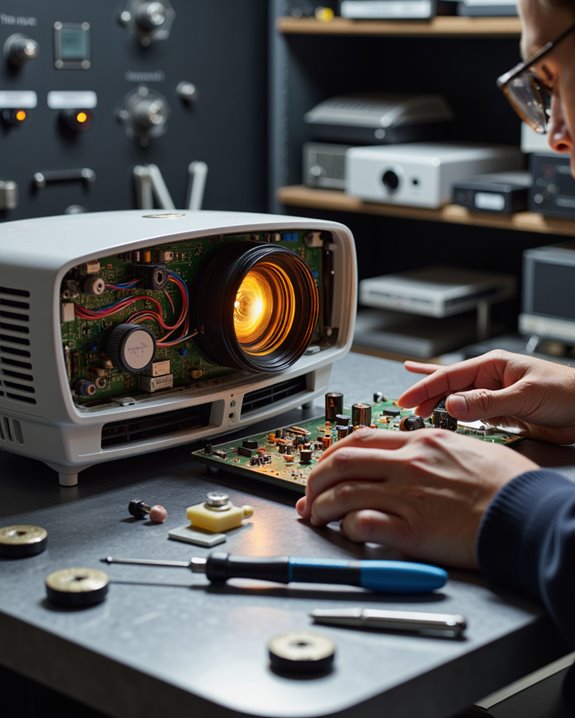
When projector issues persist beyond basic troubleshooting, professional repair services offer specialized expertise and technical solutions. Professional technicians can diagnose complex problems that DIY troubleshooting cannot resolve, including hardware malfunctions and software updates that require specialized knowledge.
Warning signs that indicate the need for professional repair include persistent color distortions, lamp flickering, internal component failures, and cooling system problems. Authorized service centers specialize in specific brands and provide warranties on their repairs, ensuring quality workmanship. These centers employ trained technicians who use genuine parts and follow manufacturer-approved repair procedures. Many repair centers offer free estimates to help customers understand repair costs before committing to service.
Attempting self-repairs on complex projector systems can void warranties and potentially cause additional damage. For projectors under protection plans or those featuring advanced technology like 4K or laser systems, professional repair is strongly recommended.
Impact of Cable and Connection Issues
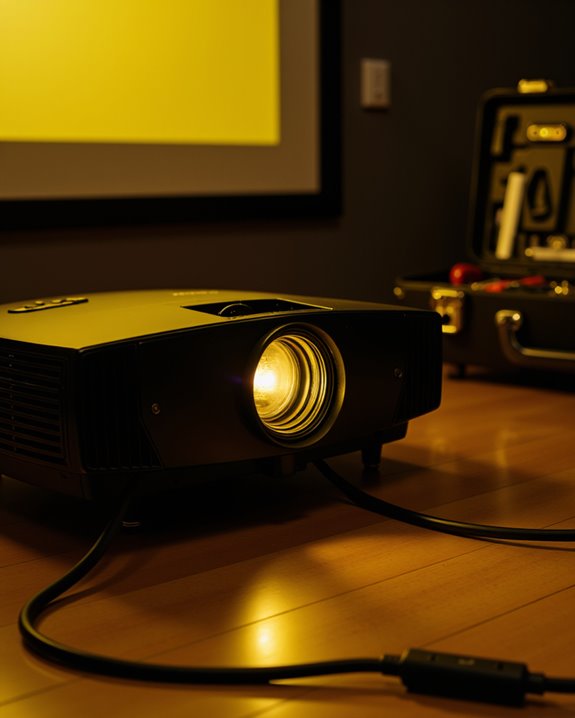
Cable and connection issues represent significant factors in projector color distortion, particularly when yellow discoloration occurs. Poor cable quality and connection stability directly affect the signal transmission between the source device and projector, often resulting in color abnormalities. Unlike LCD polarizer failure, cable issues can usually be resolved through simple troubleshooting and replacement.
Several common cable-related problems can trigger yellow tinting:
- Low-grade cables that degrade signal quality
- Loose connections that interrupt proper data flow
- Damaged or bent connector pins, especially in VGA cables
- Incompatible cable types that don’t support full color transmission
The issue may worsen when cables are improperly managed, leading to overheating. This heat buildup can damage internal components and further contribute to color distortion. Regular inspection of cables and ensuring secure connections can prevent many of these problems, maintaining ideal image quality and accurate color reproduction.
Recommended Products

COMPACT DESIGN - The compact-designed portable Benfei HDMI to VGA adapter connects a computer, desktop, laptop, or other devices with HDMI port to a monitor, projector, HDTV, or other devices with VGA port; Tuck this lightweight gadget into your bag to do a business presentation with your laptop and projector, or extend your desktop screen to a monitor or TV;

EXCELLENT TRANSMISSION: Benfei DisplayPort to VGA 1.8 Meter Cable utilizes better chip solution and professional multiple shielding for instaneous and accurate data streaming.

【Full HD 1080P & Gold-Plated】Supports resolutions at 800x600 (SVGA), 1024x768 (XGA), 1600x1200 (UXGA), 1920x1080P, 2560×1080,3440×1080,3840×1080,1440×1080,1280×1080 and up for high resolution LCD and LED monitors., making it ideal for connecting high-resolution monitors and projectors. With gold-plated connectors and bare copper conductors, this VGA monitor cable guarantees exceptional RGB signal transmission, producing vivid and crisp video output
Quick Fixes for Yellow Discoloration
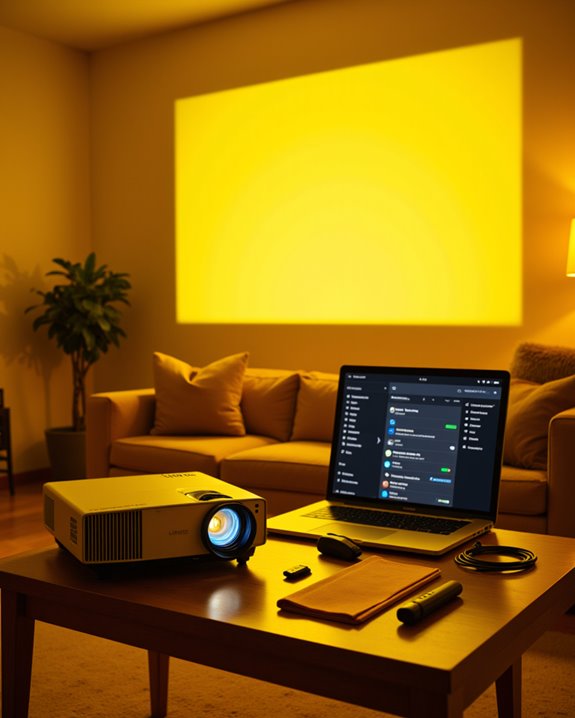
Simple fixes exist for projector yellow discoloration, offering solutions that address common causes of color distortion. Color calibration stands as the first line of defense, requiring users to check and adjust their display settings to default values. Software updates can often resolve color accuracy issues by improving the projector’s performance. Environmental exposure can cause internal damage, leading to spots and discoloration that require internal component repair.
Regular maintenance plays a pivotal role in preventing yellow tinting. This includes cleaning the lens with a soft cloth, removing dust from vents, and ensuring proper ventilation. The projector should maintain a minimum distance of 6 inches from walls to prevent overheating. If basic solutions prove ineffective, component inspection becomes necessary. Users should examine the LCD panel for damage and check the lamp’s lifespan, as aging components often cause color deterioration. Professional assistance may be required for complex repairs involving internal components.
Recommended Products

ACHIEVE TRUE COLOR - Ensures your monitor displays colors accurately, critical for photography, design, and video editing, with unlimited gamma, whitepoint, and brightness settings.

SPECIFICATIONS; Includes Calibrite Display 123 colorimeter for monitor calibration plus ColorChecker Passport Video 2 for video and photo capture control, designed for exposure reference, white balance setup, and consistent color workflow from capture through edit.

SUPERIOR ACCURACY - Ensures precise color calibration with professional-grade chips, delivering consistent and reliable results for video production.
Long-Term Prevention Strategies
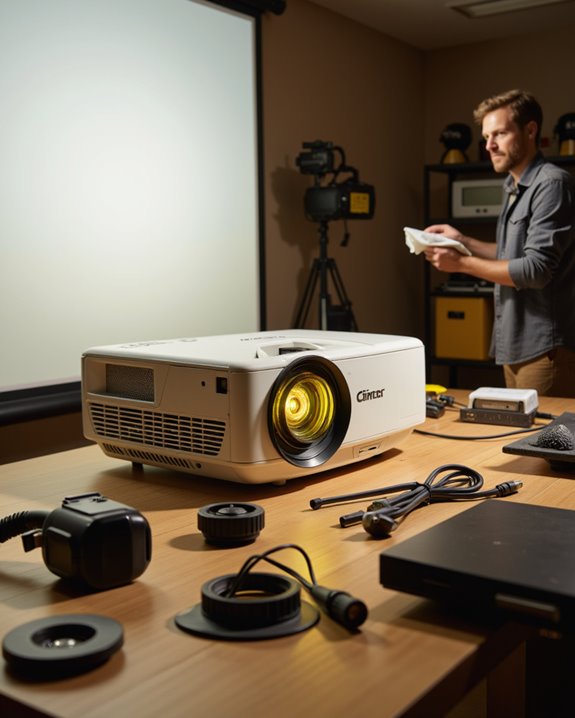
Implementing long-term prevention strategies substantially reduces the risk of projector yellowing and extends equipment lifespan. Regular maintenance focusing on proper cleaning, ventilation, and component inspection forms the foundation of effective prevention.
Key preventive measures include:
- Installing the projector in a dust-free, temperature-controlled environment
- Performing monthly color calibration checks to detect early signs of discoloration
- Replacing air filters according to manufacturer schedules
- Maintaining proper ventilation around the device
Considering that professional cleaning costs approximately £175, establishing an in-house maintenance program can provide significant cost savings over time. Modern technology offers additional protection through advanced materials and cooling systems. Projectors using inorganic compounds in their polarizers demonstrate better resistance to yellowing, while DLP and LCOS systems eliminate polarizer-related issues entirely. Professional maintenance schedules, combined with careful environmental control, help ensure optimal performance and prevent premature aging of components.
Frequently Asked Questions
Can a Projector’s Yellow Discoloration Affect Its Long-Term Resale Value?
Screen discoloration substantially impacts a projector’s resale value. Poor image quality from yellowing reduces market appeal, leading to lower selling prices and decreased buyer interest compared to properly functioning units on the market.
Does Using Eco-Mode Prevent Yellow Spots From Developing Over Time?
Like a gentle breeze cooling a summer day, eco mode benefits extend projector lifespan by reducing heat and stress on components. While it substantially decreases yellow spot risk, it cannot completely prevent their development.
Are Certain Projector Brands More Prone to Yellow Discoloration Issues?
DLP projector brands typically show more yellow discoloration compared to 3LCD models like Epson. However, brand reliability varies less than maintenance routines, as proper care considerably impacts color preservation regardless of manufacturer.
How Quickly Should Yellow Spots Appear After Initial Component Damage Occurs?
Like a snowball gathering speed, discoloration timeline varies substantially. Component damage can trigger yellow spots instantly or develop gradually over weeks, depending on the severity and type of damage progression.
Can Yellow Discoloration Spread From One Area to Another if Left Untreated?
Yes, untreated damage can cause discoloration spread throughout the projector. Heat accumulation, component degradation, and dust buildup progressively affect adjacent areas, leading to more extensive yellowing if the initial issues remain unaddressed.