As an Amazon Associate, we earn from qualifying purchases. Some links on this site are affiliate links at no extra cost to you. Our recommendations are based on thorough research and editorial judgment.

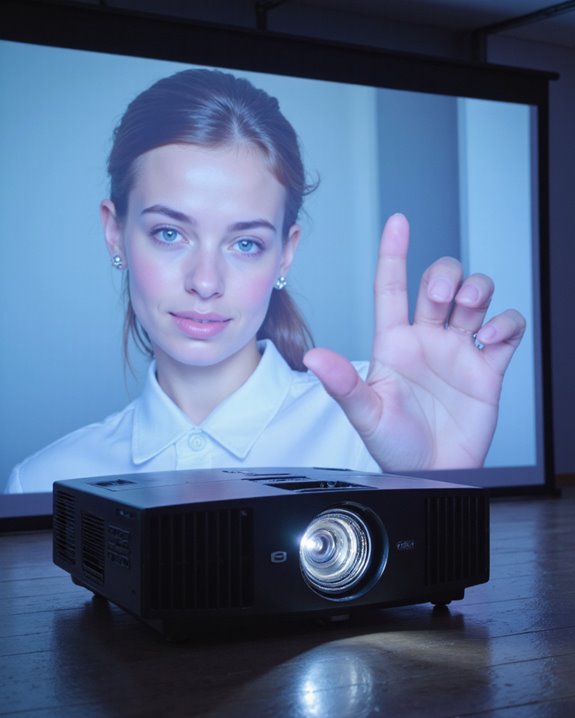
Will a Projector Work on a White Wall?

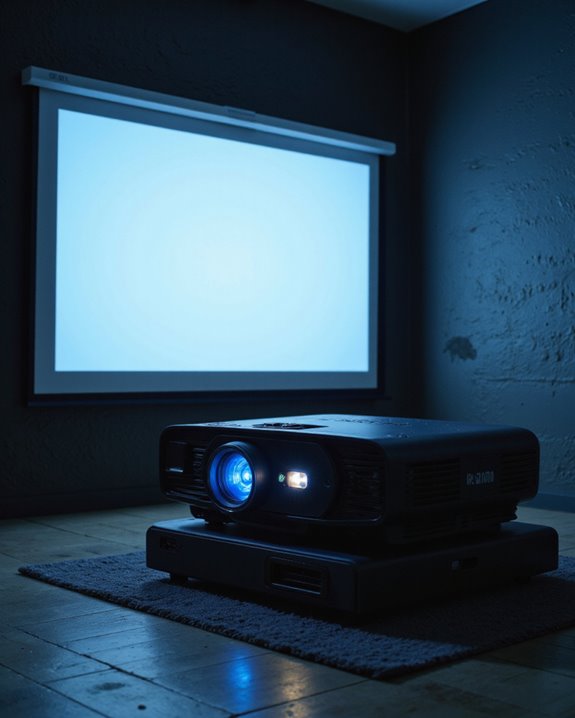
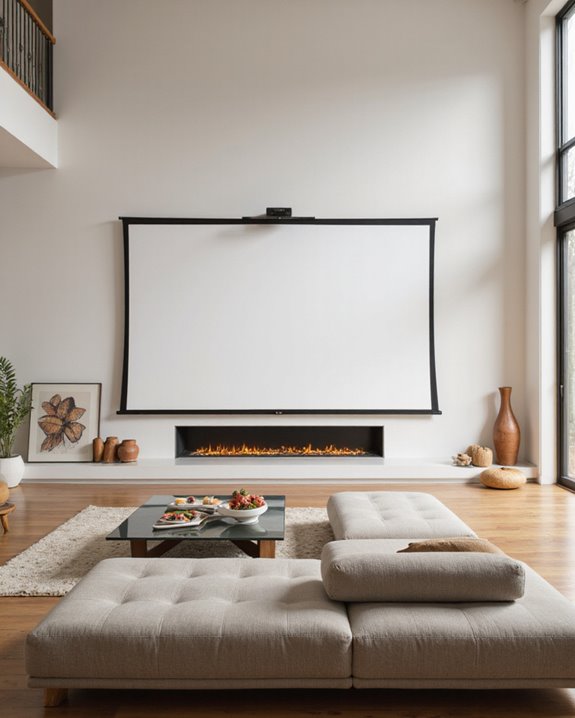
A projector can effectively display images on a white wall, though quality varies based on surface conditions. Smooth, clean walls free of bumps and discoloration provide the best results, while textured or off-white surfaces may reduce image clarity. While dedicated projection screens offer superior performance through specialized coatings and ambient light rejection, white walls remain a cost-effective option for casual viewing. Proper room setup and technical adjustments can considerably enhance the viewing experience.
Key Takeaways
- Yes, projectors can work on white walls, but image quality will be noticeably lower compared to dedicated projection screens.
- Walls must be completely smooth, flat, and painted matte white for acceptable projection results.
- White walls reflect less light than screens, resulting in dimmer images that require higher lumens projectors.
- Controlled lighting conditions are crucial, as white walls don’t have ambient light rejection properties like screens.
- Professional environments should use dedicated screens, while white walls can suffice for casual home viewing.
The Basic Requirements for White Wall Projection
You may be interested
When projecting onto a white wall, several fundamental requirements must be met to achieve ideal image quality. The wall’s texture plays a vital role, requiring a smooth surface free from bumps or irregularities that could distort the image. Color accuracy depends on the wall maintaining a pure white shade without any yellowing or discoloration. The viewing environment needs careful consideration, with controlled lighting being essential for best projection. Dark or dim conditions help maximize image clarity and contrast. The wall must be completely flat to prevent image warping, and proper projector positioning helps avoid distortion. Adjusting the throw distance properly ensures the projected image size meets your needs. Cost-effectiveness makes white walls an attractive alternative to specialized screens, but maintaining the wall’s surface through regular cleaning guarantees consistent projection quality over time. Additionally, selecting a high-lumen projector can significantly improve visibility and image brightness when projecting onto a wall that lacks specialized reflectivity.
Recommended Products

A Roku account and internet connection are required for activation (Creating an account is free). Note: Power Supply: 100-240V AC, 50/60Hz.

[Stream Without Limits - Built-in APPs, Compatible with Netflix] The ONO3Pro 2.0 outdoor projector brings the world’s top streaming platforms to your fingertips—no extra devices needed. Compatible with Netflix, YouTube, Prime Video, Apple TV, Disney+, Live TV, and over 1.2 million videos in stunning clarity. With regular updates, your movie projector stays ahead with the latest features, enhanced security, and uninterrupted stability—so your entertainment is always fresh, legal, and buffer-free, wherever you go

High Brightness Laser Projector: Deliver crisp text and vibrant images with WXGA (1280x800p) resolution and a 1.2-1.5 throw ratio; utilizing a long-lasting laser light source for reliable performance in professional office settings
Comparing Projector Screens vs. White Walls

Making the choice between a projector screen and a white wall involves weighing distinct advantages and limitations for each option. Projector screens offer superior image quality through specialized coatings and enhanced screen durability, resulting in better brightness, color accuracy, and resistance to ambient light. Modern screens also incorporate Ambient light rejection features that significantly improve daytime viewing quality. Additionally, screens tend to have consistent surface textures designed specifically for optimal projection, whereas walls can vary greatly in texture and reflectivity. White walls present a cost-effective alternative with minimal setup requirements, but wall textures and surface imperfections can notably impact image quality. Even smooth walls typically reflect less light than dedicated screens, producing dimmer images with less accurate colors. Professional environments generally benefit from proper screens due to their consistent performance and polished appearance. For casual home viewing, a clean white wall might suffice, though users should expect some compromise in visual quality compared to a specialized projection screen.
Recommended Products

4K ultra HD projector screen: The Anti Light projection screen brings you vivid image and impeccable viewing experience with a 16:9 4K ultra HD resolution. Ambient light rejecting screens could reflects light in a way that minimizes the impact of ambient light. This means that when you're watching a movie or giving a presentation, the colors will look more vibrant and the images will be clearer.

CONVENIENT TO STORAGE AND CARRY : Compact one-piece,lightweight and folding design. You can fold the projector screen in small size and put it in your backpack or suitcase

★【Better Contrast and Color】 Light bleed is eliminated by the black backing layer, significantly improving image quality.
Optimizing Your Room Setup for Wall Projection

Successful wall projection begins with thoughtful room preparation and equipment placement. When setting up a projection space, proper lighting control is essential through the use of blackout curtains or blinds. The room’s layout should minimize reflections and maximize viewing angles for all seats.
Several decorating tips can enhance the projection experience. Sound-absorbing acoustic treatments on side walls reduce echo while improving audio quality. The projection wall should be smooth, clean, and free of decorations or obstacles. A neutral-colored wall provides the ideal surface for casual projection viewing. For best results, the projector needs precise positioning:
- Mount at screen-center height
- Square alignment with the wall
- Proper distance based on room dimensions
- Away from electronic devices that may cause interference
Additionally, considering the use of high-contrast surfaces can significantly improve image clarity and vibrancy in ambient light conditions. Regular maintenance of both the wall surface and projector ensures consistent image quality over time.
Recommended Products
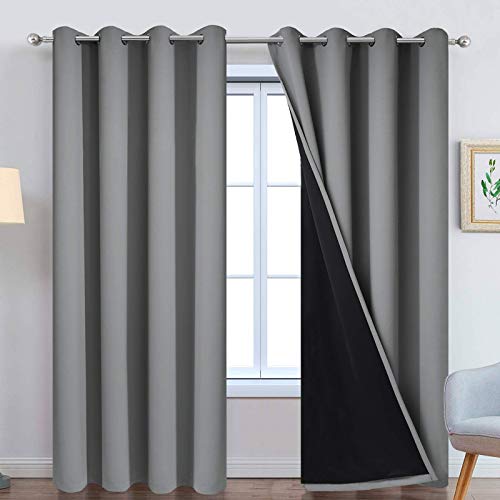
PACKAGE MADE:2 panels per package. Each Lined Curtain measures 52" wide x 84" long. 8 Silvery Grommets per panel. This silvery grommet (1.6 inch inner diameter) fits many rods. Easy to hang and smooth to slide. The simple design gives people a sense of ease.

【100% Blackout Material】RUseeN portable blackout curtains are made of thick, sturdy but soft fabric materials which can block 100% sunlight and UV ray.Thanks to the special silver-grey coating behind the blackout blind; blocking off all sunlight and reducing heat, creating a cozy pitch-dark sleeping atmosphere for you, Improve your sleep quality
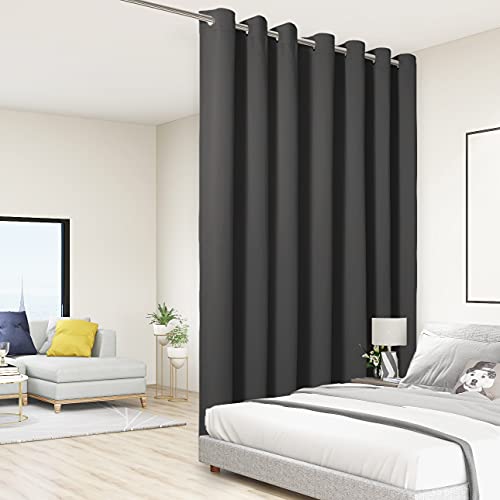
WHAT'S IN THE PACKAGE? Each set includes 1 curtain panel, and each window drape measures 84-inch (7 ft) length by 108-inch (9 ft) width. 14 elegant metal grommets with 1.6-inch inner diameter, fit well with standard or decorative curtain rods, which makes the curtains easy to install and slide.
Essential Technical Specifications to Consider

Three key technical specifications form the foundation of any wall projection system: resolution, brightness, and contrast ratio. A resolution of Full HD (1920×1080) or WXGA (1280×800) ensures sharp, clear images on white walls. Brightness, measured in ANSI lumens, becomes essential when dealing with ambient lighting; projectors with 3,300 lumens or higher perform well in well-lit rooms.
The contrast ratio, such as 10,000:1, determines how well the projector displays dark and light areas, enhancing overall image quality. Modern projectors use LCD or 3LCD technology to achieve superior color accuracy. A Poly-silicon TFT activematrix display ensures excellent image reproduction and clarity on white walls. When selecting a projector for wall projection, these specifications work together to create ideal viewing experiences, with higher numbers generally indicating better performance in challenging lighting conditions.
Recommended Products

【The Latest WIFI 6 Technology And Bluetooth 5.3】This projector with Wi-Fi and Bluetooth is equipped with the latest Wi-Fi 6 technology, compatible with Wi-Fi 6, 5G and 2.4G, offering faster connection speed and stronger stability, eliminating buffering and disconnection issues, and ensuring smoother online content playback. Additionally, it is fitted with the latest Bluetooth 5.3 chip, allowing for easy connection to Bluetooth speakers, headphones or other Bluetooth audio devices, providing a more efficient and stable transmission channel, and enabling users to enjoy higher audio quality with ease

[ Native 1080P Full HD Resolution ] - Enjoy crystal-clear visuals with HAPPRUN H1's native 1920x1080 resolution, delivering sharper, brighter, and more vibrant images for an immersive viewing experience. This 1080p projector is perfect for creating a stunning home theater or bedroom projector setup
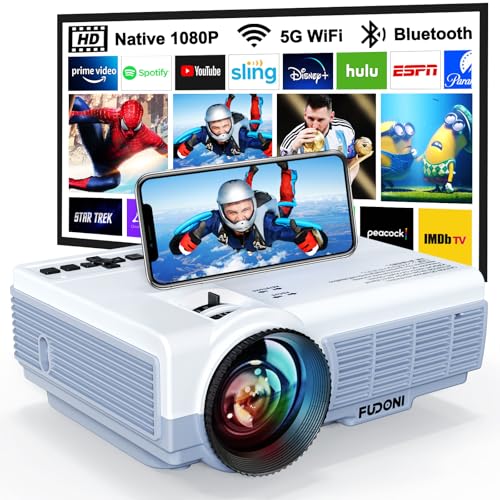
【5G WiFi + 5.3 Bluetooth: Seamless Connectivity for Any Space】 Dual-band 5G+2.4G WiFi ensures lag-free streaming (3x faster than 2.4G) with a connection speed of 5 seconds. Bluetooth 5.3 pairs effortlessly with external speakers/headphones for immersive home theater audio or outdoor party sound. Includes HDMI/USB/VGA ports for laptops, gaming consoles, streaming sticks (Roku/Chromecast), and classroom or office devices.
Tips for Enhancing White Wall Projection Quality

While technical specifications establish the foundation for quality projection, proper setup and enhancement techniques elevate the viewing experience to new heights. Creating an ideal projection environment requires careful attention to wall preparation, lighting control, and equipment positioning. The projection surface should be smooth and painted with matte white paint, free from decorative accents or textures that could distort the image. Proper aspect ratio settings on the projector will ensure content displays correctly without stretching or compression on the wall surface. Soundproofing materials can help create an immersive viewing space while reducing acoustic interference.
Key improvements can be achieved through strategic light management, including the use of blackout curtains and controlled room lighting. Proper projector placement, perpendicular to the wall, minimizes distortion and ensures crisp image quality. Regular maintenance of both the wall surface and projector components, combined with careful calibration of color, brightness, and contrast settings, helps maintain professional-quality projection results.
Recommended Products
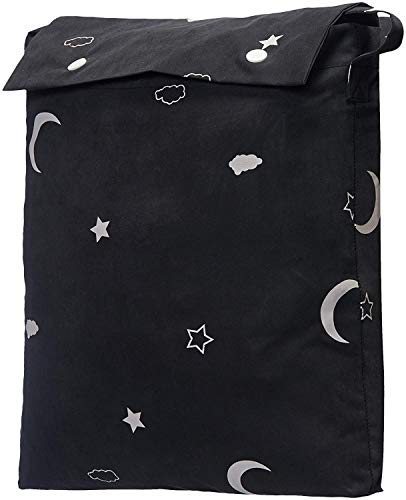
ENERGY SAVING: These blackout curtains act as an insulating barrier
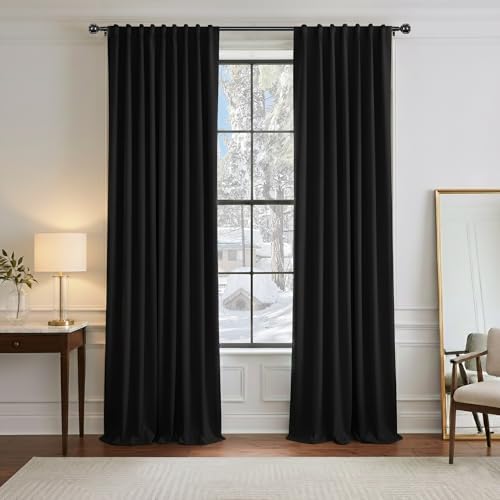
Ready Made - 2 pieces of heavy-duty blackout curtains includes, each measures 52" wide x 96" Long(Total width is 104"). 3" rod pocket top fits most standard rods and makes the maximum coverage of windows

Block out 100% of outside light with a bright, fun pop of color in a kids bedroom, playroom, or any room of your home
Frequently Asked Questions
Can Projecting on a Wall Damage or Discolor the Paint Over Time?
While paint durability generally withstands projection, prolonged exposure to intense projector light and heat might cause minimal wall discoloration over extended periods. Regular maintenance and quality paint help prevent potential deterioration.
How Do Textured Walls Affect 3D Movie Viewing Experiences?
Textured walls considerably impair 3D movie viewing by distorting projected images and disrupting depth perception. Wall texture creates uneven light reflection and interference patterns, diminishing the intended stereoscopic effect regardless of paint durability.
What’s the Minimum Throw Distance Needed for White Wall Projection?
Minimum throw distance varies by projector type: Ultra Short Throw needs 0-4 feet, Short Throw requires 3-8 feet, and Standard Throw needs 8-10 feet. Wall size directly impacts required throw distance for ideal viewing.
Does Wall Color Temperature Affect the Accuracy of Projected Skin Tones?
In summary, wall color temperature plays a significant role in projected images. Warmer white walls tend to enhance skin tones, while cooler whites can make them appear washed out or less natural.
Can Humidity Levels in a Room Impact Projection Quality on Walls?
High humidity can markedly affect projection quality through wall damage, causing paint deterioration, surface unevenness, and potential mildew growth. These effects can distort images and reduce overall projection clarity on wall surfaces.