As an Amazon Associate, we earn from qualifying purchases. Some links on this site are affiliate links at no extra cost to you. Our recommendations are based on thorough research and editorial judgment.

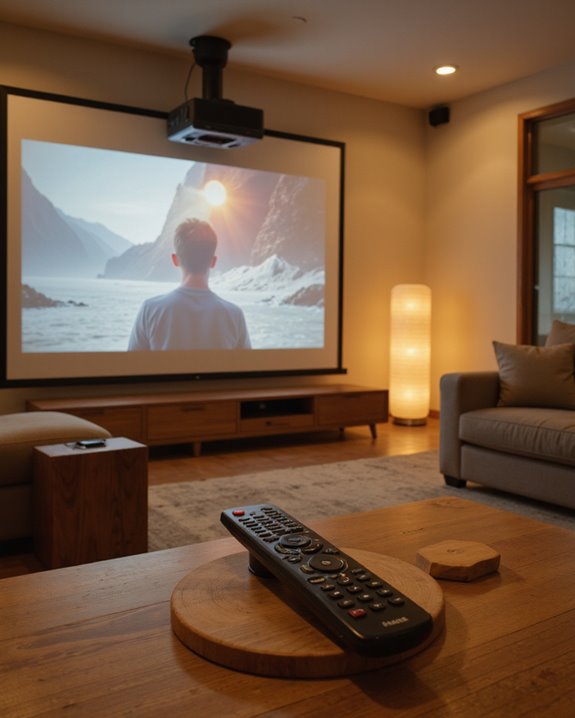
Will a Universal Remote Work on a Projector?

Universal remotes can work with most projectors, primarily through infrared (IR) technology that requires a clear line of sight. Success depends on whether the remote contains the correct projector codes or has a learning mode to copy commands from the original remote. Basic functions like power, volume, and input selection typically work well, while advanced features may be limited. Environmental factors, such as physical obstacles or signal interference, can affect performance. Exploring setup methods and compatibility options reveals additional control possibilities.
Key Takeaways
- Most universal remotes can control projectors if they contain the correct IR codes or have learning capabilities to copy original remote signals.
- Basic functions like power, volume, and input selection typically work with universal remotes on compatible projector models.
- Line-of-sight is essential for IR-based universal remotes to function properly with projectors, as physical obstructions can block signals.
- Successful operation depends on proper setup, including correct code programming and battery installation in the universal remote.
- Alternative control methods like Bluetooth remotes or smartphone apps may work better if traditional universal remotes face compatibility issues.
Understanding Universal Remote Compatibility With Projectors
You may be interested
Understanding Universal Remote Compatibility With Projectors
When considering universal remote compatibility with projectors, understanding the primary communication methods and protocols is essential. Most projectors use infrared (IR) technology to receive remote signal frequency commands, making them compatible with many universal remotes designed for audiovisual equipment.
Universal remotes rely on an IR code library containing manufacturer-specific codes to control different projector brands. These codes enable basic functions like power, volume control, and input selection. The compatibility success depends on whether the remote contains the correct codes for a specific projector model or can learn commands from the original remote. These universal remote controls are designed to replace existing remotes across various projector models.
While universal remotes typically work with major projector brands, users should verify compatibility before purchase, as newer models or advanced features may not be fully supported through standard IR codes. Additionally, some projectors feature advanced wireless controls, which may require specific remote types or additional equipment for full functionality.
Basic Features of Universal Remotes for Projectors

Universal remotes for projectors come equipped with several essential features that simplify the control of projection systems. These devices typically offer basic functions like power control, volume adjustment, and input source selection, while considering remote battery life through efficient power management systems. Many universal remotes are priced under $20, making them an affordable alternative to original manufacturer remotes. They often utilize infrared (IR) technology, which requires a clear line of sight to the projector for proper function, though some models now include Bluetooth or RF capabilities for greater flexibility. The ergonomics of universal remotes focus on user comfort, featuring well-spaced buttons and intuitive layouts that make operation straightforward. Most models utilize infrared (IR) technology, which requires a clear line of sight to the projector for proper function. Key features include:
- Power on/off capabilities
- Volume and mute controls
- Menu navigation buttons
- Input source selection
- Programmable function keys
While universal remotes may not match all manufacturer-specific features, they provide sufficient functionality for most users’ daily projection needs.
Recommended Products

🎁【NOT COMPATIBLE】it is Not compatible with Magcubic HY300 projector. This remote is not an universal projector remote, not compatible with other brands of mini...
Types of Projector Remote Controls

Modern projector systems offer several distinct types of remote controls, each designed to meet specific user needs and operational requirements. The most common varieties include brand-specific remotes, universal remotes, and wireless options. While brand-specific remotes come optimized for particular projector models, they may require specific remote battery types and are susceptible to signal interference from nearby devices. For optimal performance, users must ensure they are pointing directly at the projector when using the remote control.
Universal remotes offer broader compatibility across different projector brands and models. These devices can be programmed to work with multiple pieces of equipment, making them a practical choice for integrated home theater systems. Additionally, newer technologies like app-controlled remotes and Bluetooth-enabled controllers provide enhanced functionality without traditional line-of-sight requirements. Some advanced models even feature RF (Radio Frequency) technology, which can operate through walls and cabinets, unlike standard infrared signals.
Setting Up Your Universal Remote

Successfully setting up a universal remote for a projector requires careful attention to several key steps in the programming process. Users must first confirm proper remote battery installation and verify there is no signal interference from other electronic devices nearby. The setup typically begins by selecting the correct device mode on the universal remote and accessing its programming features. You can verify successful programming when the device turns off during the pairing process.
To program the remote, users need to either enter specific manufacturer codes or use the learning mode function. During learning mode, the universal remote captures signals from the original projector remote to replicate its commands. After programming, it’s crucial to test all major functions to verify proper setup. If issues arise, users should check for common problems like incorrect device modes, weak batteries, or improperly entered codes before seeking technical support.
Recommended Products
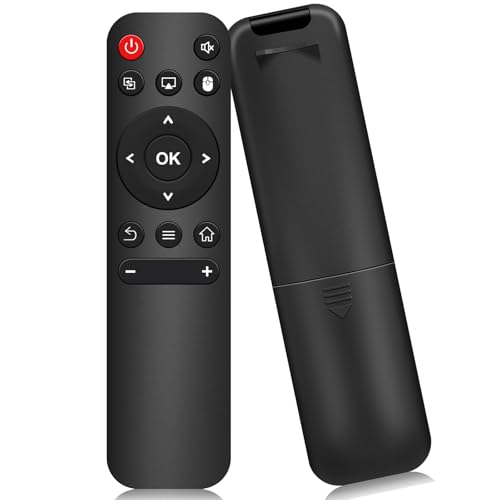
[Compatible with the following Mini Projector] Compatible with Mini Projector Magcubic HY300Pro, HIPPUS HY300Pro, Aubor HY300Pro, Xgody HY300Pro/Gimbal 3/Gimbal 5, Maypug P1...
Common Compatibility Challenges

When attempting to pair universal remotes with projectors, users frequently encounter several significant compatibility challenges that can impede successful operation. Signal interference from ambient lighting and physical obstructions can weaken infrared (IR) transmission, while remote software compatibility issues often arise from mismatched codes or protocols. Compatible Miroir projectors utilize Bluetooth remote controls for operation.
Key obstacles include:
- Incorrect or outdated code databases in universal remotes
- Limited line-of-sight requirements for IR signals
- Incompatibility with newer wireless technologies like Bluetooth or Wi-Fi
- Battery-related performance issues affecting signal strength
- Manufacturer-specific protocols that restrict cross-brand functionality
These challenges are further complicated when projectors use proprietary control systems or when remote software doesn’t support certain advanced features. Additionally, some universal remotes may only control basic functions, leaving users unable to access specialized projector settings or integrated streaming capabilities.
Alternative Control Methods for Projectors
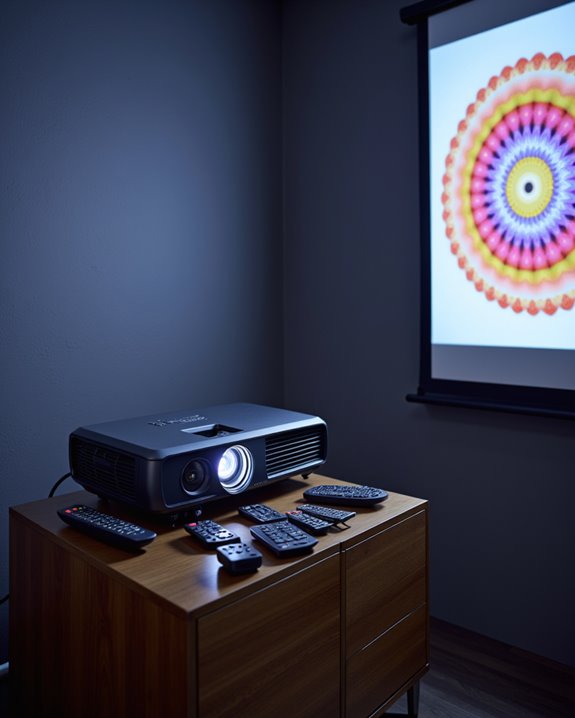
Beyond traditional universal remotes, projector users can explore numerous alternative control methods that offer enhanced functionality and convenience. Modern solutions include smart home integration, which enables voice commands and automated scheduling through platforms like Amazon Alexa or Google Home. Dedicated remote controls like the Aurzen brand remotes ensure optimal compatibility with specific projector models.
For tech-savvy users, DIY control solutions provide customizable options. These range from simple mechanical systems using pulleys to more advanced setups involving hobby servos and MIDI controllers. Network-based control methods allow users to manage projectors through web interfaces or mobile apps, offering flexibility in commercial and home settings.
Professional environments often utilize specialized control systems that incorporate:
- IP-based management
- Centralized control panels
- Custom automation scripts
- Web-based interfaces
These alternatives can provide more precise control and advanced features compared to standard universal remotes.
Recommended Products

【PLUG & PLAY】This presentation clicker supports page up/down, hyperlink navigation, volume control, power on/off, and full screen/black screen switching. No software or driver is required, just plug the USB receiver into your computer's USB port and you're ready to start the show (Requires one AAA battery, not included)
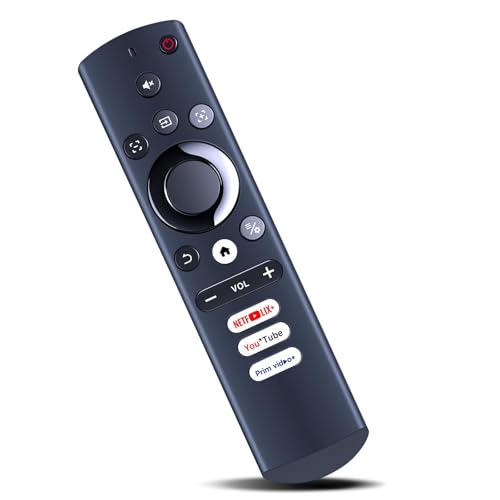
✅Compatible with PJ30 Ultra Outdoor Projector, ✅Compatible with AC321 YG600-Movin Smart 4K Projector, ✅Compatible with BOOM 3 F503 4K Smart Projector, ✅Compatible with YG381 AC321 Smart Projector
Best Practices for Universal Remote Usage

While alternative control methods offer technological flexibility, proper universal remote usage requires careful attention to setup and operation fundamentals. Effective remote maintenance begins with proper documentation of device codes and regular testing of all functions. Users should store these codes in a secure location for future reference. Regularly check the projector’s IR receiver functionality for optimal signal reception.
Power management through universal remotes works best when following these essential practices:
- Position the remote within the recommended range of the projector
- Test all programmed buttons to ensure proper functionality
- Keep batteries fresh to maintain consistent performance
- Clean the remote’s IR sensor monthly to prevent signal interference
Regular monitoring of the remote’s performance helps identify potential issues before they become problems. When problems occur, users should consult both the projector and remote manuals for troubleshooting guidance.
Maximizing Your Universal Remote’s Performance

The key to maximizing a universal remote’s performance lies in understanding its core capabilities and limitations. Remote customization options allow users to tailor button functions to their specific needs, enhancing usability and convenience. Programming with device-specific codes is essential for establishing proper communication between the universal remote and projector.
When choosing between IR versus Bluetooth connectivity, users should consider their specific requirements. IR-based remotes require a clear line of sight to the projector but offer broader compatibility across different brands. Bluetooth remotes provide wireless convenience without needing direct line-of-sight but may have limited compatibility with certain projector models.
For peak performance, users should:
- Check device compatibility before purchase
- Position IR remotes within clear view of the projector
- Consider smartphone-based remote apps with IR blaster capability
- Take advantage of custom button mapping features when available
- Ensure proper programming for full functionality
Troubleshooting Remote Control Issues

When remote control issues arise with a projector system, users can follow a systematic troubleshooting approach to identify and resolve common problems. The first step involves checking the remote battery condition and proper installation, as weak or incorrectly placed batteries are common culprits. Checking for signs of battery corrosion damage can also prevent potential remote malfunctions.
Users should next examine for any IR obstruction between the remote and projector. This includes checking for physical barriers, strong lighting interference, or objects blocking the infrared sensor. Environmental factors such as fluorescent lights or direct sunlight can disrupt the remote’s functionality. If issues persist, users should verify the projector’s operational state, ensuring it’s not in standby mode and the lens cap is removed. Additionally, confirming the remote is compatible with the projector model and operating within the specified range can prevent communication problems.
Recommended Products

Note: This remote control is not compatible with all brands of mini projectors. It can only be used with the brands and models listed in the title. This Replacement Remote...
Frequently Asked Questions
Can Universal Remotes Control Projector Screens That Are Motorized?
Many motorized projector screens can be controlled by universal remotes, depending on remote compatibility. However, some screens use RF systems instead of IR, which may cause signal interference issues requiring additional hardware for operation.
Do Universal Remotes Work With Portable Mini Projectors?
Like stars aligning in perfect harmony, universal compatibility enables most portable mini projectors to work with universal remotes. Through proper remote programming with manufacturer codes, users can seamlessly control their compact projection devices.
Will a Universal Remote Interfere With Other Nearby Projectors?
Universal remotes can cause remote interference with nearby projectors if they share similar frequencies or codes. To prevent this, users should set unique remote compatibility codes or maintain physical separation between projector setups.
Can Multiple Universal Remotes Control the Same Projector Simultaneously?
In a battle of remote supremacy, multiple universal remotes can technically control one projector, though remote pairing conflicts and signal interference may result in a chaotic command competition. Not recommended for peaceful viewing.
Do Universal Remotes Work With Projectors in High-Humidity Environments?
Universal remotes can function with projectors in high-humidity environments, but humidity issues may influence performance. Regular maintenance and moisture-resistant remotes are recommended to guarantee consistent remote compatibility and proper operation.